

Planit Pro: Photo Planner
About
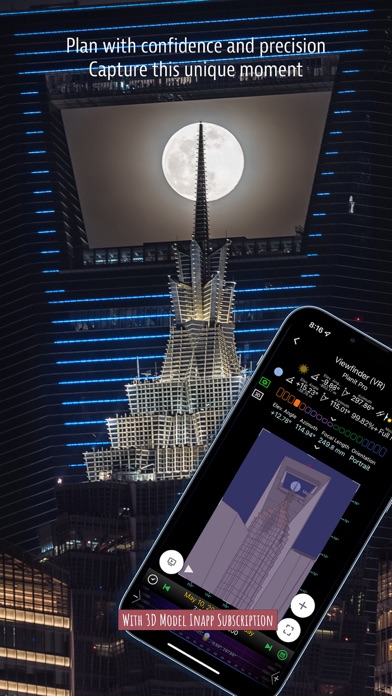
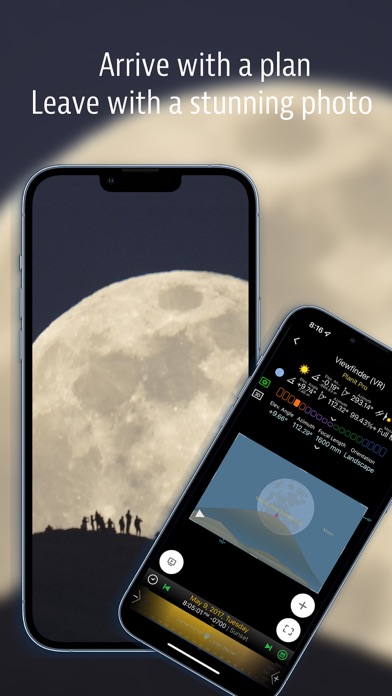
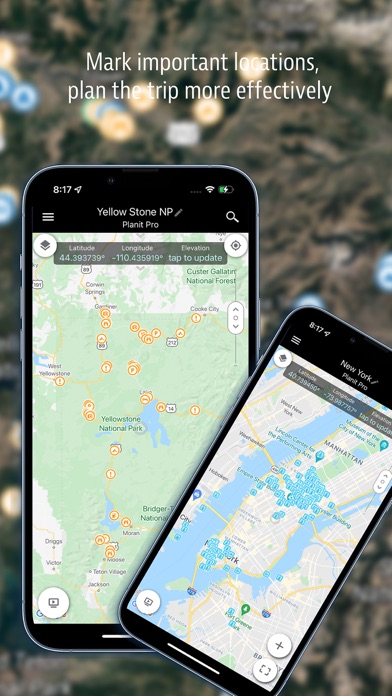
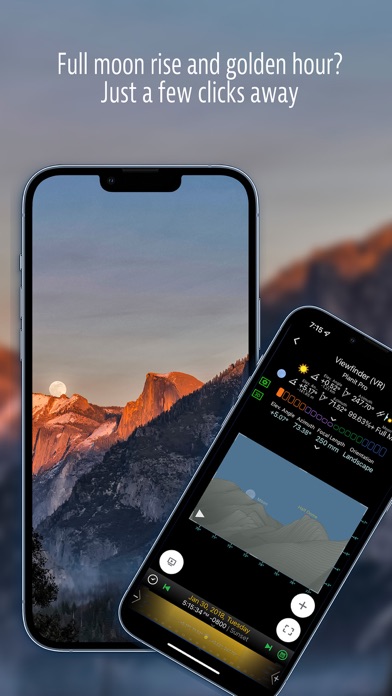
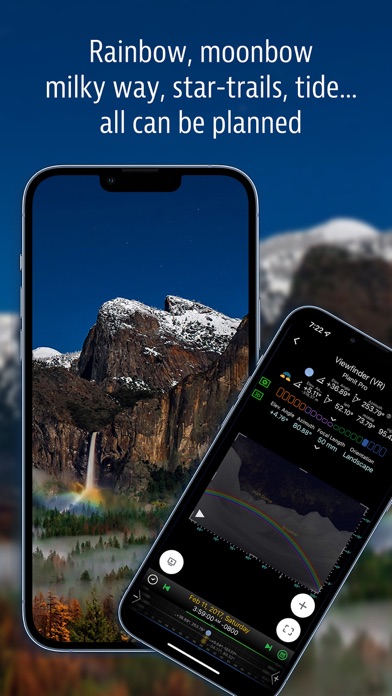
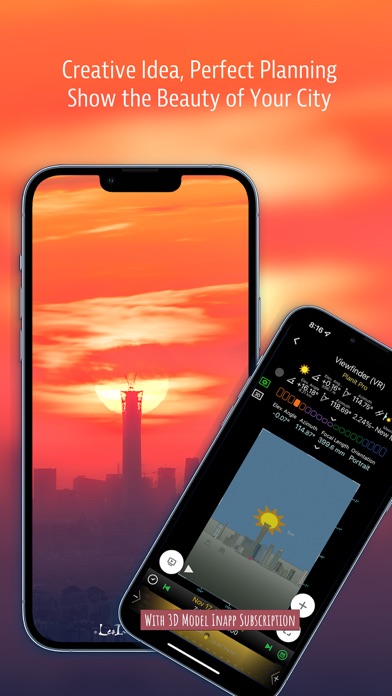
Please email [email protected] for bug reports or feature requests. Please also remember to visit https://youtube.com/playlist?list=PLTmlTTxPbBbcn1Fd1NRWTOczTY1RYEug4 for more video tutorials. Each video only lasts a few minutes but you will surely learn a lot from them. You can also reach us through Instagram. Links are under the menu inside the app. This is a special call to landscape photographers, travel photographers, nature photographers, and those who are interested in night photography, city photography, time-lapse, star-trails, milky way or astrophotography: look no more, this is the ultimate app for you - the Planit Pro. It only costs you a cup of Frappuccino but will save you tons of time and effort and a lot of gas money. Most importantly, it will make you enjoy landscape p
Screenshots
How to install Planit Pro: Photo Planner on iOS
- Download UnKeySign on your iPhone
- Import Planit Pro: Photo Planner IPA into UnKeySign
- Add your P12 certificate and provisioning profile
- Tap Sign — the app installs automatically