

PiP - Picture in Picture
About
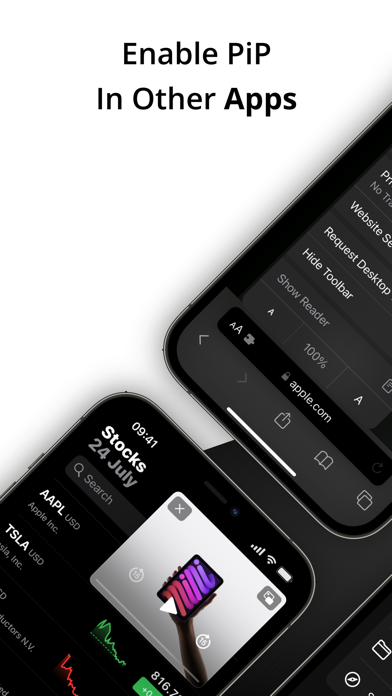
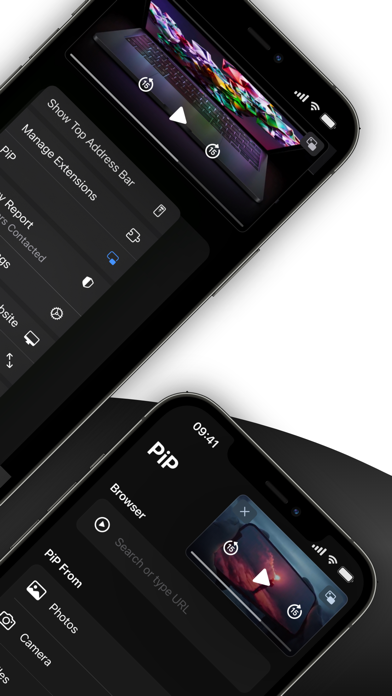
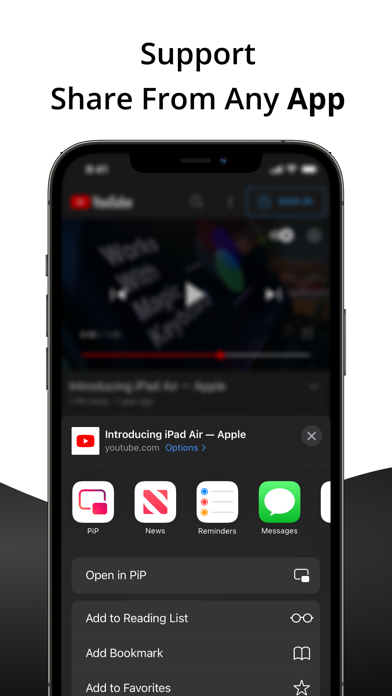
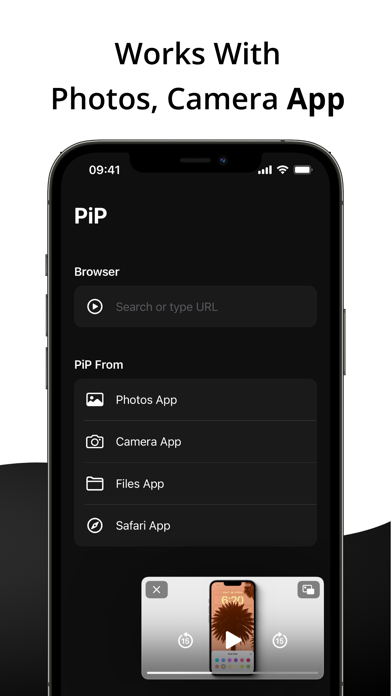
PiP - Picture in Picture allows you to play videos in picture-in-picture from the Youtube or Safari application. Key Features: • Background Playback Keep your videos and music playing in the background while you multitask with other apps. • Safari Extension Effortlessly activate Picture-in-Picture mode right from your Safari browser. • Share Videos Seamlessly share YouTube or video links to play directly in PiP mode. • Multi-Media PiP Experience Picture-in-Picture for images and videos from your Photos, Camera, and Files app in a convenient floating window. • PiP Browser Browse the web and watch videos simultaneously with our built-in browser and dedicated PiP button. • Share Sheet Access PiP mode seamlessly through our Share Sheet Browser. No need to switch apps; simply access PiP
Screenshots
How to install PiP - Picture in Picture on iOS
- Download UnKeySign on your iPhone
- Import PiP - Picture in Picture IPA into UnKeySign
- Add your P12 certificate and provisioning profile
- Tap Sign — the app installs automatically