

Photo Retouch-Object Removal
About
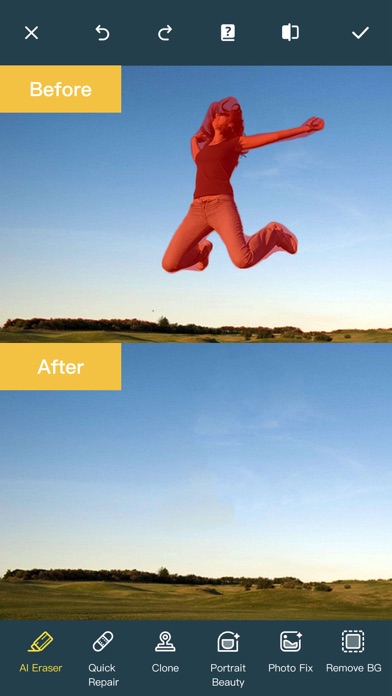
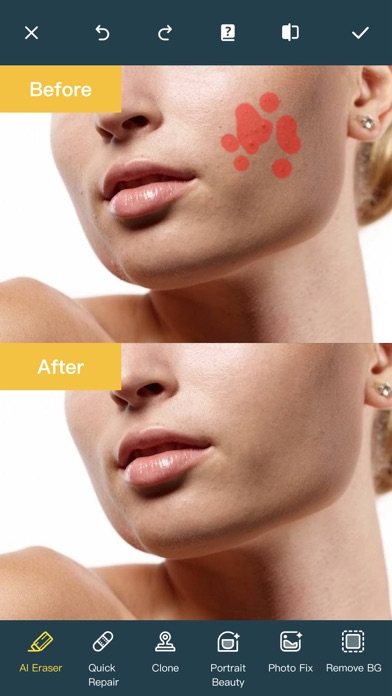
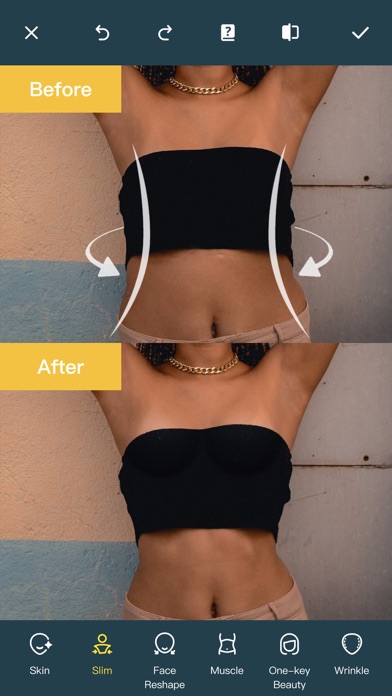
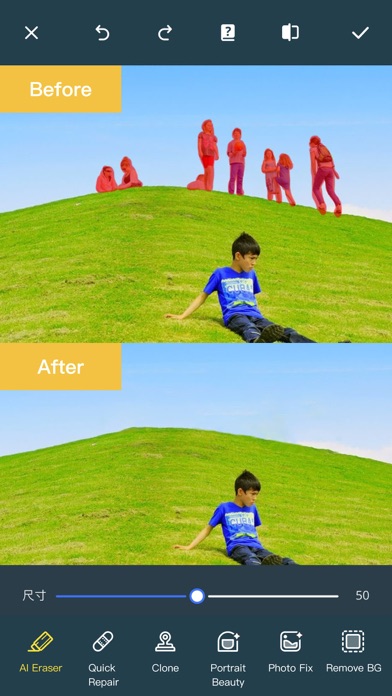
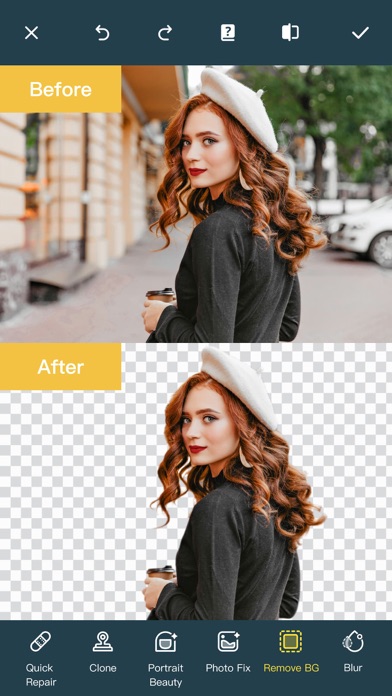
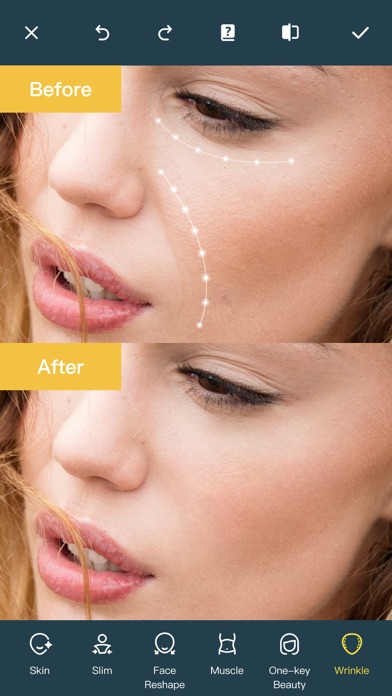
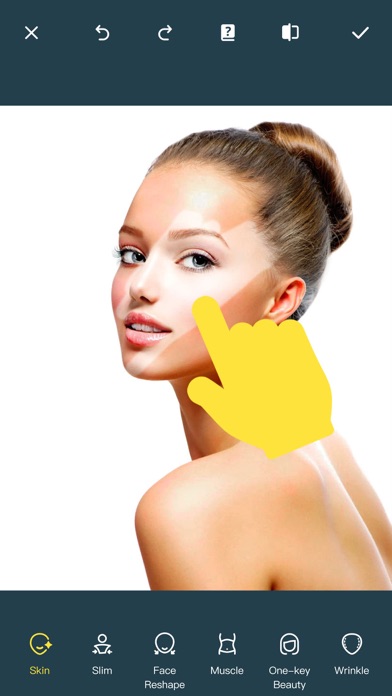
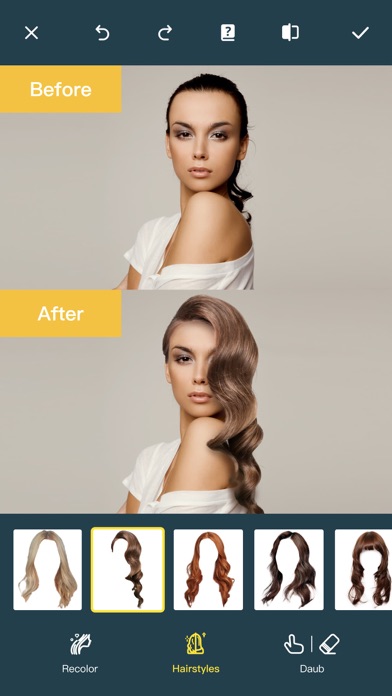
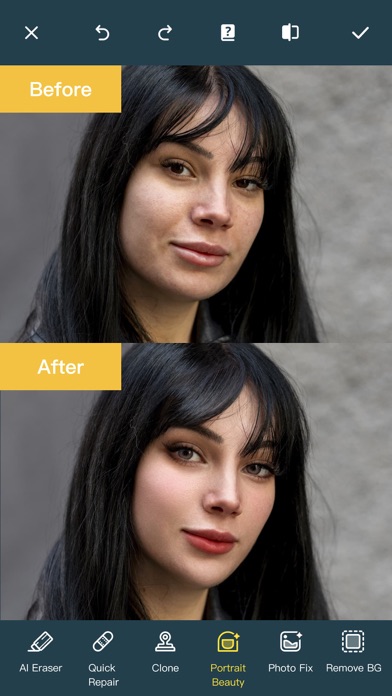
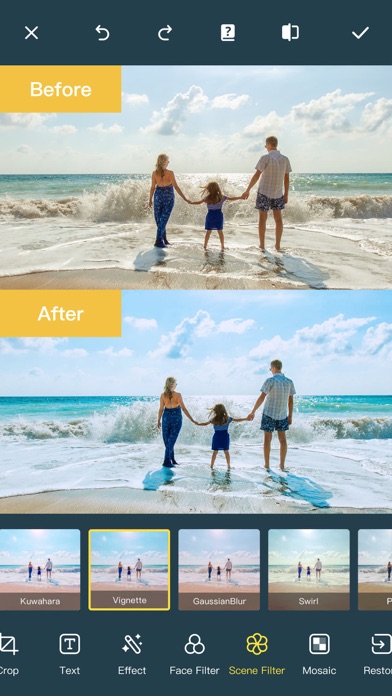
Ever wanted to remove unwanted people, unsightly pimples from a photo/video? Now you can. Photo Retouch can make people, blemish disappear as if they were never there. Very simple to use. Simply paint the items, and touch run erase. Make fun pictures/videos, remove unwanted people, remove unsightly pimples, clean up the perfect shot. Even more features: *Powerful AI Photo Editor, add text, filters and effects to photos. *Face Options: V-Face,Narrow Face,Little Face,Thin Face,Forehead,Chin,Cheekbones,Mandible Bone. *Eye Options: Big Eye, Eye Opening, Eye Distance,Eye Angle,Brilliant. *Nose Options: Long Nose,Thin Nose,Thin Philtrum. *Mouth Options: Shape, Smile,Beautiful Teeth. *Skin Options: Blur, Whitening, Sharpen, Rosy, Dark Circles, Nasolabial. *Eliminate Acne, Wrinkle Killer, Thin W
Screenshots
How to install Photo Retouch-Object Removal on iOS
- Download UnKeySign on your iPhone
- Import Photo Retouch-Object Removal IPA into UnKeySign
- Add your P12 certificate and provisioning profile
- Tap Sign — the app installs automatically