

Photo Blur: Background Effect
About
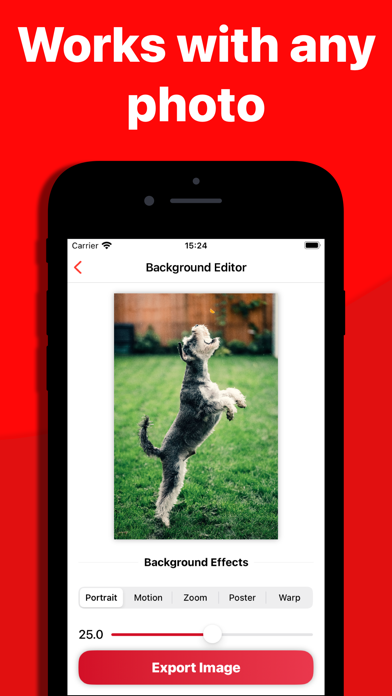
Transform any photo into a captivating portrait that stands out with Photo Blur! Elevate your creativity to new heights by effortlessly adding mesmerizing background effects. Unleash the magic of our cutting-edge AI technology, ensuring precision segmentation for a seamless blend between your subject and background. - Multiple Effects: Bring life to ANY photo with dynamic background blurs. - Smart AI Segmentation: Easily isolate your subject for professional-looking results. - Effortless Editing: Make ANY photo extraordinary with just a few taps. Say goodbye to boring photos – Photo Blur turns every moment into a visual masterpiece! Don't miss out on the opportunity to transform ANY memory into a breathtaking work of art. Download Photo Blur today and discover the extraordinary in every
Screenshots



How to install Photo Blur: Background Effect on iOS
- Download UnKeySign on your iPhone
- Import Photo Blur: Background Effect IPA into UnKeySign
- Add your P12 certificate and provisioning profile
- Tap Sign — the app installs automatically