

Pedometer & Step Counter
About
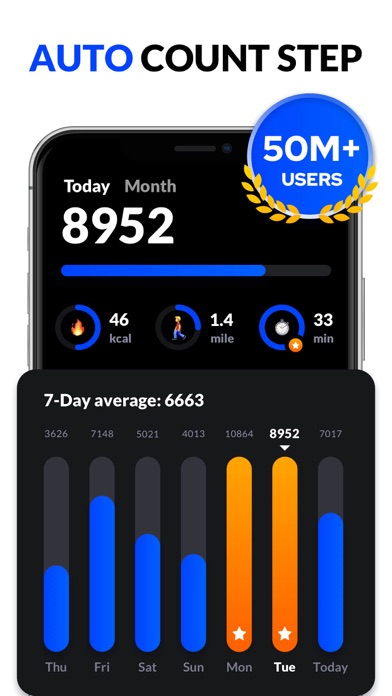
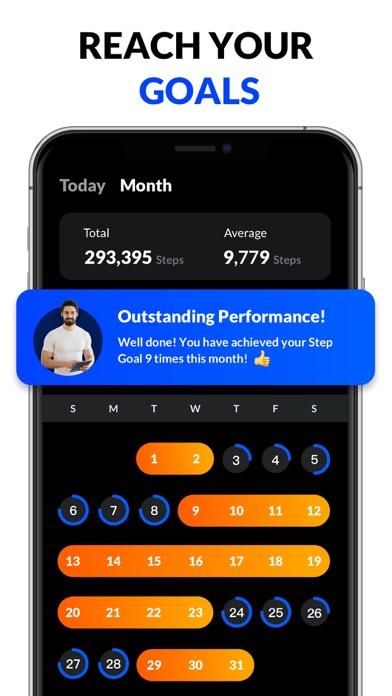
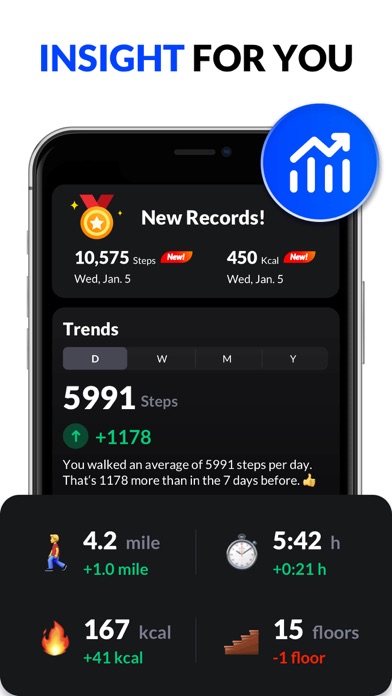
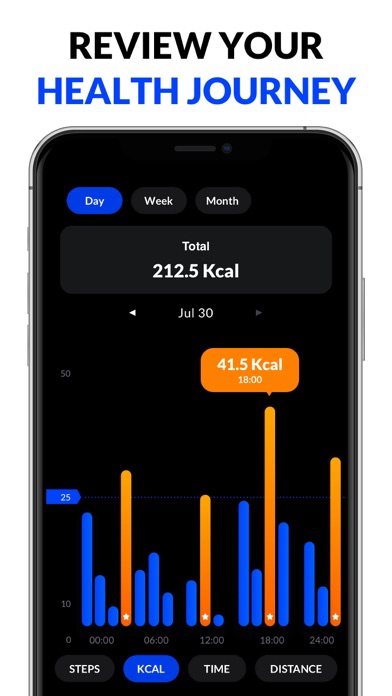
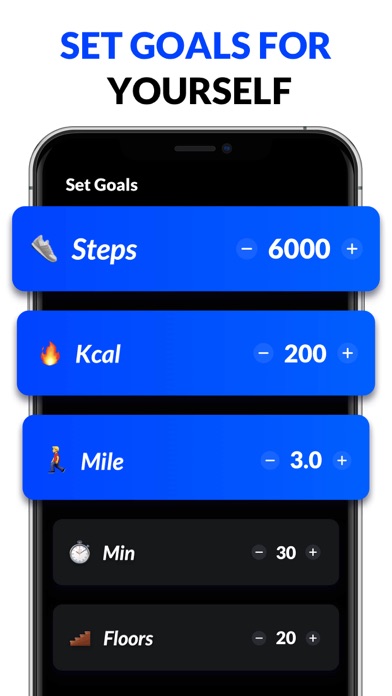
This pedometer uses the built-in sensor to count your steps. No GPS tracking, so it can greatly save battery. It also tracks your burned calories, walking distance and time, etc. All this information will be clearly displayed in graphs. Just tap the start button, and it starts counting your steps. Whether your phone is in your hand, bag, pocket or armband, it can auto-record your steps even your screen is locked. Save Power This step counter uses the built-in sensor to count your steps. No GPS tracking, so it barely consumes battery power. No locked Features No surprise and hidden charges. You can use all features without having to pay for them. 100% Private No sign-in required. We never collect your personal data or share your information with third parties. Report Graphs The report
Screenshots

How to install Pedometer & Step Counter on iOS
- Download UnKeySign on your iPhone
- Import Pedometer & Step Counter IPA into UnKeySign
- Add your P12 certificate and provisioning profile
- Tap Sign — the app installs automatically