

Password Safe - iPassSafe+
About
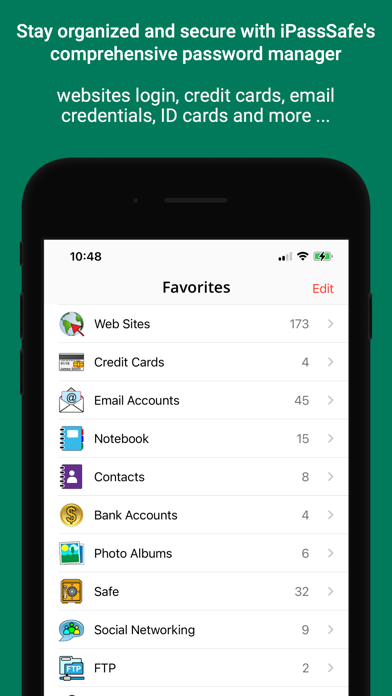
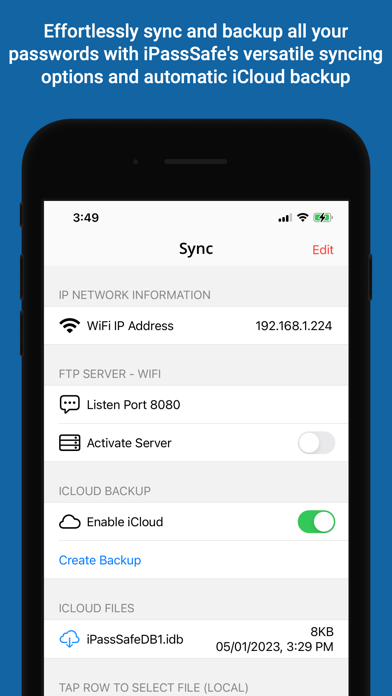
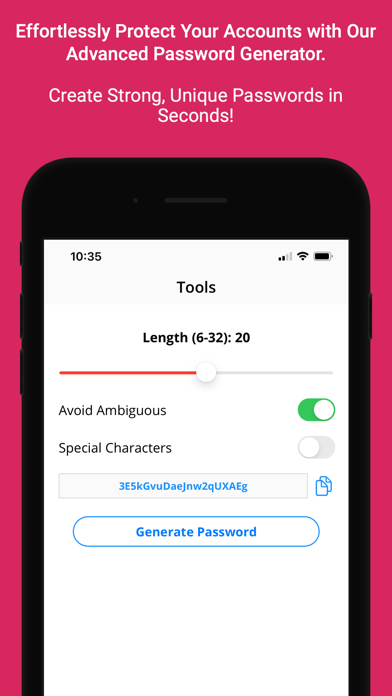
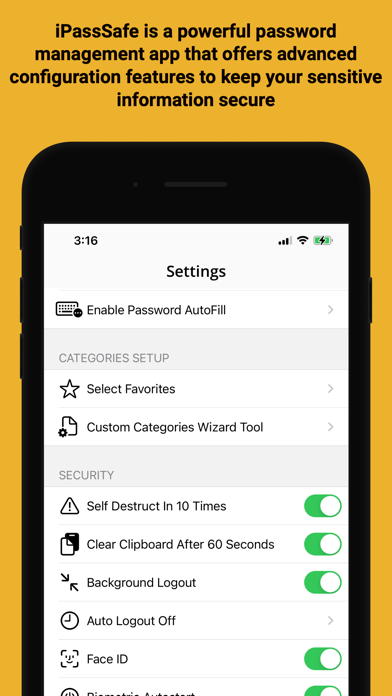
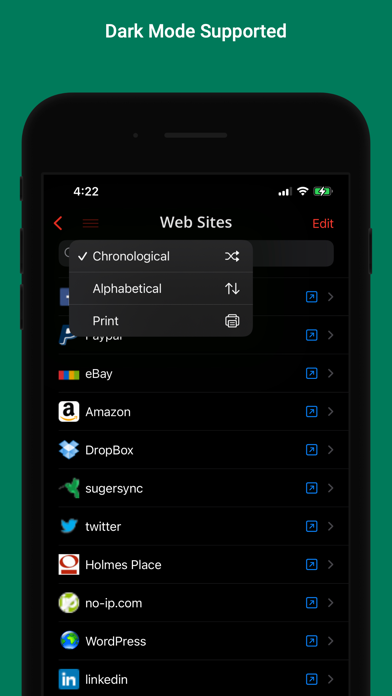
◆ iPassSafe Protects Your Privacy ◆> TOP SECURITY○ Using iOS AES-256 encryption to automatically encrypt all your data as soon as it's stored in iPassSafe by a Master Password that only you know○ All data stored on your device only (cloud is optional)○ Self destruct option after 10 tries○ Logout timer when inactive○ Lock timer when using other App○ Delete clipboard (optional)○ Strong Built-In Password Generator to create unique passwords○ Stay anonymous, account creation is not needed○ Touch ID support> ALL YOUR DATA• 24 x Custom categories you can design as you want• 19 x Built-in categories including:○ Logins (Web, Email, FTP...)○ Credit Cards ○ Photos (from Gallery/Camera)○ Bank accounts details ○ Safe/PIN numbers ○ Text notes ○ Documents (PDF, Word, Excel, PPT ...)○ Contacts with Build
Screenshots
How to install Password Safe - iPassSafe+ on iOS
- Download UnKeySign on your iPhone
- Import Password Safe - iPassSafe+ IPA into UnKeySign
- Add your P12 certificate and provisioning profile
- Tap Sign — the app installs automatically