

Panels - Comic Reader
About
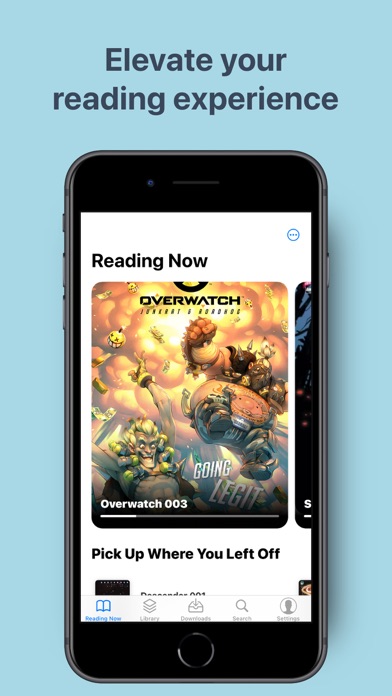
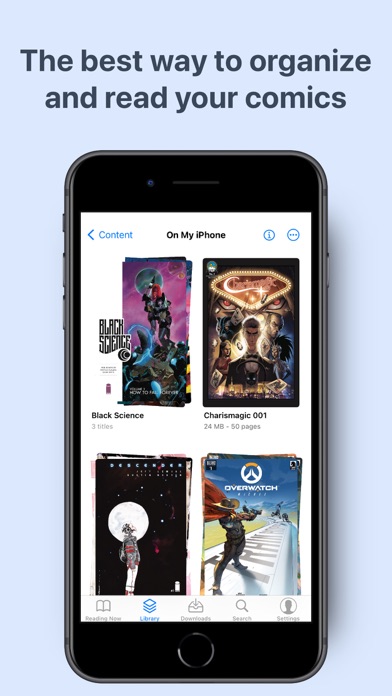
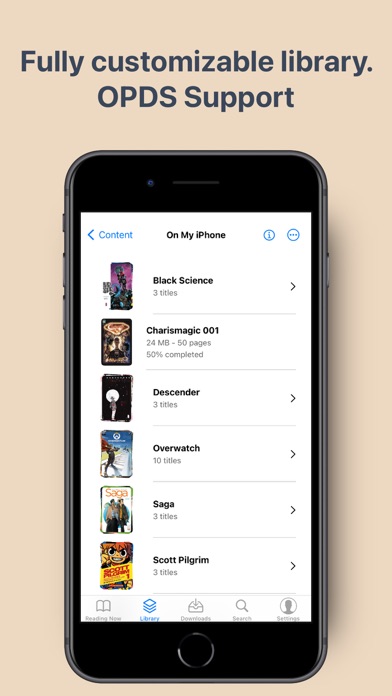
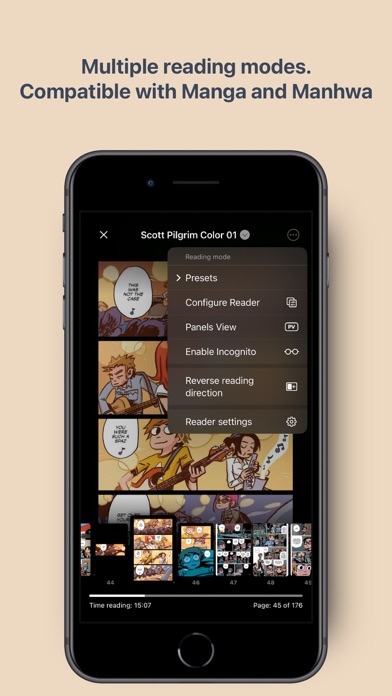
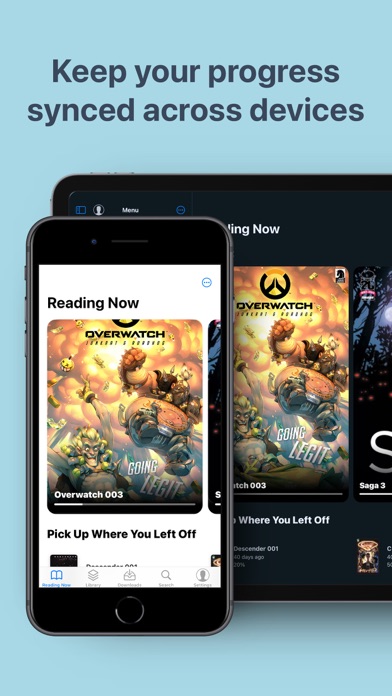
Improve your comic reading experience with Panels. Enjoy reading your favorite titles in a clean and delightful interface, with plenty of customization and advanced features. Key features: - Universal Compatibility: Support for most common comic types: CBR, CBZ, CB7, PDF and comic ePUB* (not text eBook). Support for multiple image formats, including WebP. - Cross-Device Sync: Synchronize your reading progress across all your devices and resume reading exactly where you left off. - Full iCloud Drive support: store your entire library on iCloud and access it from different devices. - Library Organization: Effortlessly manage your comic library with intuitive tools for easy navigation. * Themes: support for Light and Dark modes, and many others. * Reading Presets: Choose from a multitude of
Screenshots
How to install Panels - Comic Reader on iOS
- Download UnKeySign on your iPhone
- Import Panels - Comic Reader IPA into UnKeySign
- Add your P12 certificate and provisioning profile
- Tap Sign — the app installs automatically