

oneSafe+ password manager
About
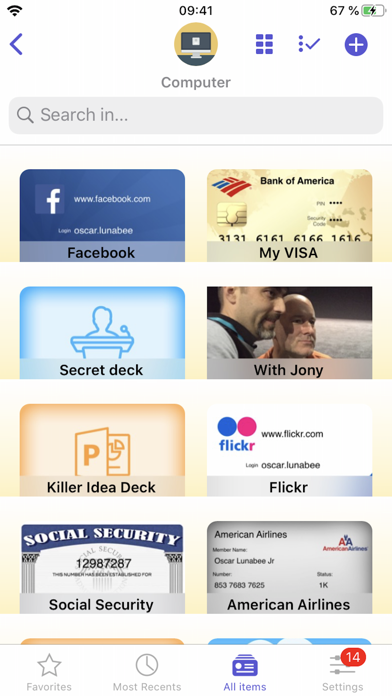
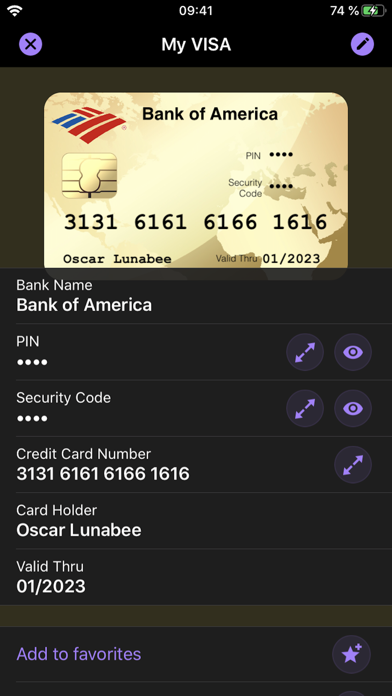
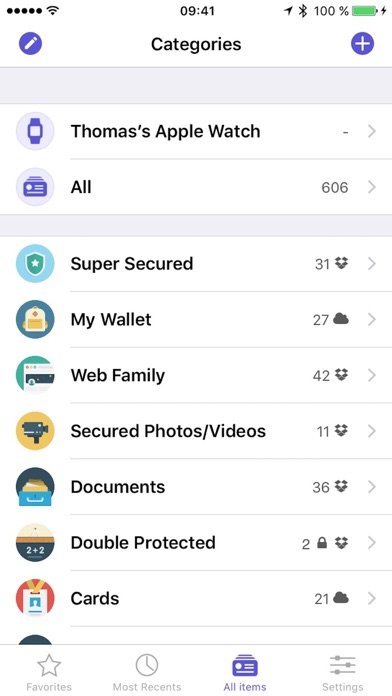
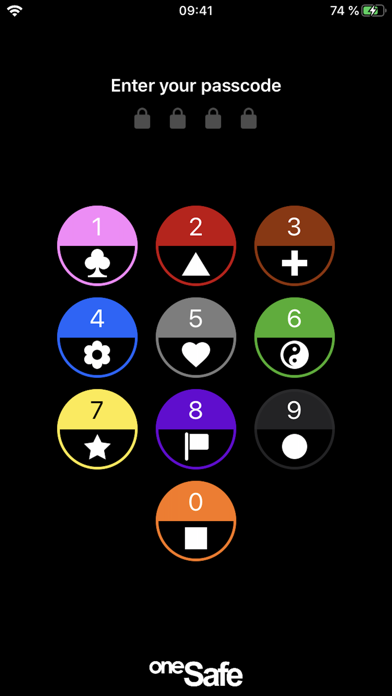
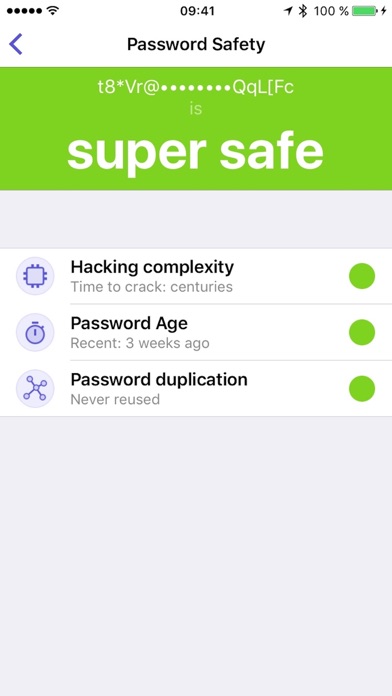
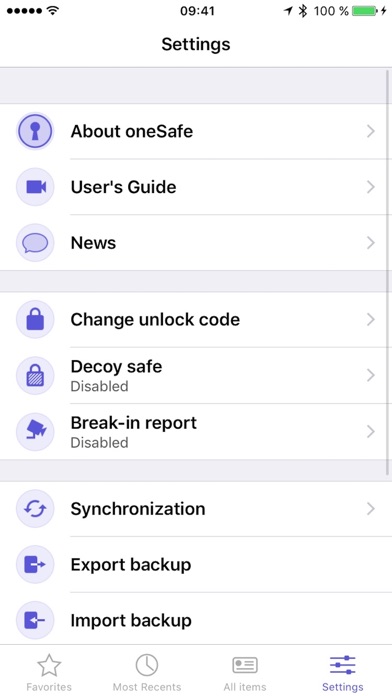
oneSafe provides advanced security for your passwords with features like Touch and Face ID, auto-lock, decoy safe, intrusion detection, self-destruct mode and double protection for your most sensitive data. NEW! oneSafe+ now supports Dark Mode, Siri shortcuts, an Apple Watch app, iOS universal (super fast) search in Spotlight, and many other iOS 13 improvements. You can even sync your secured info across various devices via iCloud Drive, CloudKit or Dropbox to have your passwords available whenever and wherever you need them. oneSafe protects your confidential information with AES-256 encryption; the highest level of encryption on mobile devices. Passwords, documents, photos, credit card numbers, bank account details, PIN codes and much more can all be locked away securely inside your s
Screenshots
How to install oneSafe+ password manager on iOS
- Download UnKeySign on your iPhone
- Import oneSafe+ password manager IPA into UnKeySign
- Add your P12 certificate and provisioning profile
- Tap Sign — the app installs automatically