
OneCast - Xbox Remote Play
About
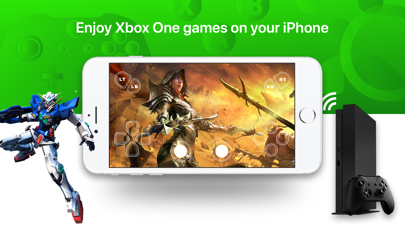
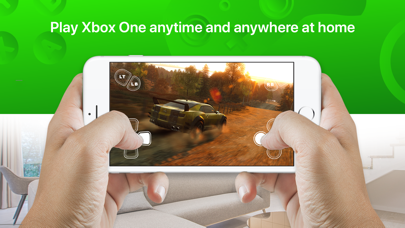
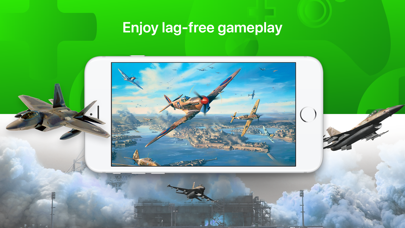
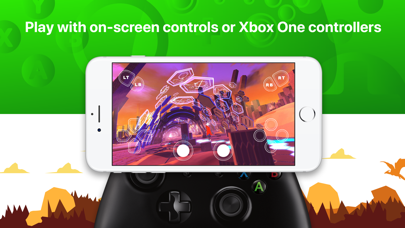
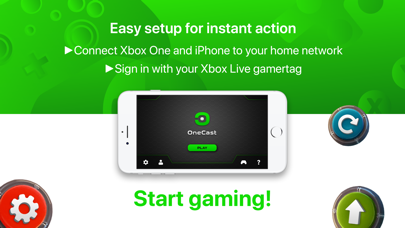
Take the awesome power of your Microsoft Xbox Series S|X or Xbox One console, and give it the portability and convenience of the Nintendo Switch. Stream your Xbox games to your iPhone, iPad or iPod touch and play from anywhere with access to your home network. Never again will your gaming be interrupted when someone else needs to use the TV!OneCast features:• Supports HD 1080p video for crisp, smooth gameplay• Various control methods including any Xbox or PlayStation game controller and the built in virtual on-screen controller• Highly tuned performance with extremely low lag• Multiple profile support so you can use any number of different Xbox consoles or Xbox Live gamertags• Customise the virtual on-screen controller to your liking• Quick and easy one-time setup, start playing within sec
Screenshots
How to install OneCast - Xbox Remote Play on iOS
- Download UnKeySign on your iPhone
- Import OneCast - Xbox Remote Play IPA into UnKeySign
- Add your P12 certificate and provisioning profile
- Tap Sign — the app installs automatically