
NOMO CAM - Point and Shoot
About
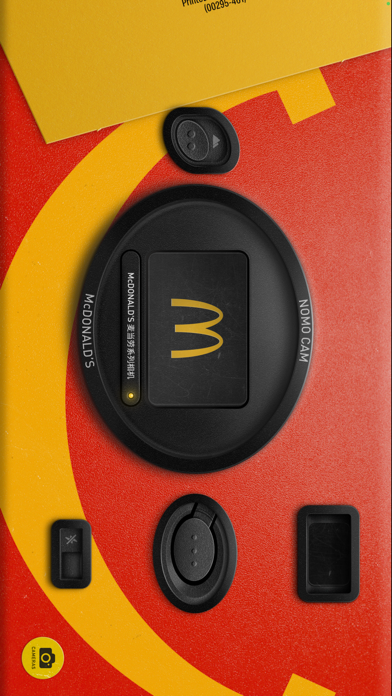
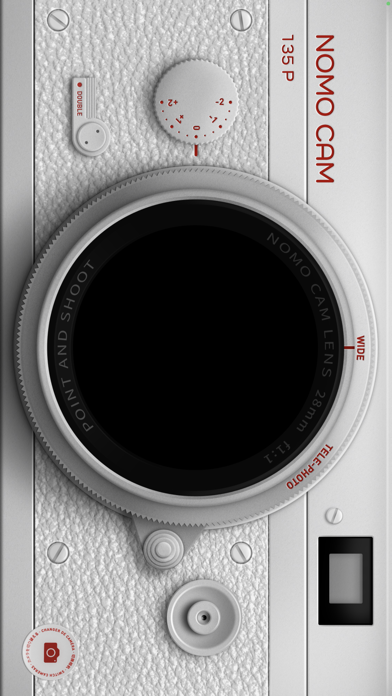
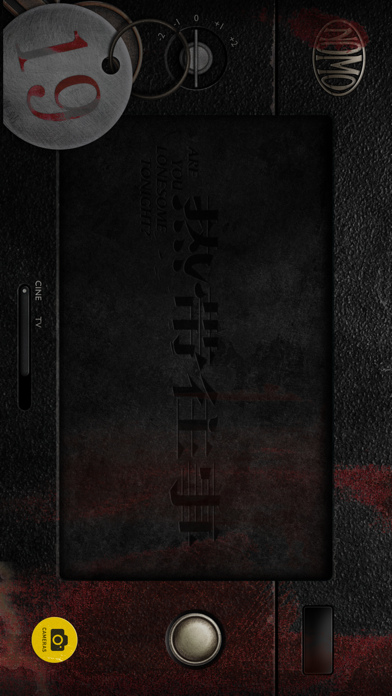
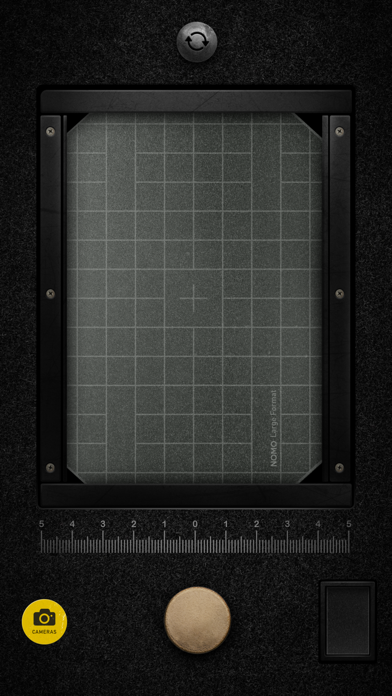
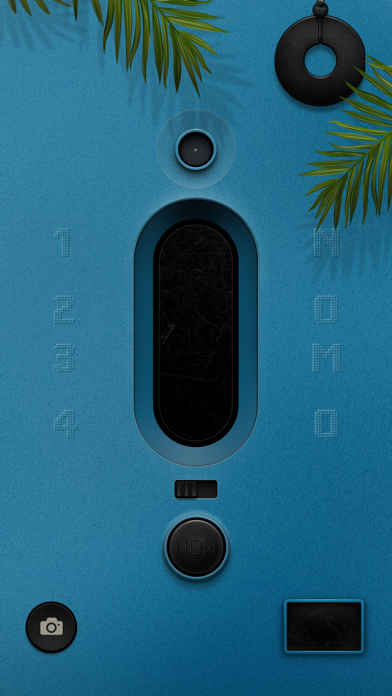
NOMO is now NOMO CAM. Except the name, everything else is still the same. We're announcing more NOMO apps soon and make the NOMO PRO membership more valueable. Please stay tuned.Here are your new cameras! NOMO CAM was designed to help casual photographers to focus on taking pictures, instead of all the post-production retouches.# AUTHENTIC CAMERASTap on the yellow "Camera" button and the "Shop" button, you will find all the cameras that you can purchase, download and use.After taking a picture, random analog presets -- including curves, grains, dust, light leak, vignette, sharpening, frames, etc. -- will be added to the image. It's just like what a real 35mm film camera does.Press the double exposure button and take two photos for our fantastic "double exposure" effect. There are unlimited
Screenshots

How to install NOMO CAM - Point and Shoot on iOS
- Download UnKeySign on your iPhone
- Import NOMO CAM - Point and Shoot IPA into UnKeySign
- Add your P12 certificate and provisioning profile
- Tap Sign — the app installs automatically