

NeuralCam: Auto-editing Camera
About
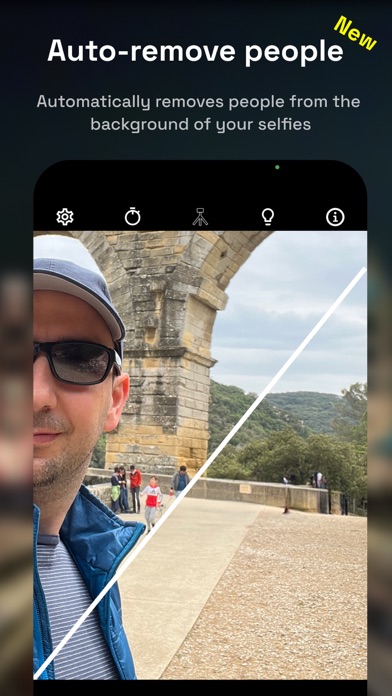
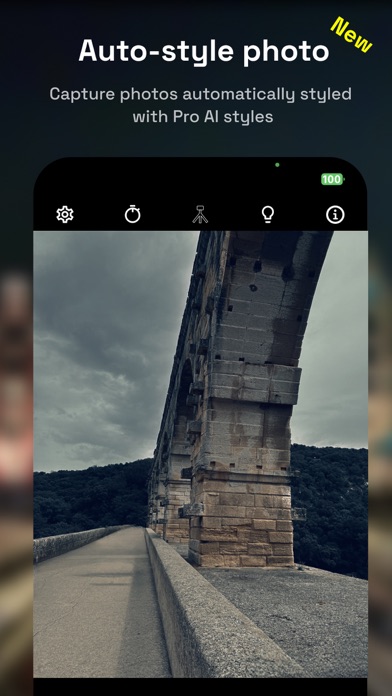
Capture, Don't Edit with NeuralCam! Automatically remove people, replace backgrounds, and style images in both NightMode and DayMode with NeuralCam.Featured on 9to5mac / VentureBeat / TheNextWeb / BGR / PetaPixel / DPReview / SlashGear / LAUNCH Ticker.9to5Mac - “NeuralCam is not just the best iPhone camera app for night shots, but it is head-and-shoulders above the other apps.”=== What's New in NeuralCam ===------ AUTOMATICALLY EDITED PHOTOS -------The original NightMode and computational photography app now evolves into an AI-powered, auto-editing camera:Auto-Remove People: Seamlessly capture photos with people removed from the scene and the background of your selfies.Auto-Background Replacement: Effortlessly capture product shots and people with white or vibrant colored backgrounds direc
Screenshots





How to install NeuralCam: Auto-editing Camera on iOS
- Download UnKeySign on your iPhone
- Import NeuralCam: Auto-editing Camera IPA into UnKeySign
- Add your P12 certificate and provisioning profile
- Tap Sign — the app installs automatically