

Network Utility Pro
About
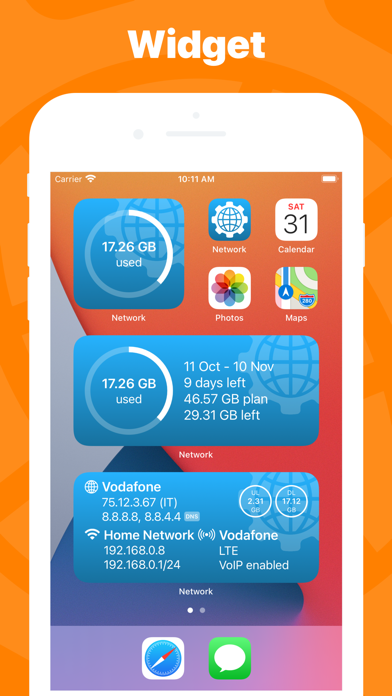
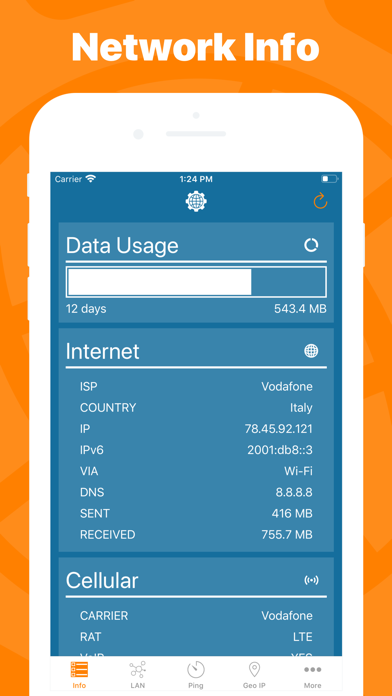
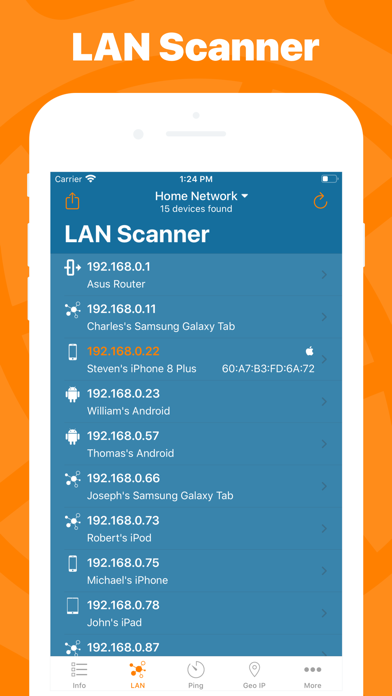
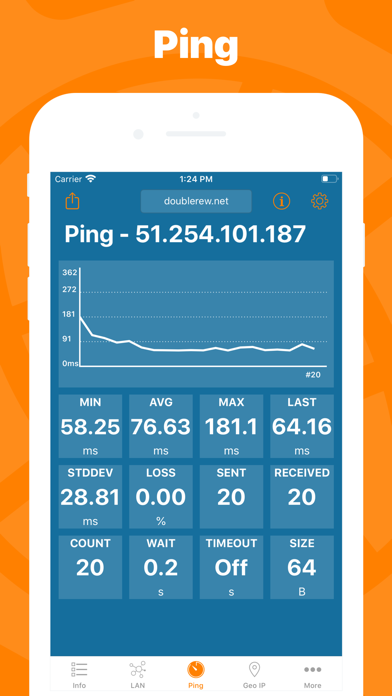
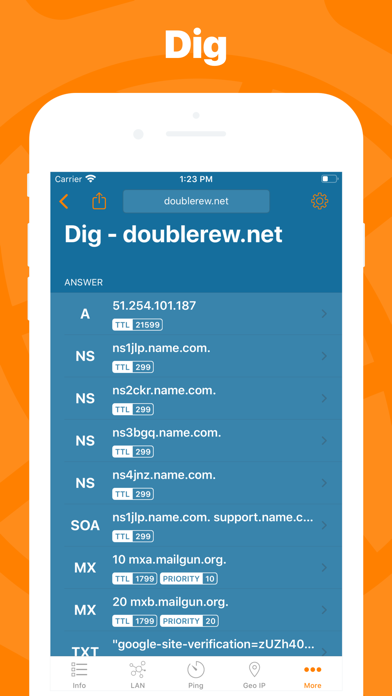
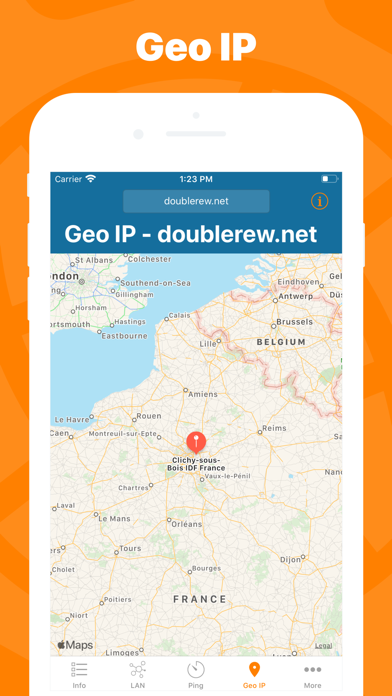
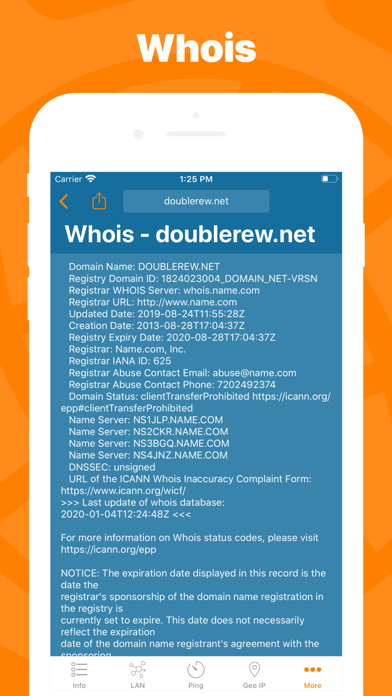
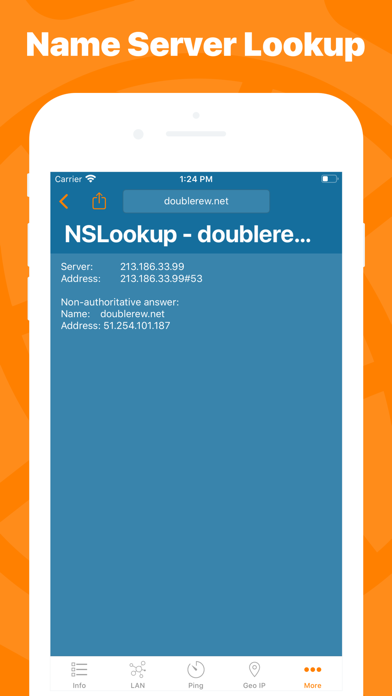
Keep under control your network with Network Utility, an user friendly set of network tools that will help you to analyze your LAN, and not only that. ► NETWORK INFO A complete and easy to understand report of your device's network interfaces. In that tab you'll find information like the IP, IPv6, other addresses or the data usage statistics about your Wi-Fi, Internet or Cellular connection (if any). ► CELLULAR DATA MONITOR Don't lose sight of your data usage, with four taps you'll have a data monitor configured and ready to use. The following data usage plans' period are supported: - Daily - Weekly - Monthly - 28 days - 30 days - 90 days ► LAN SCANNER Analyze your Wi-Fi with the LAN Scanner tool. Discovering who is connected to your network and Ping it, is a matter of two taps. Eas
Screenshots

How to install Network Utility Pro on iOS
- Download UnKeySign on your iPhone
- Import Network Utility Pro IPA into UnKeySign
- Add your P12 certificate and provisioning profile
- Tap Sign — the app installs automatically