
NCalc Scientific Calculator +
About
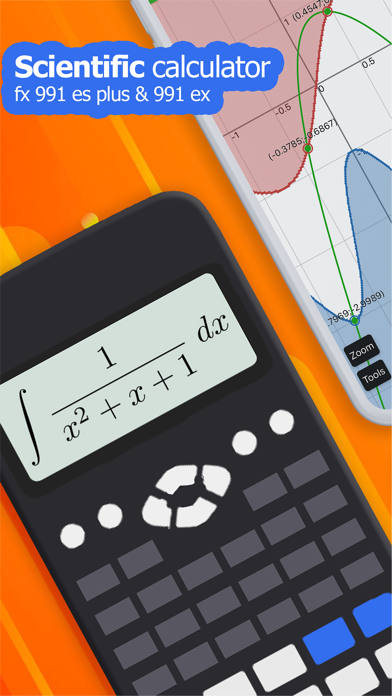
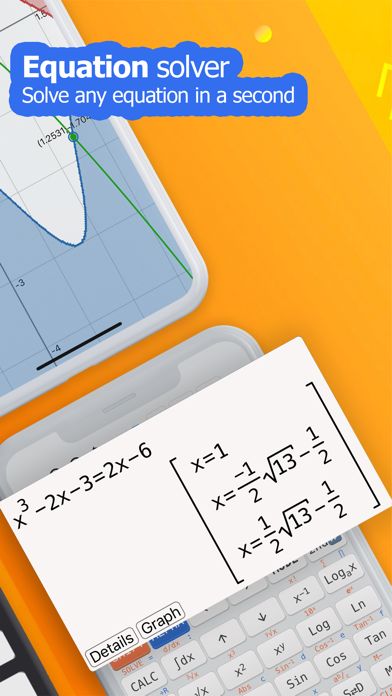
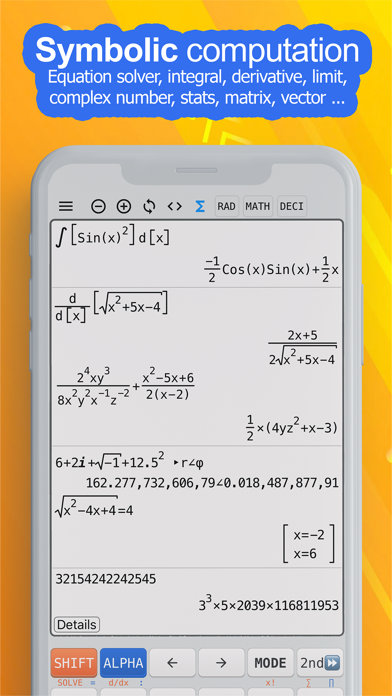
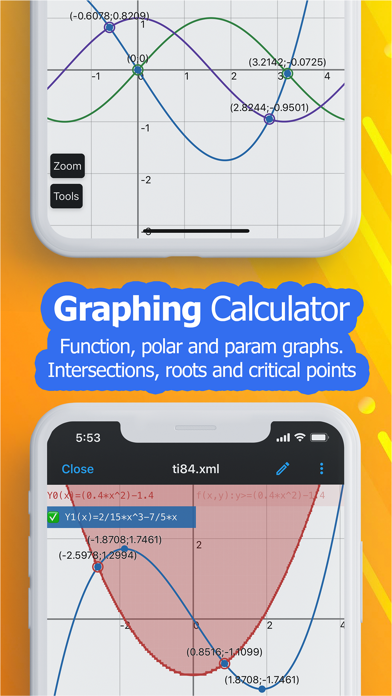
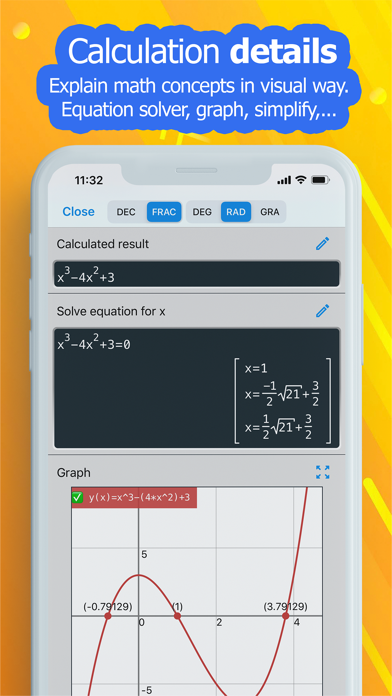
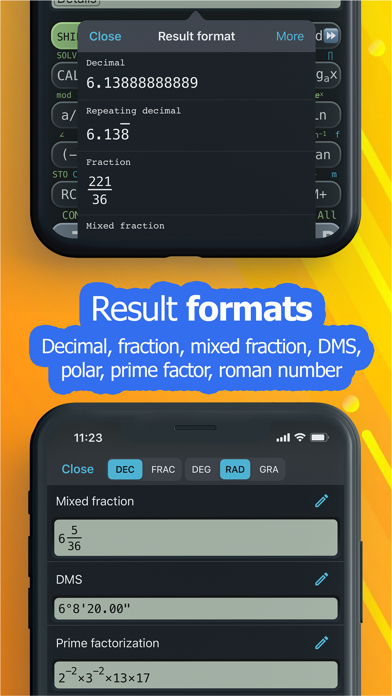
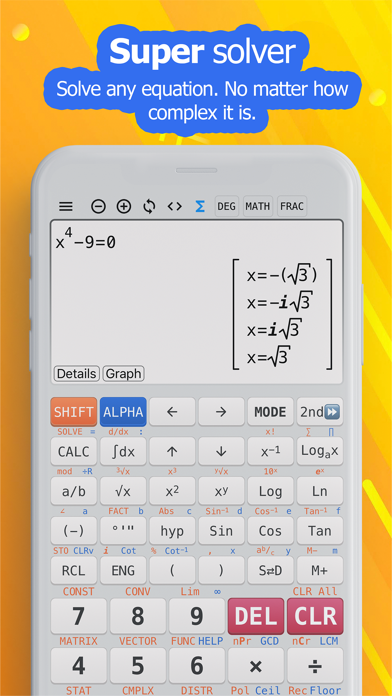
◉ Main calculator features• Natural display allows you to enter equations as you write them on paper, using fractions, roots, exponents and more to display the same as it is written in a textbook.• Keyboard layout is designed exactly as same as calculator 115 es plus, 991 es plus, 300 es plus and 991 ex• Calculator supports calculating in two modes: symbolic and numeric, so you can perform fraction calculation.• Arbitrary Precision integers• Equation solver can solve general equation, cubic, quadratic and quartic equation, the calculator also solves inequality.• Calculus calculator can calculate derivative, integration and find limit of expression.• Complex number calculation• Base N calculation (binary, decimal, hexadecimal and octal)• Statistical calculation and regression calculation (i
Screenshots

How to install NCalc Scientific Calculator + on iOS
- Download UnKeySign on your iPhone
- Import NCalc Scientific Calculator + IPA into UnKeySign
- Add your P12 certificate and provisioning profile
- Tap Sign — the app installs automatically