

Muse Pro
About
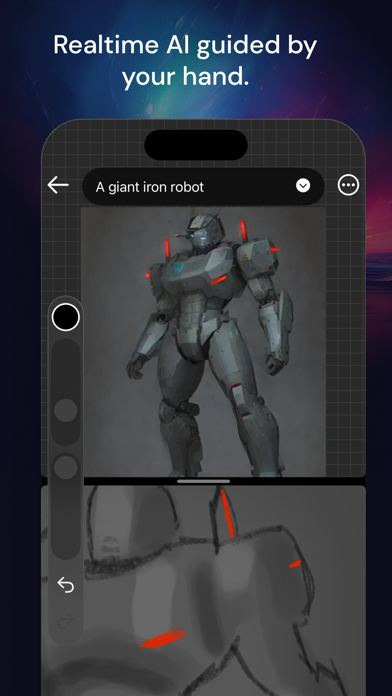
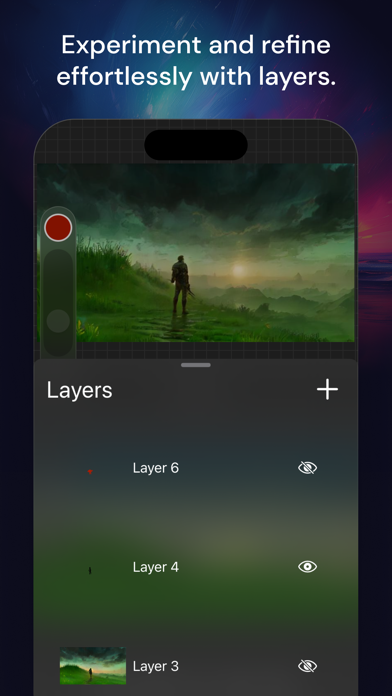
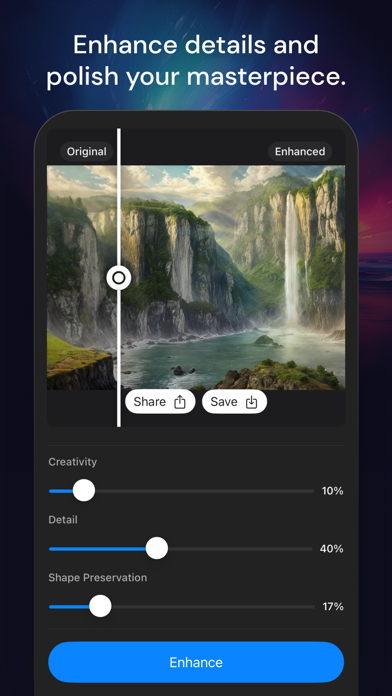
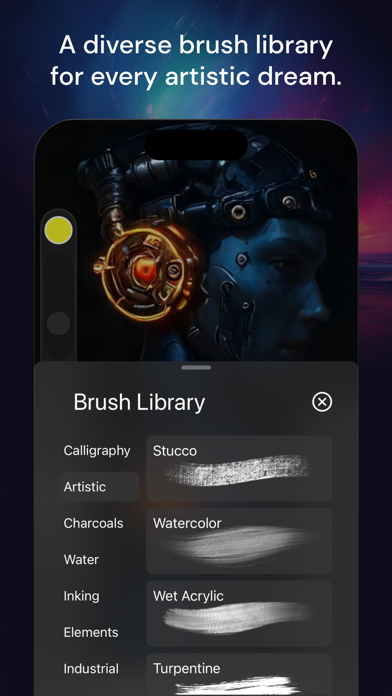
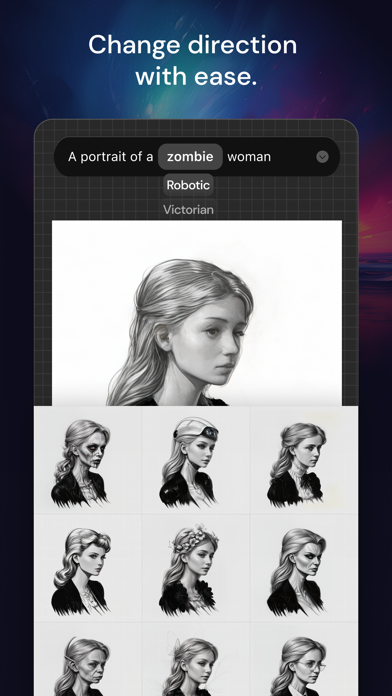
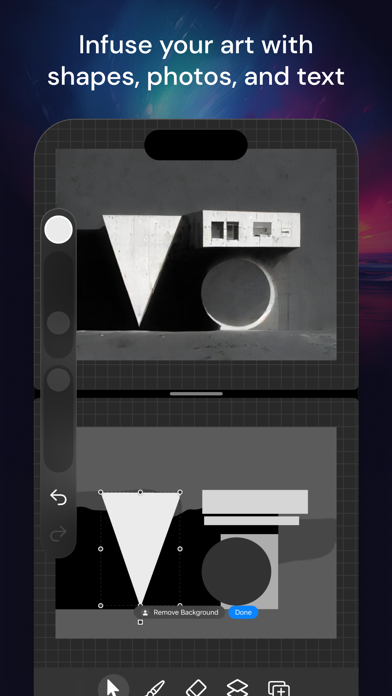
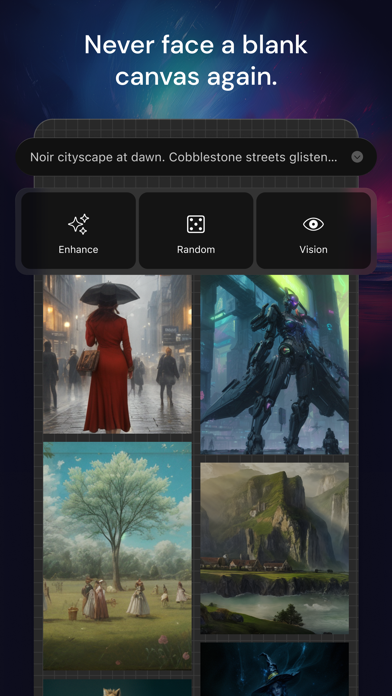
Muse Pro is the epitome of digital creativity on the iPad, catering to both established and aspiring artists. With an extensive selection of handcrafted brushes, cutting-edge artistic tools, an advanced layering system, and a high-speed graphics engine, Muse Pro enables you to bring to life expressive sketches, vibrant paintings, detailed illustrations. Designed to harmonize with the iPad and Apple Pencil, Muse Pro turns any setting into your personal art studio, offering the following features for an unparalleled creative experience: • Core Features Designed with an intuitive interface for the iPad and Apple Pencil. Smooth and responsive smudge sampling powered by Metal, drawing at 120 fps on Apple's XDR Pro Display. Continuous auto-save ensures your work is always secure. • Breakthroug
Screenshots
How to install Muse Pro on iOS
- Download UnKeySign on your iPhone
- Import Muse Pro IPA into UnKeySign
- Add your P12 certificate and provisioning profile
- Tap Sign — the app installs automatically