
Muse Cam・RAW Photo Editor
About
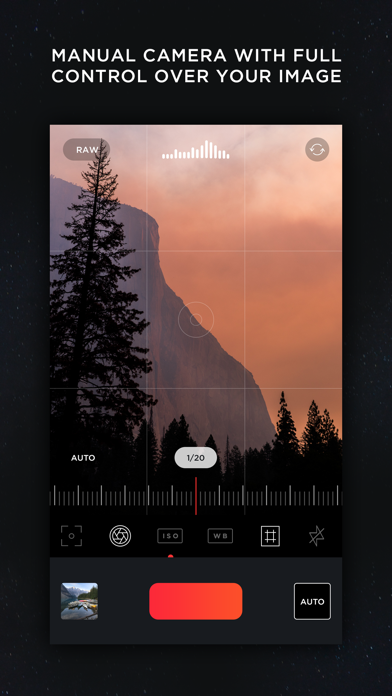
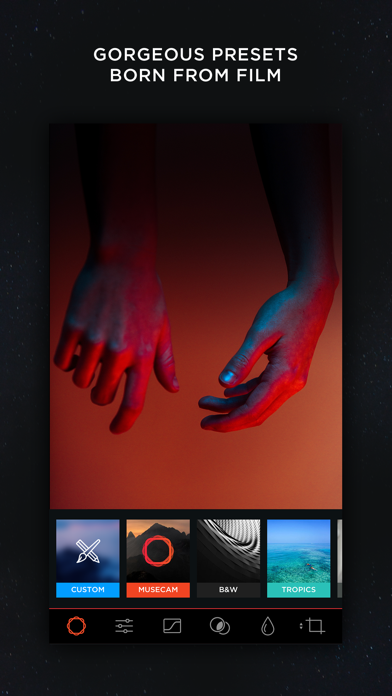
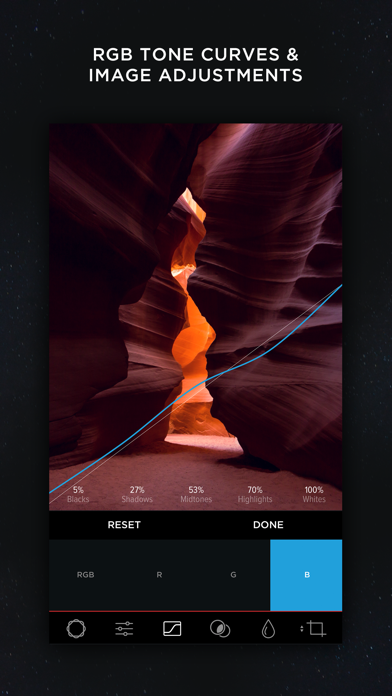
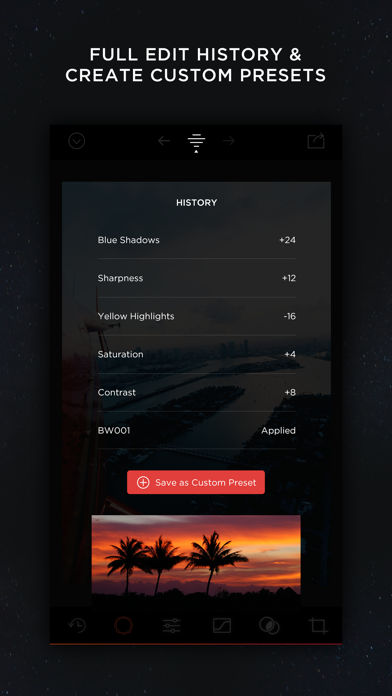
Try the App Store Editor's Choice manual camera app - make quality RAW photos, take pictures of the moon and edit your photos using unique presets and color settings.Capture the perfect look for your photos with the next generation image editor MuseCam! Shoot and edit your images using film-emulating presets, pro grade tools, and advanced camera controls.Discover advanced MuseCam features:• Manual CameraCustom exposure for your iPhone camera with independent control of shutter, ISO, white balance & focus.• Gorgeous, Film-Inspired PresetsMuseCam features a superior collection of presets, diverse in nature. Some of the world's finest photographers have contributed their secret formulas that emulate film in a timeless, and beautifully subtle way.• No-Import EditingSpeed is the name of the gam
Screenshots

How to install Muse Cam・RAW Photo Editor on iOS
- Download UnKeySign on your iPhone
- Import Muse Cam・RAW Photo Editor IPA into UnKeySign
- Add your P12 certificate and provisioning profile
- Tap Sign — the app installs automatically