

Multiple Photo Sets Timer
About
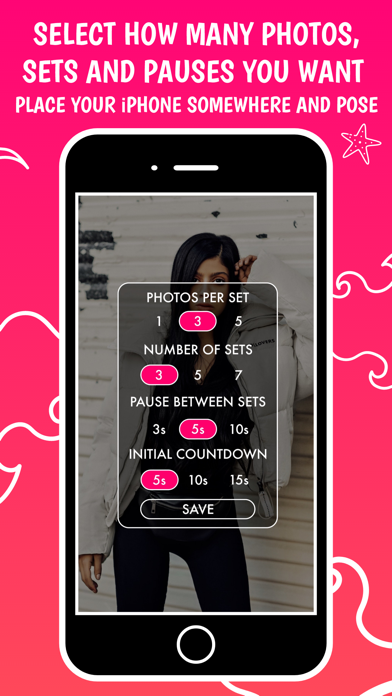
Often times we set the timer of the camera and place our iPhone somewhere and wait for it to take a photo of us. We go back to check the result and many times we are so delighted that we start the timer again to capture some more photos. By using the app, you can choose the number of sets you would like the app to take, the time interval between them and the number of photos to be taken each time. Pose and wait for the app to take a photo, then change your posture and the app will take another photo automatically. No more going back and forth to reset the timer and pose again. Simple, yet genius!The app is incredibly easy to use, just choose between front and back camera and quickly set the preferred settings from the menu button. The app gives you the following options to choose from: • p
Screenshots



How to install Multiple Photo Sets Timer on iOS
- Download UnKeySign on your iPhone
- Import Multiple Photo Sets Timer IPA into UnKeySign
- Add your P12 certificate and provisioning profile
- Tap Sign — the app installs automatically