

Movavi Clips
About
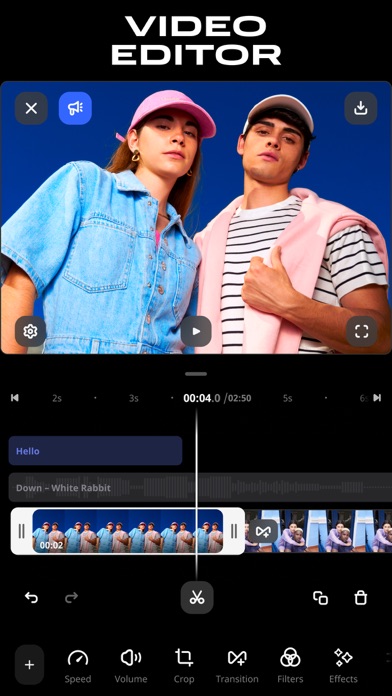
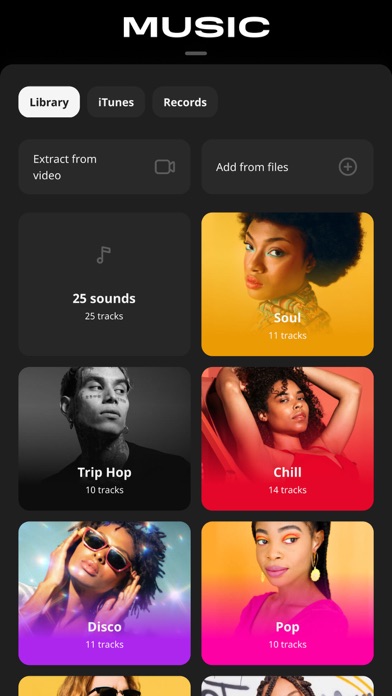
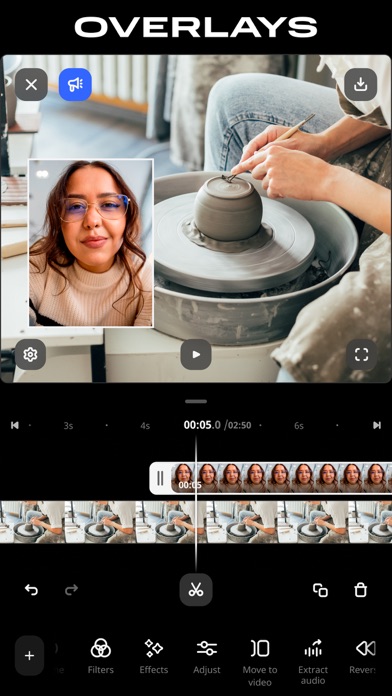
Movavi is your go-to video editor that lets you easily cut and stitch clips, add subtitles, and adjust speed. Everything you need to make scroll-stopping videos in just a few steps. Whether you’re recapping a trip, hopping on a trend, or capturing a real-time moment, you can edit any video in a couple of quick taps. Just pick your best clips, add the right vibe with music, and finish it off with cool effects and filters. Edit on-the-go and post straight to socials – then watch the likes roll in! Edit videos and tell your story in minutes: • Make frame-precise cuts and remove unwanted parts • Add smooth transitions to make your clips flow seamlessly • Add subtitles so you can be understood with the sound off: pick style, font, color, and position • Speed things up, slow them down, or pla
Screenshots




How to install Movavi Clips on iOS
- Download UnKeySign on your iPhone
- Import Movavi Clips IPA into UnKeySign
- Add your P12 certificate and provisioning profile
- Tap Sign — the app installs automatically