

Motion Ninja Video Editor
About
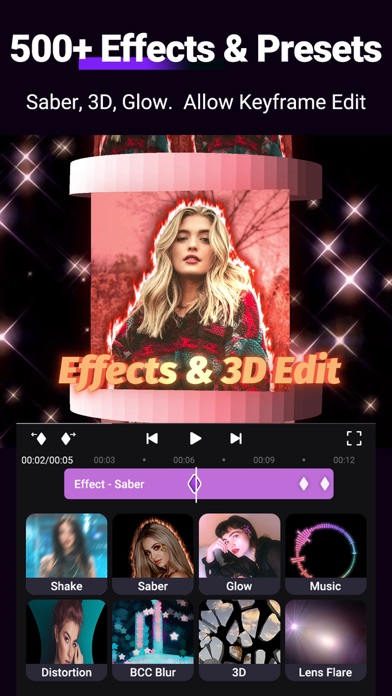
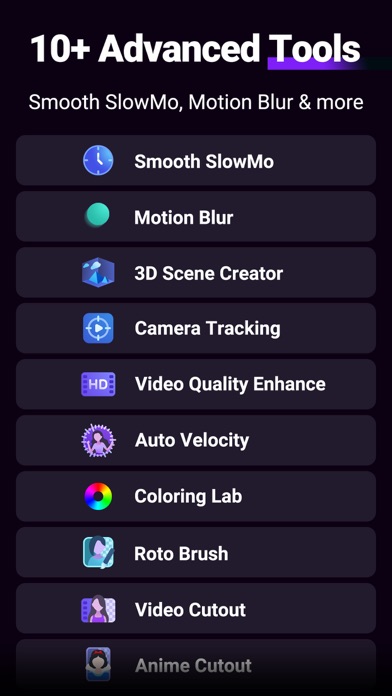
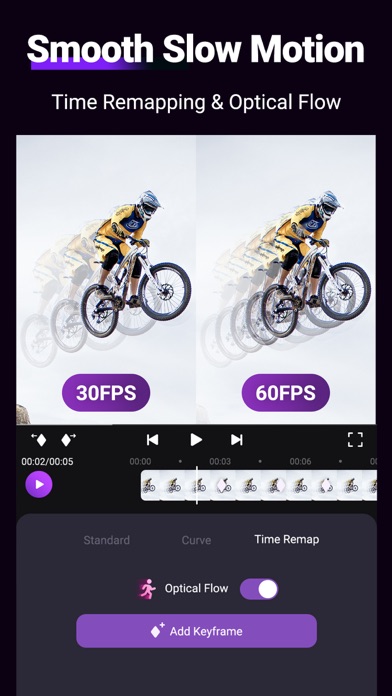
Motion Ninja provides FREE multi-layer editing, 3D camera & 3D scene building, and fully custom keyframe & curves editing.Motion Ninja is a must-have app for AMV, MAD, and fan edits creators! You can enjoy creation with custom keyframe & curves control, 500+ effects & keyframe presets, 10+ advanced edit tools like smooth slowmo, motion blur, 3d camera tracking and more. Features Highlight:● Keyframe AnimationSupport keyframe editing for all features, including size, position, rotate, mask, border, blending, effect, adjustment.FREE curves (graphs) editing, including 5 different curves -- bezier, bounce, step, loop, randomSeparate keyframe track control for different features. ● Keyframe Effects Library500+ Effects that include diverse types like Shake, 3D, Glow, Blur, VHS, Distortion, Lens
Screenshots


How to install Motion Ninja Video Editor on iOS
- Download UnKeySign on your iPhone
- Import Motion Ninja Video Editor IPA into UnKeySign
- Add your P12 certificate and provisioning profile
- Tap Sign — the app installs automatically