
Millimeter Pro - screen ruler
About
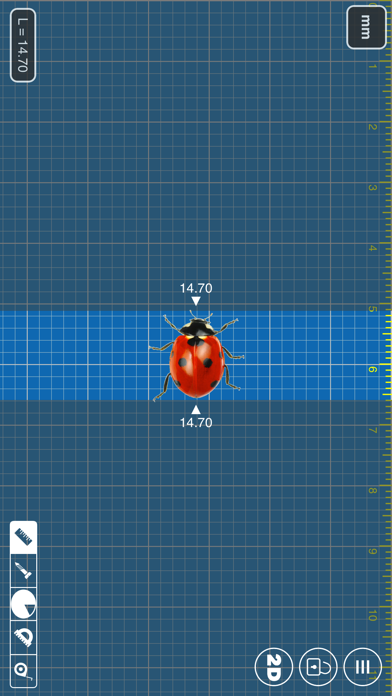
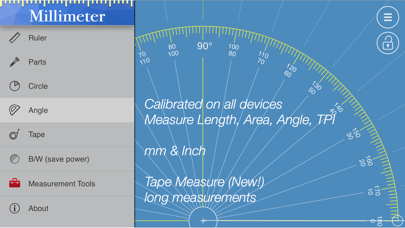
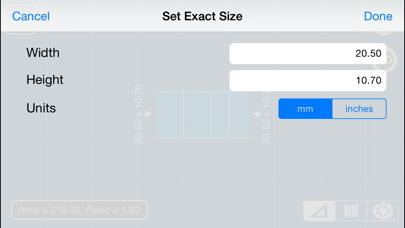
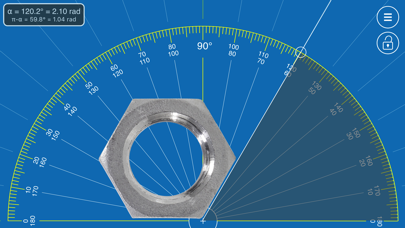
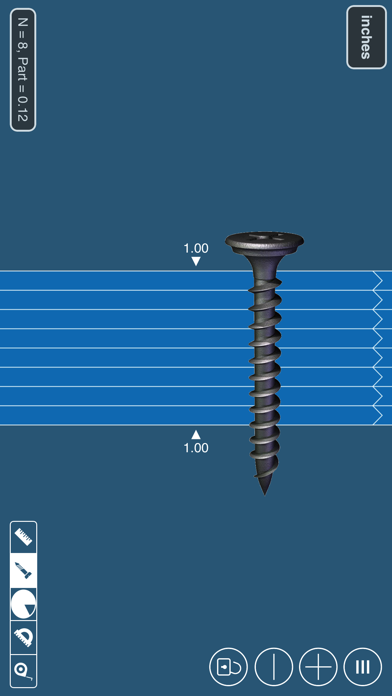
App blog: https://goo.gl/da6LdZ Millimeter Pro is an easy-to-use and helpful measurement tool for iPhone or iPad. It uses a touch screen as a ruler or tape measure to make quick measurements, split objects into equal parts, measure object ratio (W/H), measure area, estimate diameter and angles, and split circular objects into equal parts. Place an object on the screen and simply touch and move rulers to measure it. You can measure in different units: MILLIMETERS or INCHES. Features: - mm and inch units - 2D measurements: vertical and horizontal rulers - area calculation - ratio calculation (W/H) - split linear and circular objects into equal parts - shows the length and angle of each part - disable/enable touch screen (freeze feature) - diameter or radius estimation - angle
Screenshots



How to install Millimeter Pro - screen ruler on iOS
- Download UnKeySign on your iPhone
- Import Millimeter Pro - screen ruler IPA into UnKeySign
- Add your P12 certificate and provisioning profile
- Tap Sign — the app installs automatically