

Map Redirect for Map Links
About
Map Redirect is a Safari Extension to replace all map links on a webpage to be opened with the map app of your choice. You can select your target to always open in Apple Maps, Google Maps, HERE WeGo Maps, Bing Maps, Waze. Map Redirect will automatically redirect you to the maps app of your choice. If you select "Ask Me" a prompt will appear to ask you where to open the link. Works on Google Search pages and any other webpage. No need to copy/paste addresses anymore. Instructions: 1. Download Map Redirect from the App Store 2. Go to Settings -> Safari -> Extensions. Enable Map Redirect as Safari Extension 3. Open Safari. Search for location. For example, type London 4. Click on Context menu (the symbol "aA"). Click on Map Redirect to give it access to the webpage you are visiting. 5. Th
Screenshots


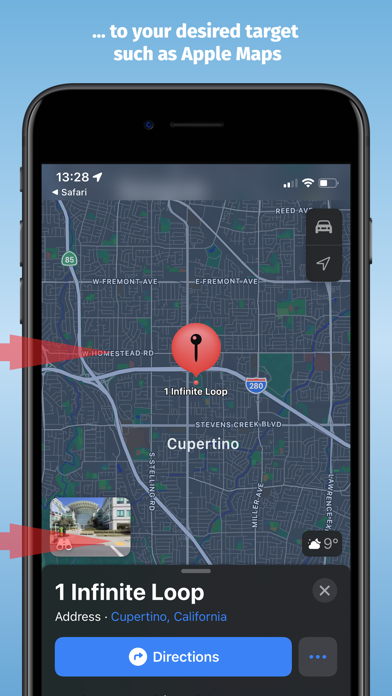


How to install Map Redirect for Map Links on iOS
- Download UnKeySign on your iPhone
- Import Map Redirect for Map Links IPA into UnKeySign
- Add your P12 certificate and provisioning profile
- Tap Sign — the app installs automatically