

Lumos: Sun and Moon Tracker
About
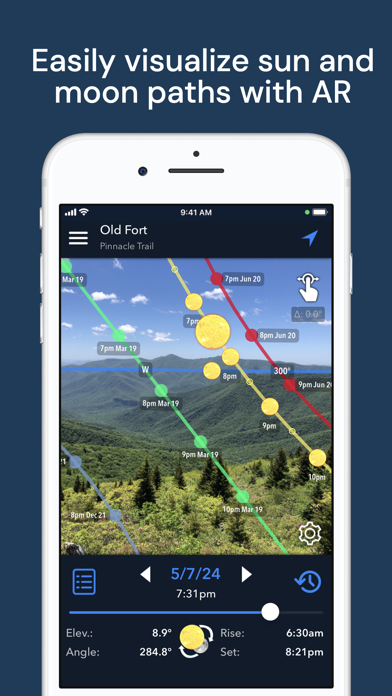
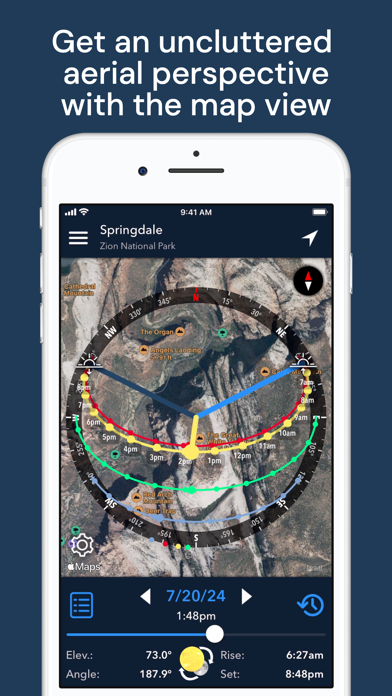
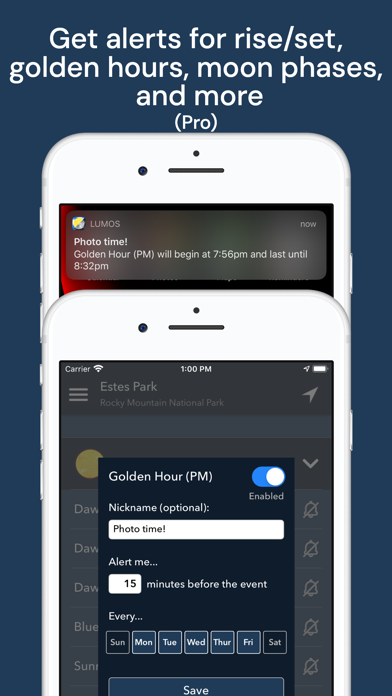
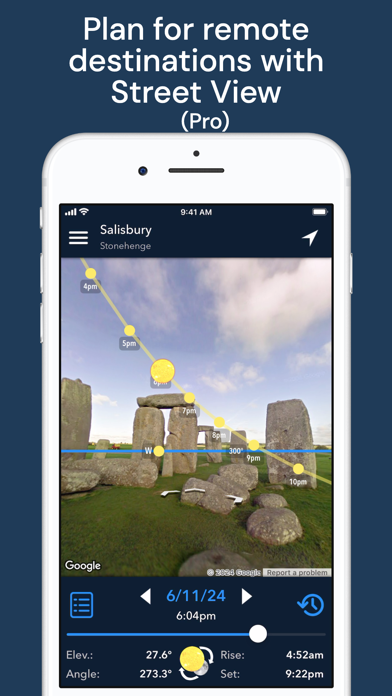
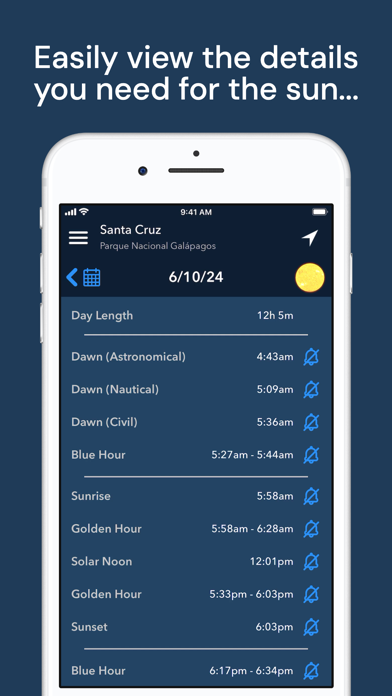
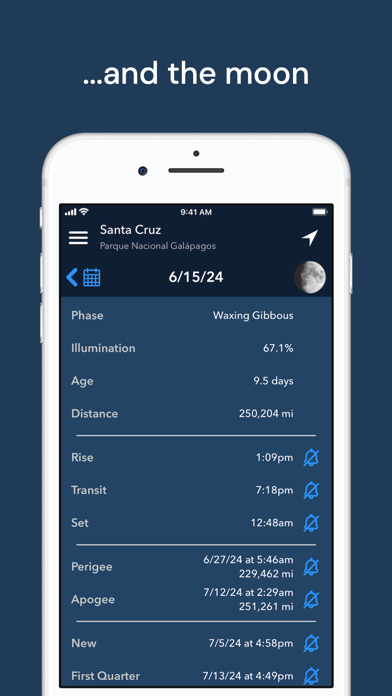
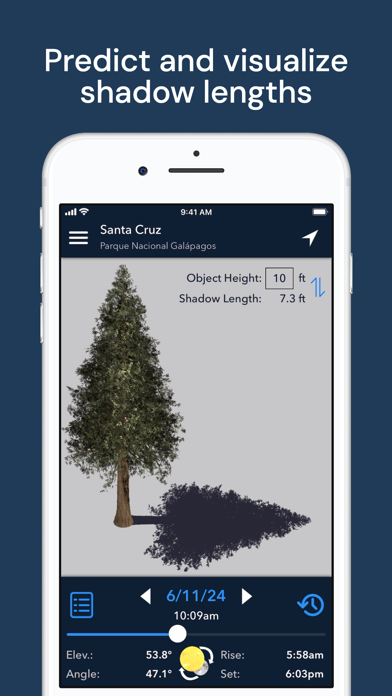
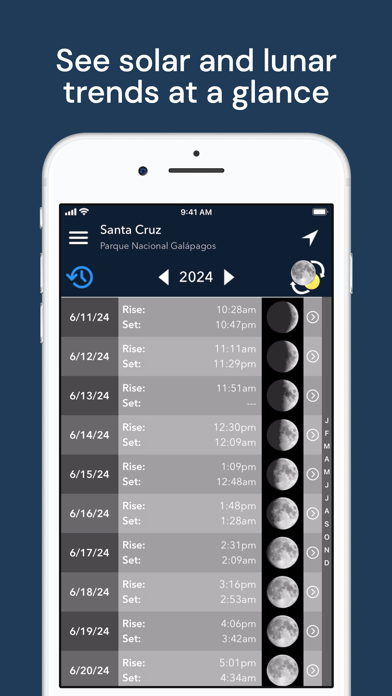
Intuitive yet powerful, Lumos accurately predicts the position of the sun and moon at any time, on any day, in any place. Whether you’re planning a photo shoot, a wedding, or a solar panel installation, tracking the sun and moon has never been easier! Lumos is divided into six main modules: • The augmented reality view harnesses the power of AR to visually project past, present, or future sun and moon positions (and moon phases!) onto your surroundings, letting you perfectly visualize your plans. • The map view overlays the sun and moon positions for a given time and location onto a map of that location, letting you make plans from afar. • The Street View mode works like the AR view, but it takes advantage of Google Street View to allow you to envision sun and moon positions for remote
Screenshots
How to install Lumos: Sun and Moon Tracker on iOS
- Download UnKeySign on your iPhone
- Import Lumos: Sun and Moon Tracker IPA into UnKeySign
- Add your P12 certificate and provisioning profile
- Tap Sign — the app installs automatically