

Lottery Box - Lotto Manager
About
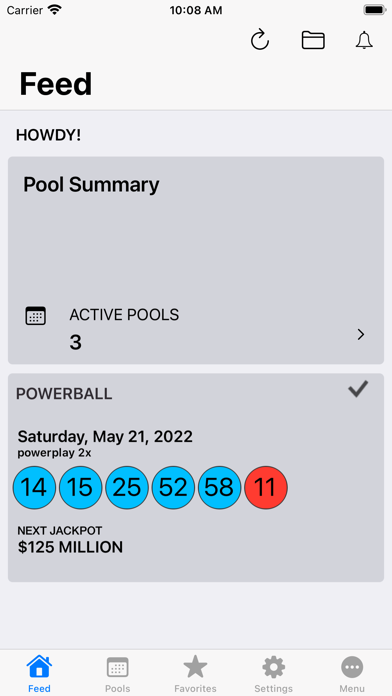
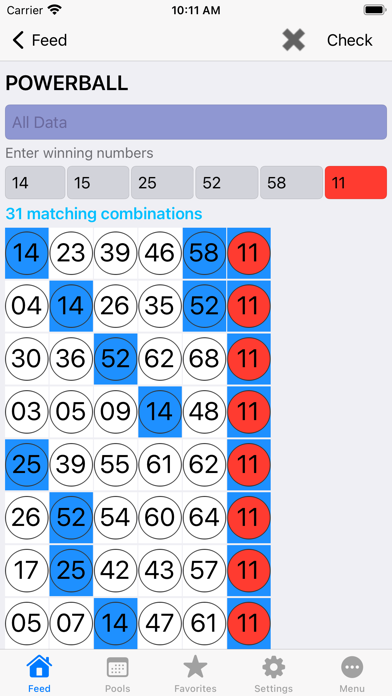
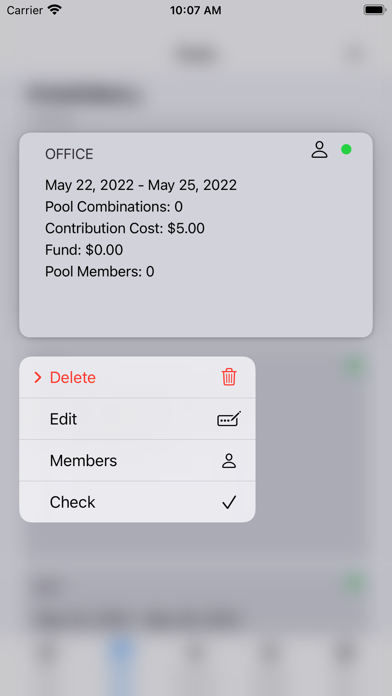
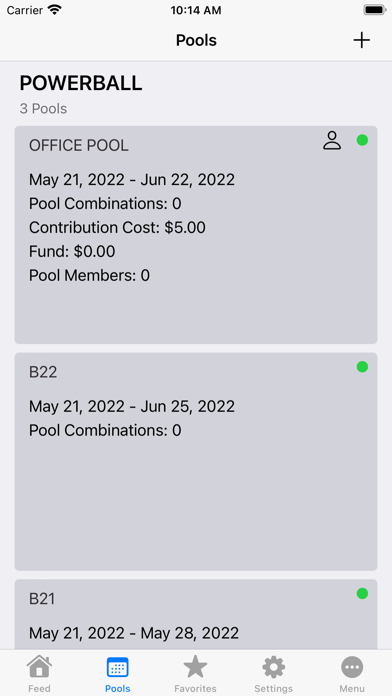
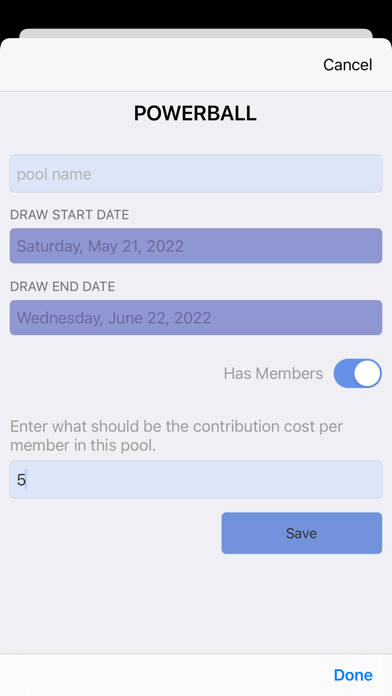
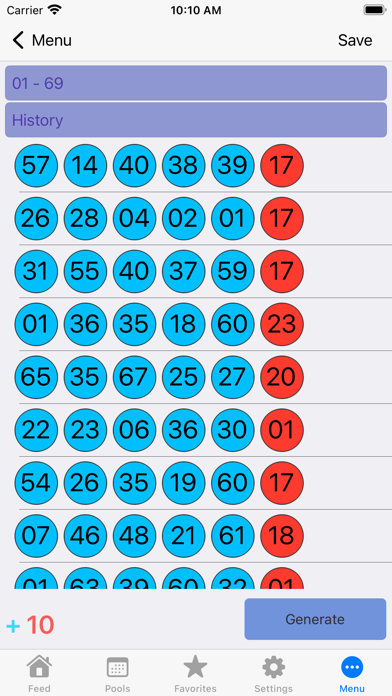
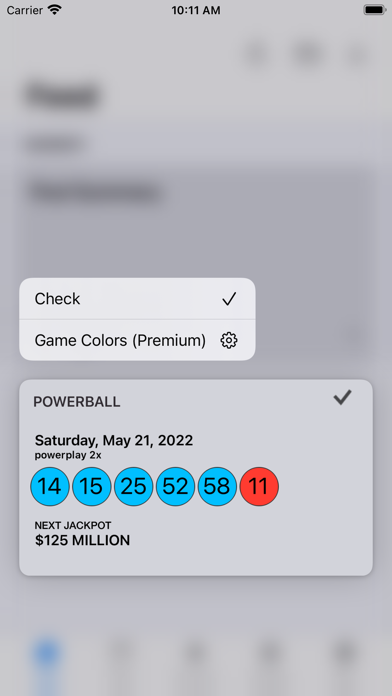
DO YOU PLAY SINGLE OR MULTI DRAW LOTTERY? To get started, in the Pools page create a pool by giving it a name for example, My Lucky Pool, specify the date range and add your numbers to it. GET NOTIFIED Get automatically notified if there is a hit in one of your pools for the specified date range. HOW IT WORKS Once you have saved your combinations to a pool, the next step is to jot those numbers down on your play-slips and take them to your favorite retailer to play them and later check your numbers thru the app. In addition, even if you loose your play-slips your numbers will always be handy in your app. PERSONAL OR OFFICE POOL Besides using the app for your personal use, you can also team up with your co-workers, family members, or friends to participate in a pool that you can mana
Screenshots

How to install Lottery Box - Lotto Manager on iOS
- Download UnKeySign on your iPhone
- Import Lottery Box - Lotto Manager IPA into UnKeySign
- Add your P12 certificate and provisioning profile
- Tap Sign — the app installs automatically