

LogoMe art photo editor
About
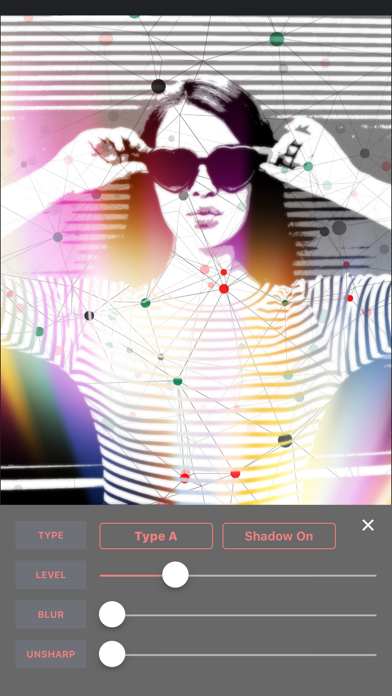
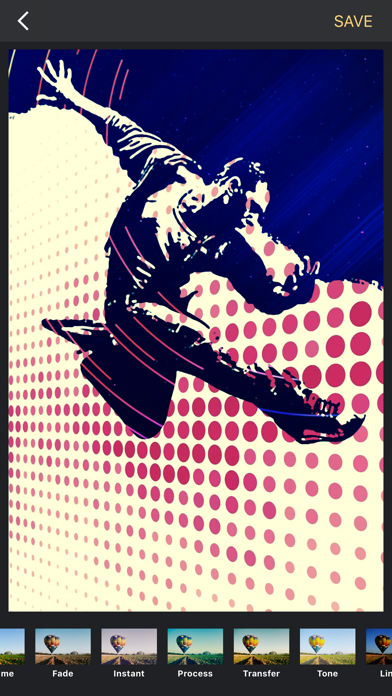
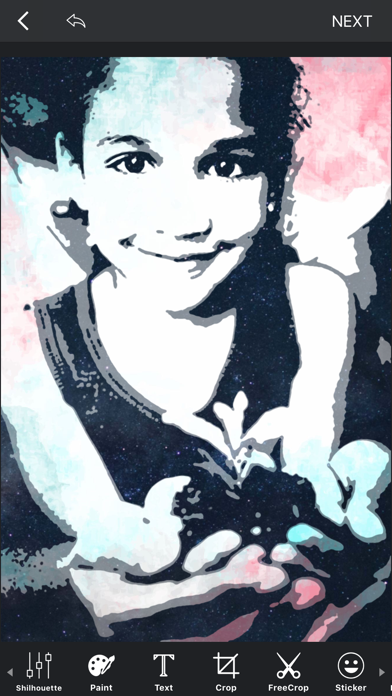
LogoMe allows you to create Silhouette Photos easily applying beautiful image mask.It will convert daily ordinary landscapes to artistic images. There are many templates for silhouettes, which gives you power to make pics with popular looking logos.Paint, text, and many many other options to vitalize your photos! As you enjoy processing your photos, artistic silhouette images are ready for you![Photo Editing]* Paint - Various choices for thickness of the pen, transparency of the colors, and even real drawing effect by controlling the finger speed.* Text - Flexible font colors, gradation effect, textures, shadow effect, and 3D effect.* Clipping Image - Free-hand, mask cut, eraser, repair tools.* Stickers, Frames - Various characteristic stickers and frames over 180 sorts.* Mask Image, Back
Screenshots

How to install LogoMe art photo editor on iOS
- Download UnKeySign on your iPhone
- Import LogoMe art photo editor IPA into UnKeySign
- Add your P12 certificate and provisioning profile
- Tap Sign — the app installs automatically