
Lock + Home Widgets widgetopia
About
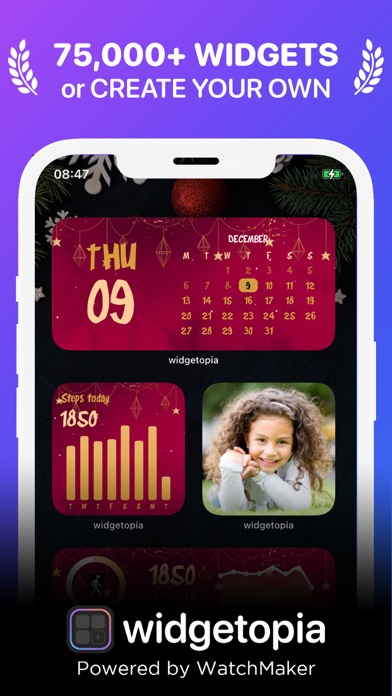
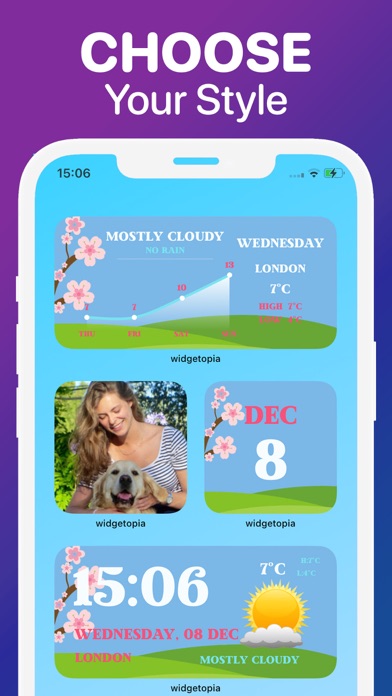
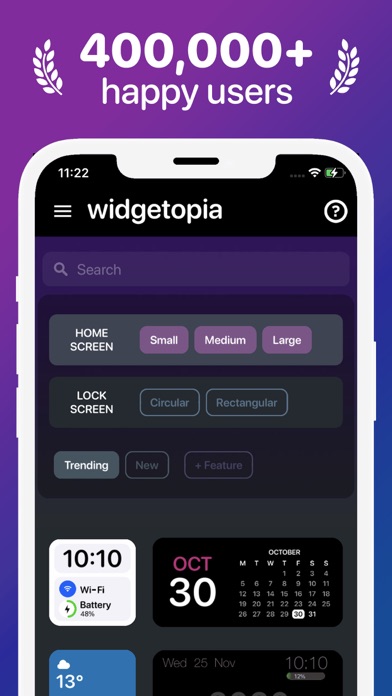
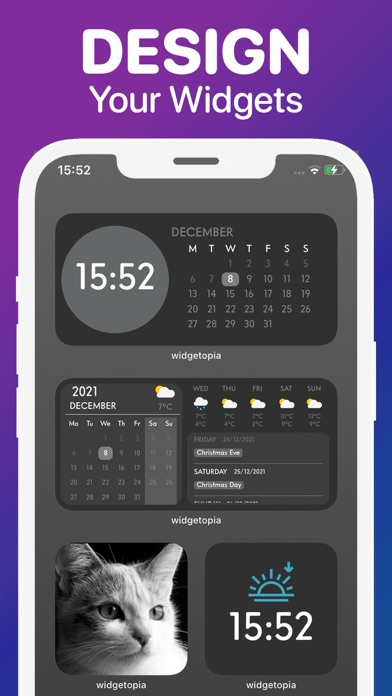
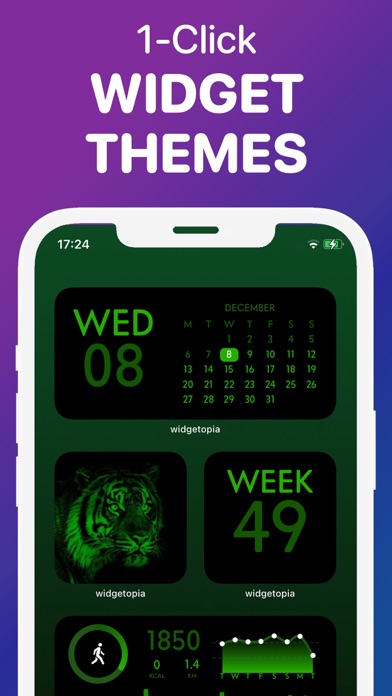
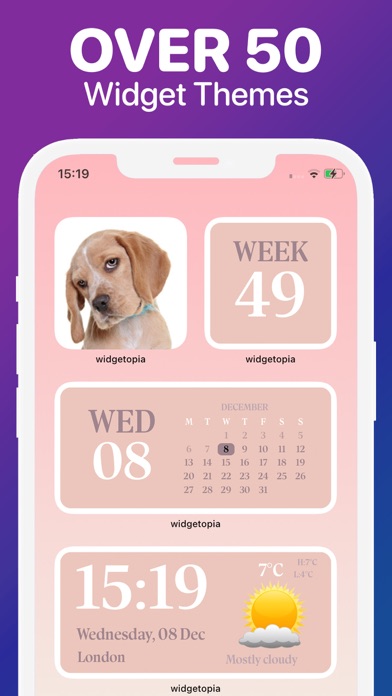
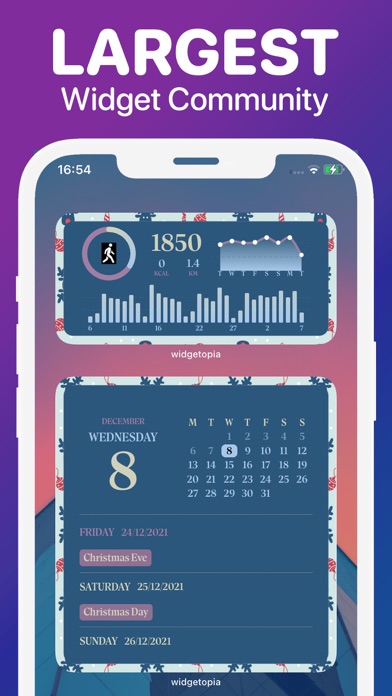
From the team behind WatchMaker, the largest watchface design community in the world - get ready to make your home screen unique with widgetopia!-- iOS 16 Support for Lock Screen Widgets --THOUSANDS OF WIDGETSThere are 75,000+ pre-built widgets which you can use right away!CREATE YOUR OWN WIDGETWith widgetopia, you can use our powerful design tools to make your own designs and display any data you need.- 75,000+ widgets, more each day!- 5,000+ icons to make your iPhone look neat and stylish!- 100+ wallpapers for your home / lock screen!- Home and iOS 16 lock screen widgets!- Install the whole icon pack at once!- Over 70 widget themes!- Full designer tools- Weather Widget (current, hourly, daily)- Calendar Widget- Health Widget- Photo Widget- Battery Widget- Reminders Widget- Time & date-
Screenshots

How to install Lock + Home Widgets widgetopia on iOS
- Download UnKeySign on your iPhone
- Import Lock + Home Widgets widgetopia IPA into UnKeySign
- Add your P12 certificate and provisioning profile
- Tap Sign — the app installs automatically