
Live Wallpapers & Backgrounds+
About
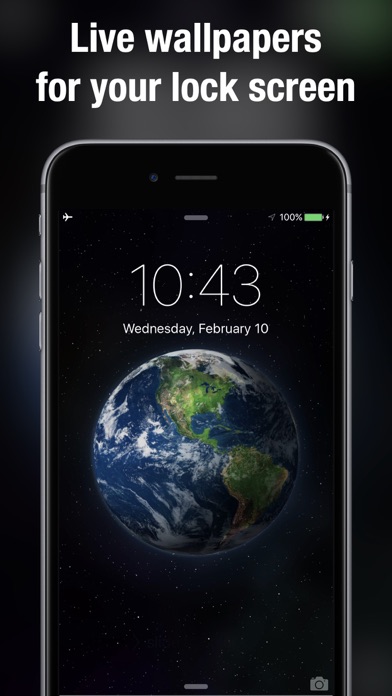
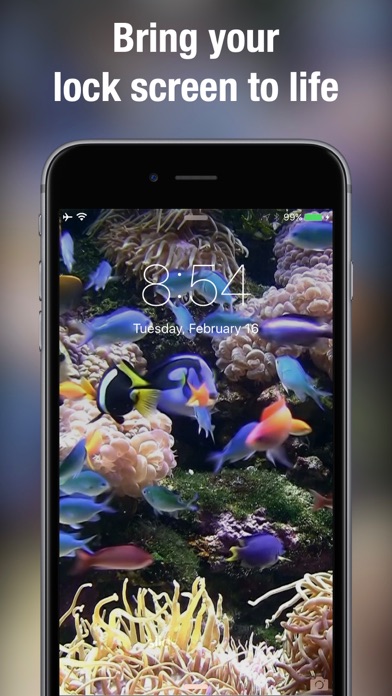
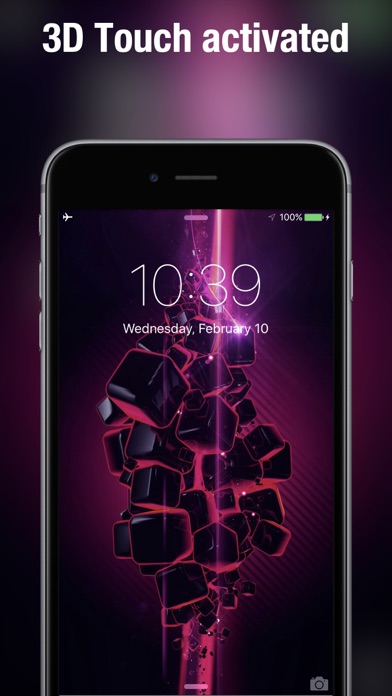
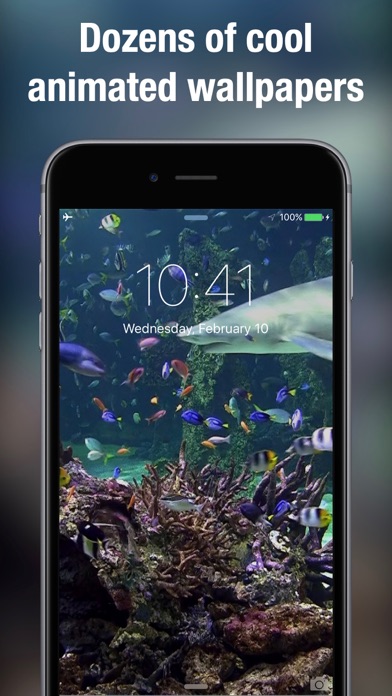
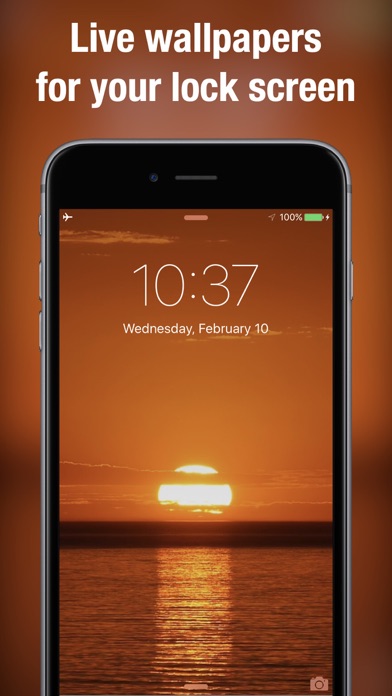
Finally, Live Wallpaper on your iPhone! 100+ beautifully designed moving wallpapers to choose from. Live wallpaper for Lock Screen only works on iPhone 6s, 7, 8, X, 11, 12 or laterFrom christmas trees, aquariums, coral reefs with sharks, fireplaces, candle lights, beautiful beaches and living landscapes to geometric patterns, there is something for everyone.Swipe between the wallpapers to save the ones you would like to use to your Camera Roll. From there simply take the same steps you normally do to make regular photos your lockscreen and/or wallpaper.How to set as a live lock screen wallpaper:+ Simply swipe between Live Wallpapers+ Touch the photo to play animation fully+ If you like a particular live wallpaper, press the save button to save it to your Photo's app Camera Roll+ To set as
Screenshots
How to install Live Wallpapers & Backgrounds+ on iOS
- Download UnKeySign on your iPhone
- Import Live Wallpapers & Backgrounds+ IPA into UnKeySign
- Add your P12 certificate and provisioning profile
- Tap Sign — the app installs automatically