

LightPDF Scanner: Scan PDF
About
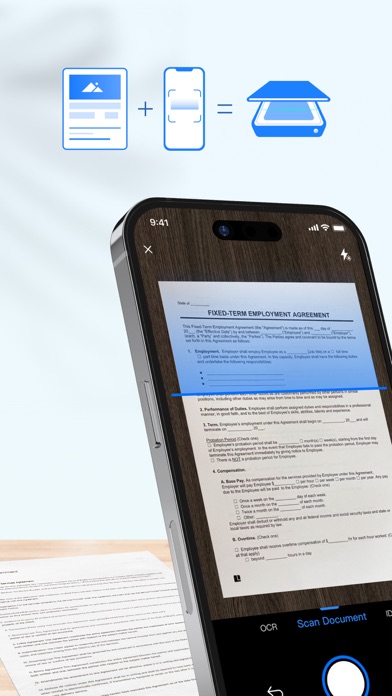
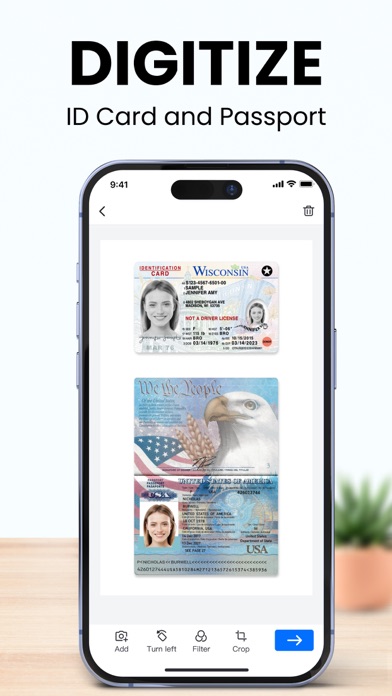
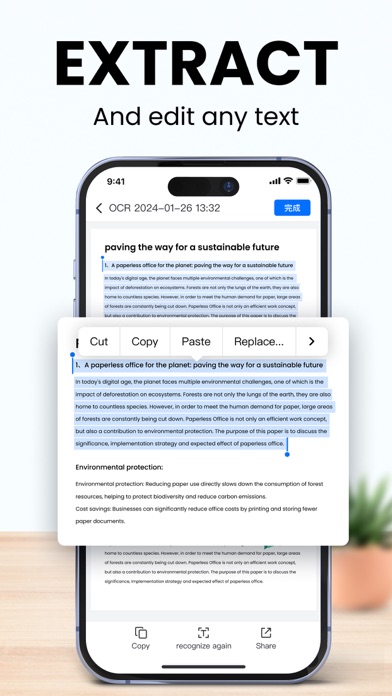
Say goodbye to huge and heavy copy machines, and say hello to your mobile phone by using the powerful scanner app LightPDF Scanner. Simply take a photo of the file, and the app will automatically convert it into a high-quality PDF file. Easy and fast to create quality scans on the go.-------------------------Key Features:Document Scanner:1. Scan Files- Scan anything you need, books, papers, contracts, notes, photos... - Unique smart calibration technology helps to correct image distortion and cluttered background, ensuring quality scans.- Batch scanning lets you scan multiple documents into one single file, saving you from the hassle of combining them manually.2. Scan IDs- ID Card & Passport mode is specifically designed for fast scans of ID photos, saving you a trip to the print shop. - I
Screenshots



How to install LightPDF Scanner: Scan PDF on iOS
- Download UnKeySign on your iPhone
- Import LightPDF Scanner: Scan PDF IPA into UnKeySign
- Add your P12 certificate and provisioning profile
- Tap Sign — the app installs automatically