
LCD Clock - Clock & Calendar
About
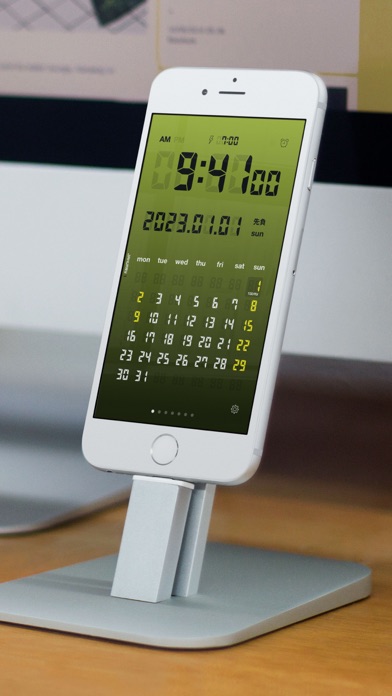
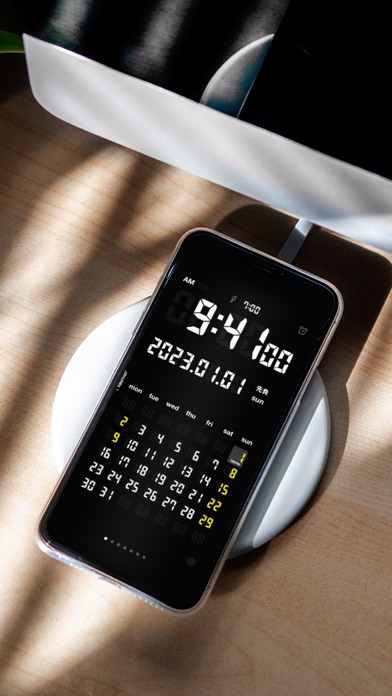
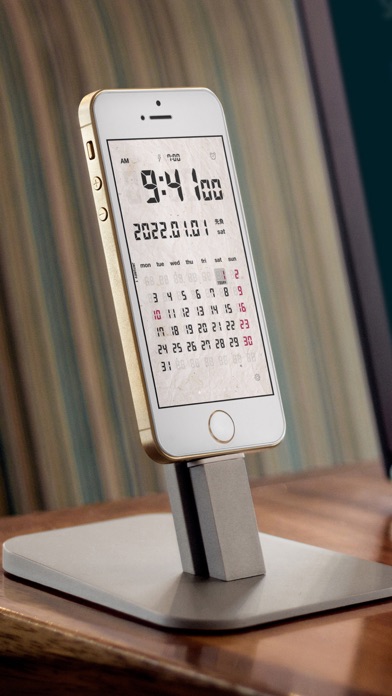
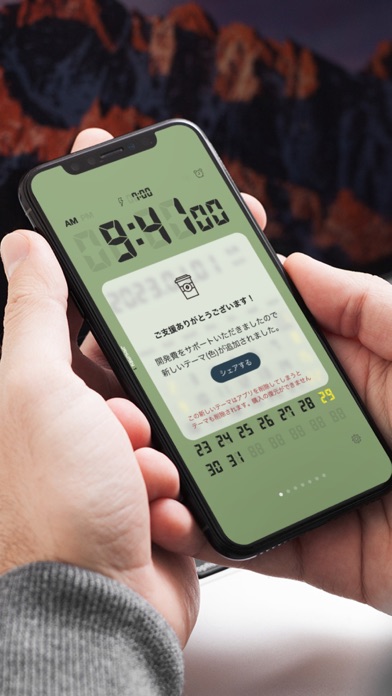
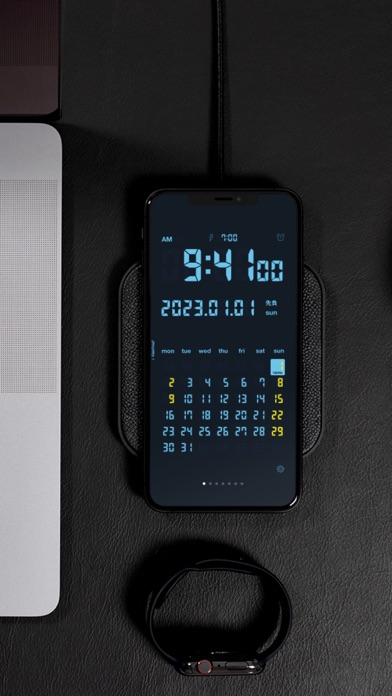
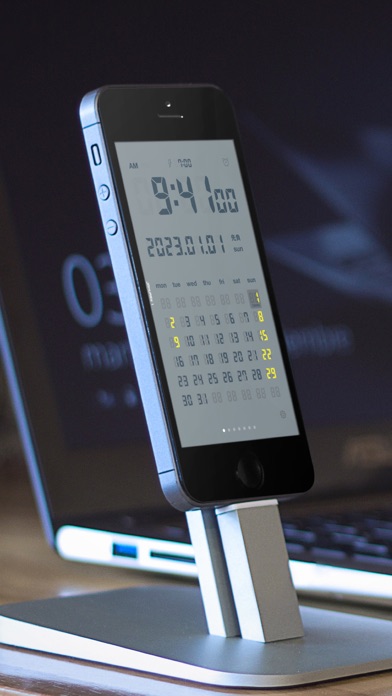
Now there is no need to purchase an expensive LCD clock or desk calendar! A variety of settings and color themes are available, so it can be personalized for your use. *Main Features *Seven color themes (double-tap the screen to display settings) *Set screen brightness (double-tap the screen to display settings) *Set to standard or military time (tap the clock section to switch back and forth) *Flick calendar left or right to change months (displays up to five months in advance) *Set week start to Sunday or Monday *Handles horizontal display (for larger time display) *Displays national holidays (Japan, US, France, Germany, England, custom) *Alarm Function (Set by pressing clock icon) *Tap date to return to calendar for current month *Turn second display on or off *Status bar display for r
Screenshots

How to install LCD Clock - Clock & Calendar on iOS
- Download UnKeySign on your iPhone
- Import LCD Clock - Clock & Calendar IPA into UnKeySign
- Add your P12 certificate and provisioning profile
- Tap Sign — the app installs automatically