

Khotta AI: Study & Plan
About
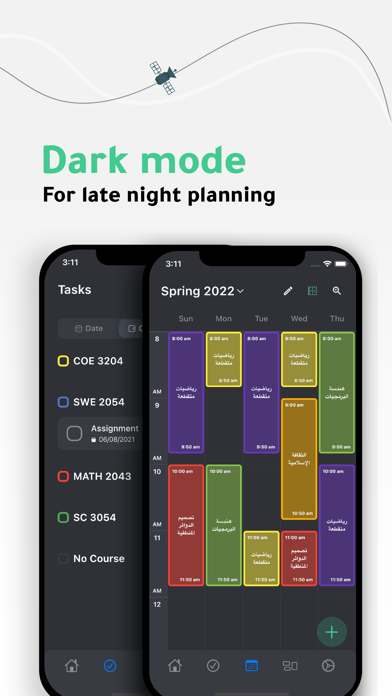
Khotta is a cross-platform planner for students, it helps students plan effectively to get much more work done and act toward desired outcomes. Plans: - Create multiple plans. - Set up your plan easily by finding your school & major. - Easily manage your plan (terms & courses) by adding plans created by other students. - Track your GPAs for each term. - Design your plan using emojis for terms and colors for courses. Schedules: - Create multiple schedules. - Easily add and organize your classes in your schedule(s). Tasks: - Get your tasks organized. - View your tasks by date, course, or priority. Widget: - Check your daily schedule through the home widget. Settings: - Use a 12 or 24-hour system. - Manage classes and tasks reminders. - Choose from light, dark, and other themes. Re
Screenshots



How to install Khotta AI: Study & Plan on iOS
- Download UnKeySign on your iPhone
- Import Khotta AI: Study & Plan IPA into UnKeySign
- Add your P12 certificate and provisioning profile
- Tap Sign — the app installs automatically