
Keep Notes - Docs, PDF & AI
About
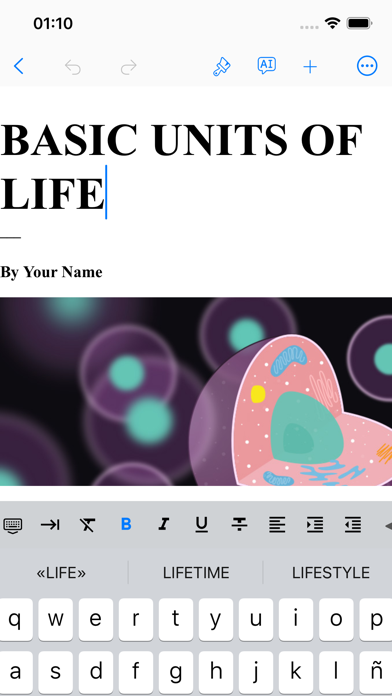
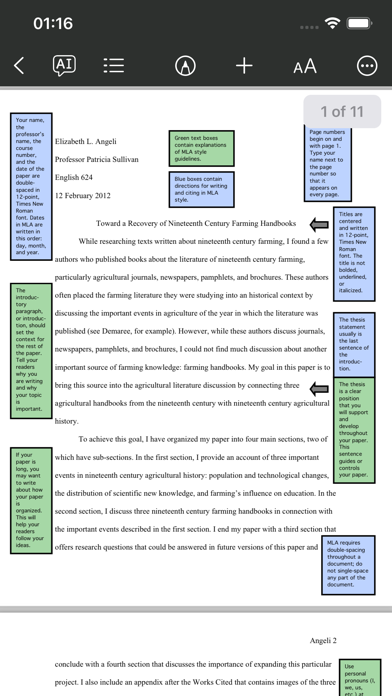
From penning captivating class notes to generating essential documents or producing university assignments, Keep Notes delivers a smooth and friendly experience for text editing and PDF markups.Main Features:+ Powerful Editing Tools: Enjoy rich formatting styles, spell check, and custom keyboard shortcuts.+ PDF Reader and Editor with +250 templates.+ Optional AI Assistant to generate summaries, essays, translations, blog posts, poems, emails, songs, quizzes, tests, memos, recipes, and so much more.+ Offline Access: Edit your documents without an internet connection.+ Cloud Sync: Effortless syncing with your GDrive, making sure your work is never lost.+ AutoSave: Puts an end to "oops" moments with automatic saving.+ Create unlimited notebooks, folders and nested subfolders.+ Modify margins
Screenshots


How to install Keep Notes - Docs, PDF & AI on iOS
- Download UnKeySign on your iPhone
- Import Keep Notes - Docs, PDF & AI IPA into UnKeySign
- Add your P12 certificate and provisioning profile
- Tap Sign — the app installs automatically