

JustSign - eSign documents
About
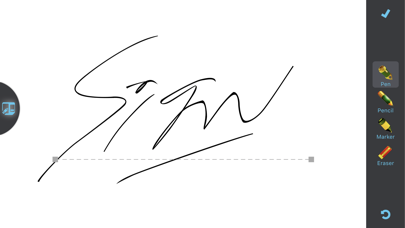
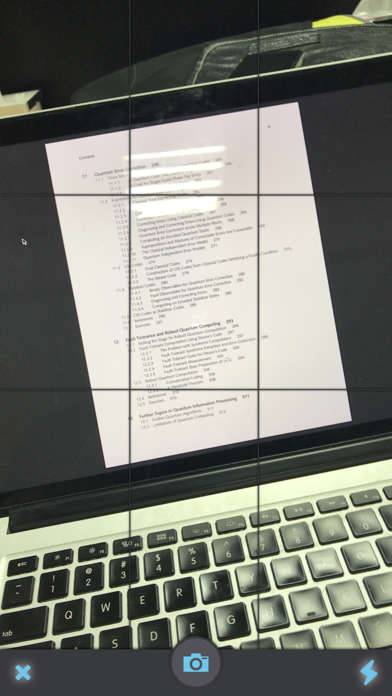
Sign your electronic and hard copy documents within a few taps using JustSign. Its sleek signing pen makes your screen-drawn signature look so realistic your clients would think you used a real pen. No expensive subscriptions and no limits on number of documents you scan, sign or share – now sign with a new freedom.▶ Supports:- .pdf, .doc, .docx, .ppt, .pptx, .xls, .xlsx, .rtf, .txt, .text and Image formats (jpg, png).-Import Email Attachments, load documents from Dropbox, Google Drive, Evernote, Camera Roll or import from any other app.-Supports hard copy documents via built-in Smart Scanner.▶ Builtin Scanner:- Scan hard copies, adjust perspective and add into a Multi-Page PDF.- Full Scans history. You never loose a scan and can re-use an adjusted page in as many documents as you want.▶
Screenshots




How to install JustSign - eSign documents on iOS
- Download UnKeySign on your iPhone
- Import JustSign - eSign documents IPA into UnKeySign
- Add your P12 certificate and provisioning profile
- Tap Sign — the app installs automatically