

iWinAssistProg Windows Client
About
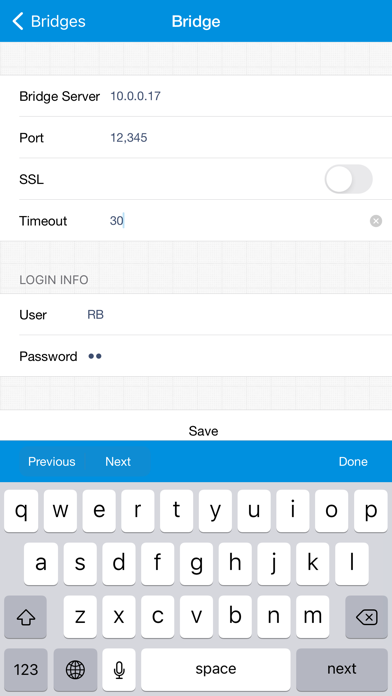
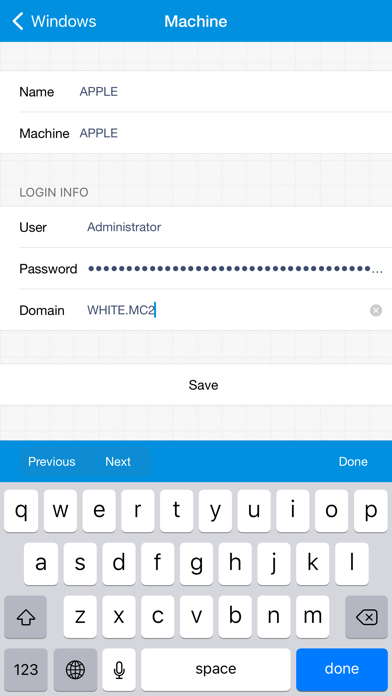
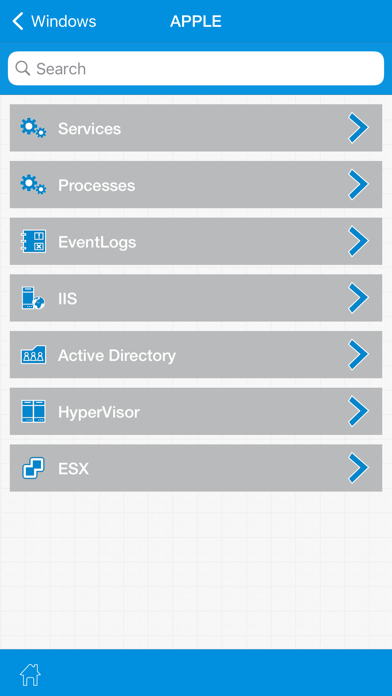
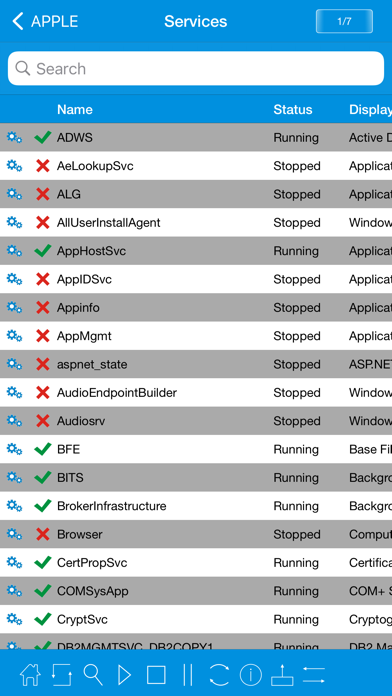
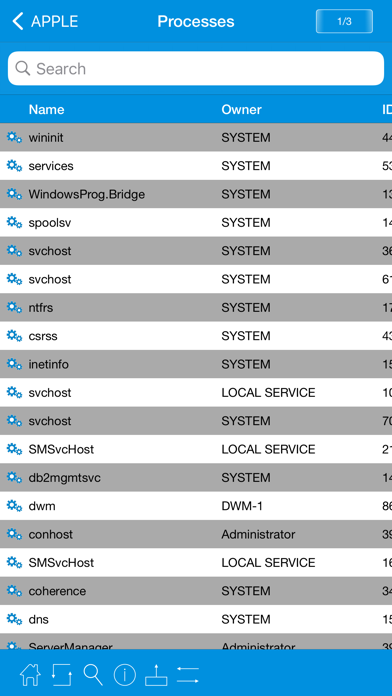
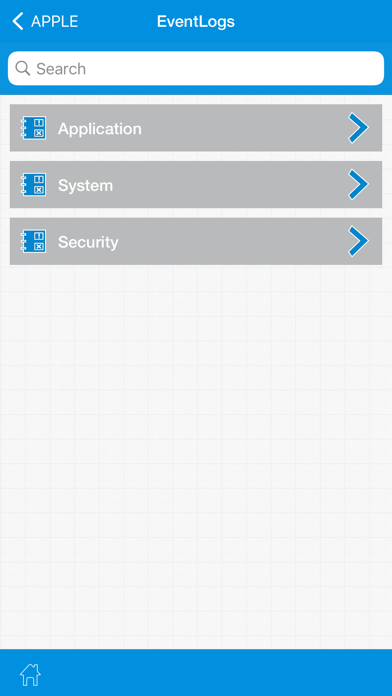
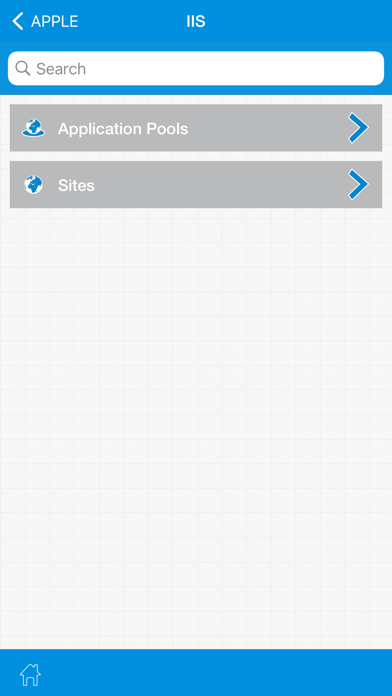
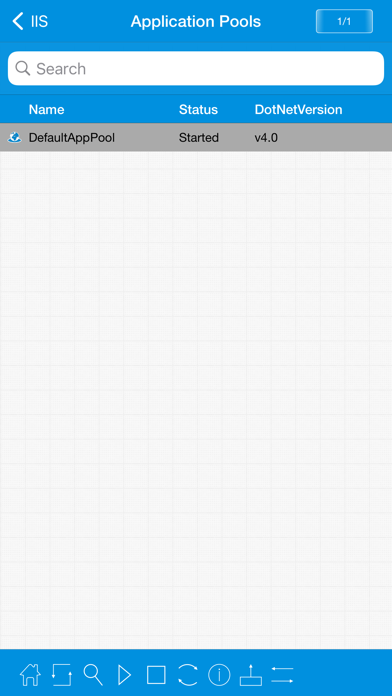
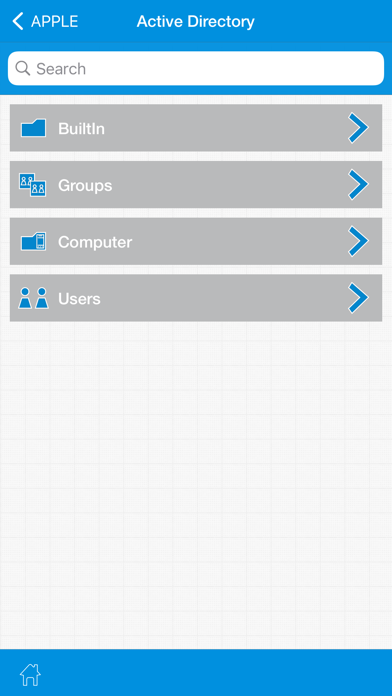
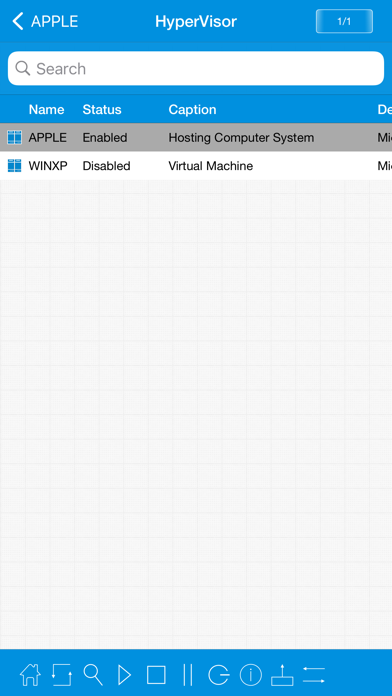
This little ultimate application can help savvy computer users to manage their windows computers remotely by doing simple few touch operations. For detailed information please visit http://makeprog.com FEATURES • Basic management of windows desktops and servers. • Manage the state of windows services. • Visualize running processes. • Explore event logs and analyze the issues. • Administer the state of IIS7 Application pools, Site & Applications. • Explore Active directory users and groups. • Unlock, Enable/Disable Active directory user. • Reset the password of Active directory user. • Add/Remove Active directory users to groups. • Create/Delete Active directory user. • Shutdown and restart Active directory computers. • Manage the power state of Windows HyperVisor virtual m
Screenshots
How to install iWinAssistProg Windows Client on iOS
- Download UnKeySign on your iPhone
- Import iWinAssistProg Windows Client IPA into UnKeySign
- Add your P12 certificate and provisioning profile
- Tap Sign — the app installs automatically