

iVCam Webcam
About
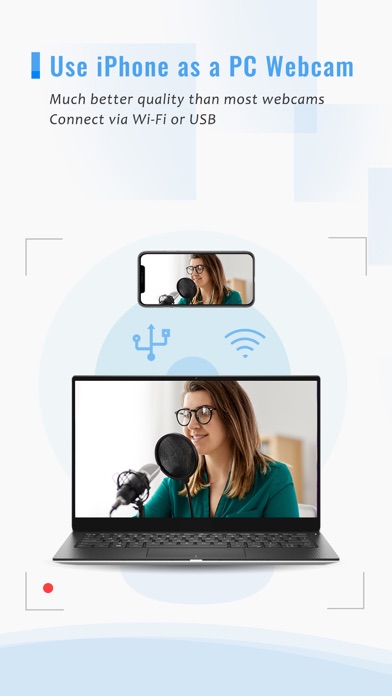
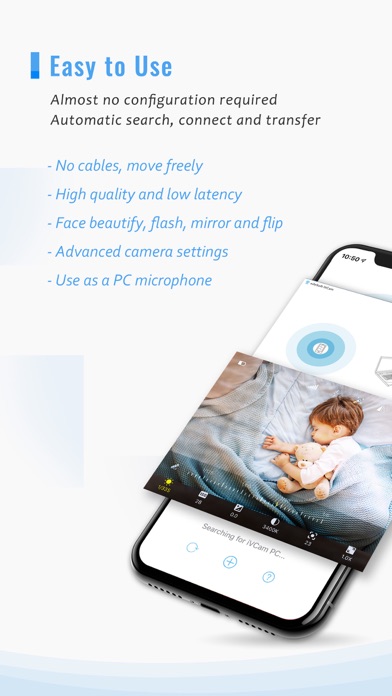
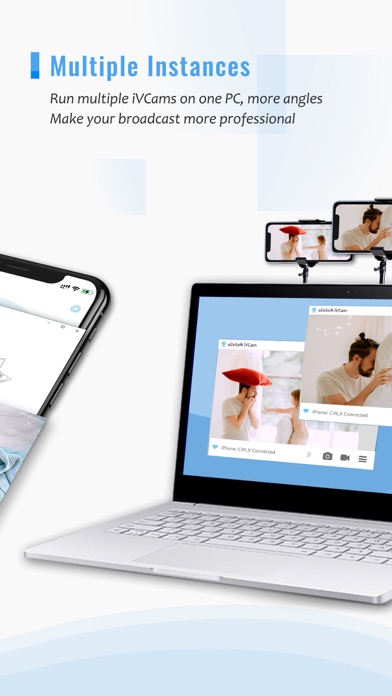
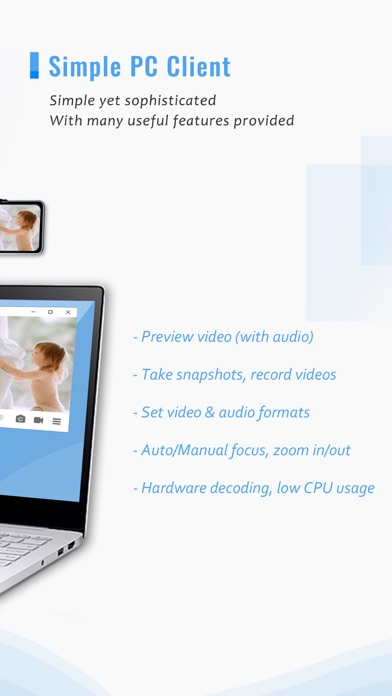
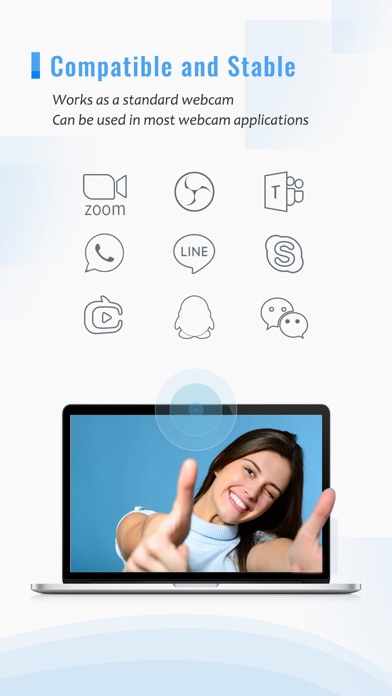
Why buy a webcam since you already have an iPhone/iPad?iVCam turns your iPhone/iPad into an HD webcam for Windows PC. You can also replace your old USB webcam or integrated webcam with it which has a better quality. At the same time it's also a perfect baby monitor, spy-cam, security camera and pet-cam.No enough space on your device? iVCam can record the video directly to your PC, works just like a remote video recorder!Setting up iVCam is very simple - just download and install our client software on your PC and you're ready to go! The connection is fully automatic and requires no manual configuration.Main Features:- High-quality, real-time video with low latency and fast speed- Automatic connection via Wi-Fi or USB and easy to use- Connect multiple devices to one PC at the same time- Sup
Screenshots
How to install iVCam Webcam on iOS
- Download UnKeySign on your iPhone
- Import iVCam Webcam IPA into UnKeySign
- Add your P12 certificate and provisioning profile
- Tap Sign — the app installs automatically