

iSwap Faces Pro
About
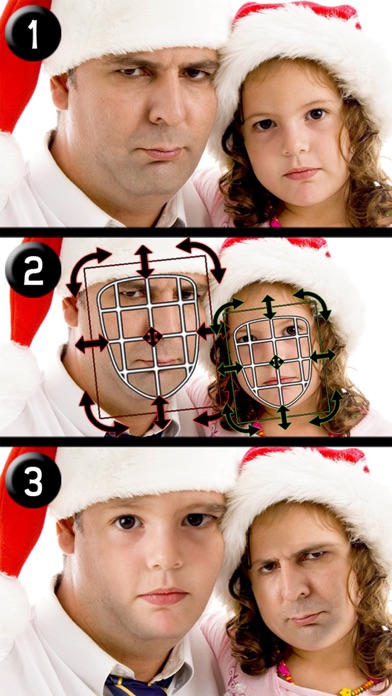
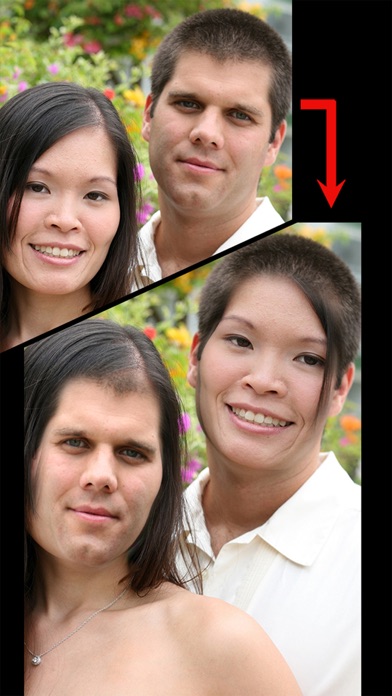
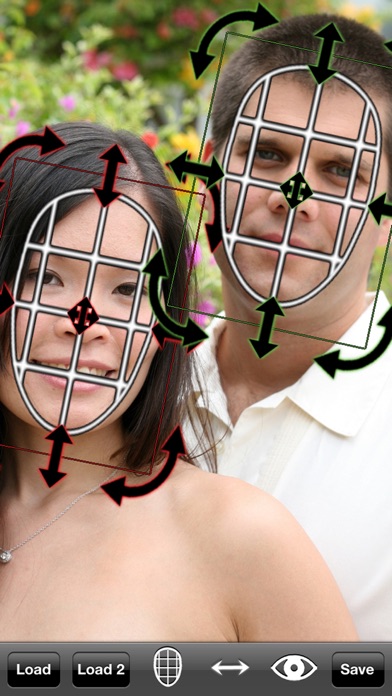
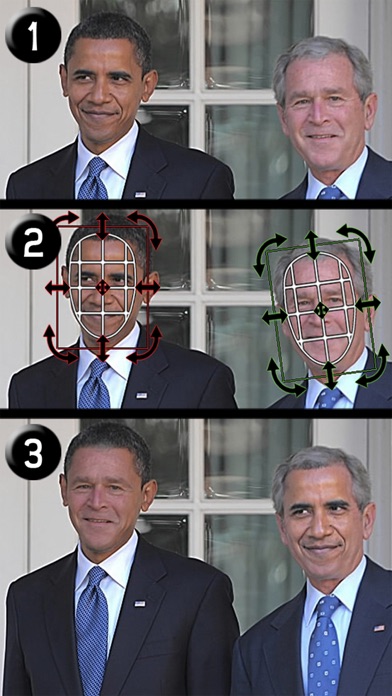
"The #1 Face Swapping App Since 2009"Ever wanted to swap two faces in a photo? Now you can! It used to take a Photoshop master to transplant one face onto another, but iSwap Faces® makes it so easy to switch faces that anyone can do it in under a minute. Morph one person into another for everyone's entertainment!Take a picture with your iPhone/iPad or load a photo from your library, place the masks over two faces, and iSwap Faces® does the rest! Swap faces in your friend's Facebook, Instagram, and Twitter photos! Post the results on Facebook, Instagram, or Twitter! You will laugh for hours!iSwap Faces! Do you?▶ WHAT'S NEW• Swap faces between two separate photos!• Adjust color and brightness of faces!© Black Frog Industries, LLC. All Rights Reserved.
Screenshots

How to install iSwap Faces Pro on iOS
- Download UnKeySign on your iPhone
- Import iSwap Faces Pro IPA into UnKeySign
- Add your P12 certificate and provisioning profile
- Tap Sign — the app installs automatically