

iSqlProg Sql Server Client
About
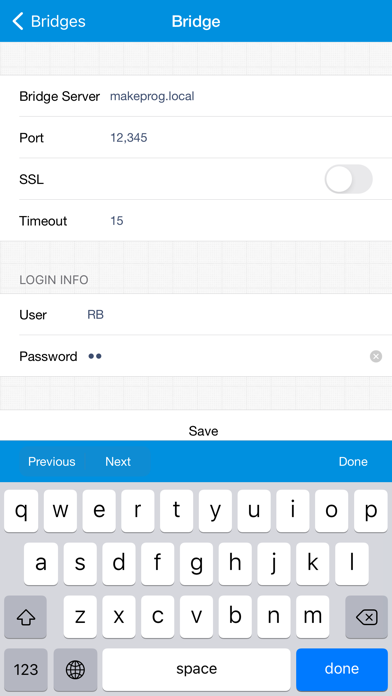
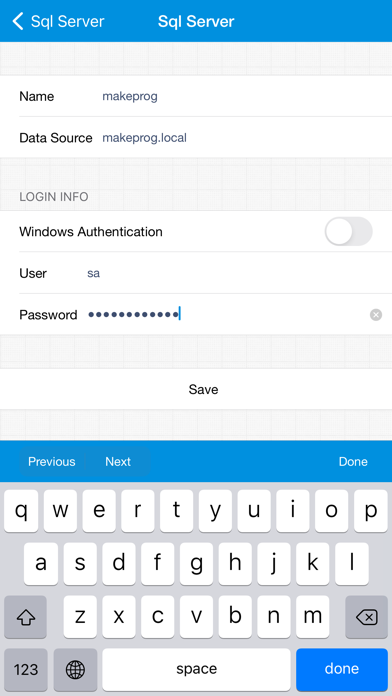
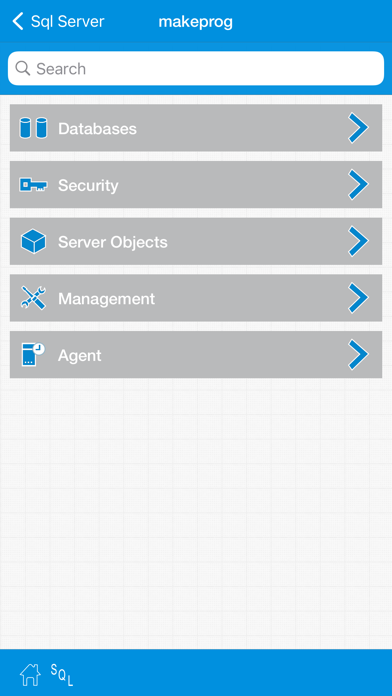
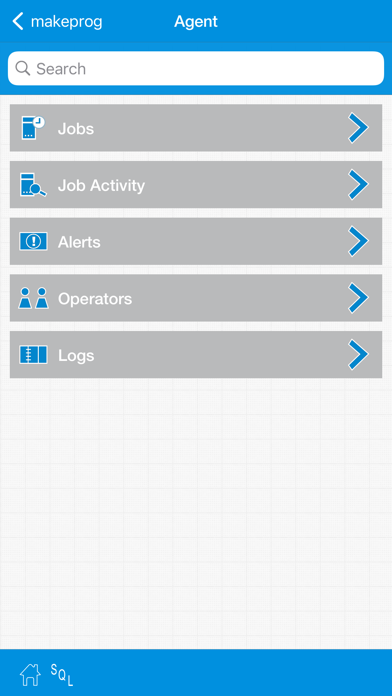
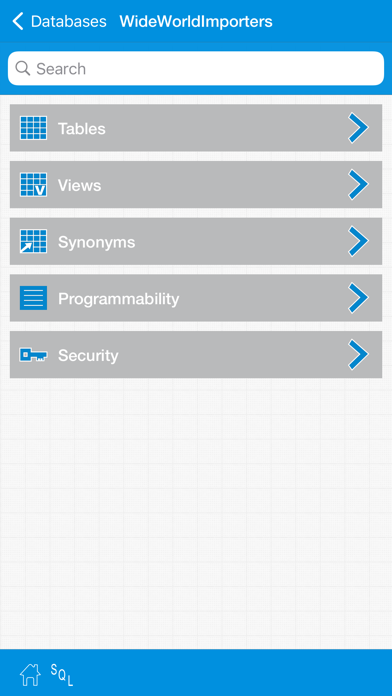
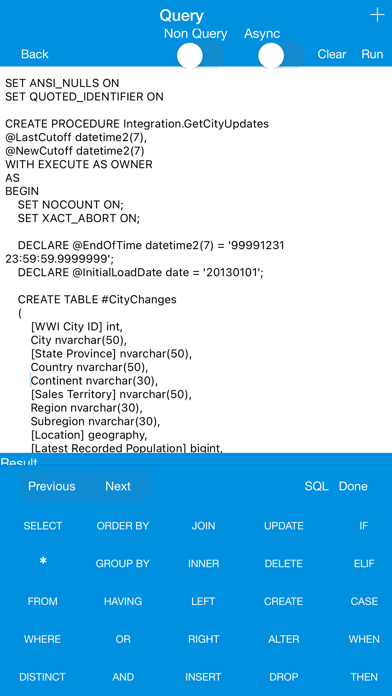
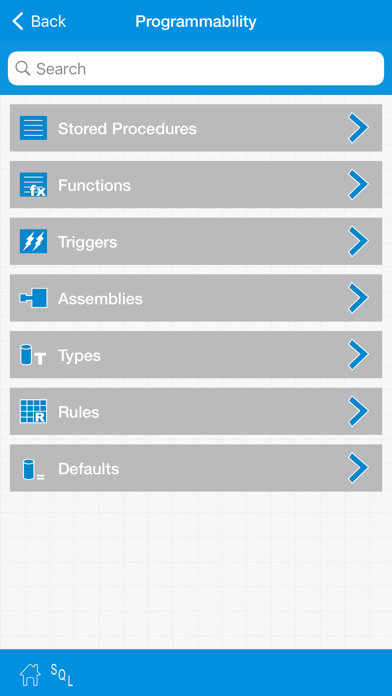
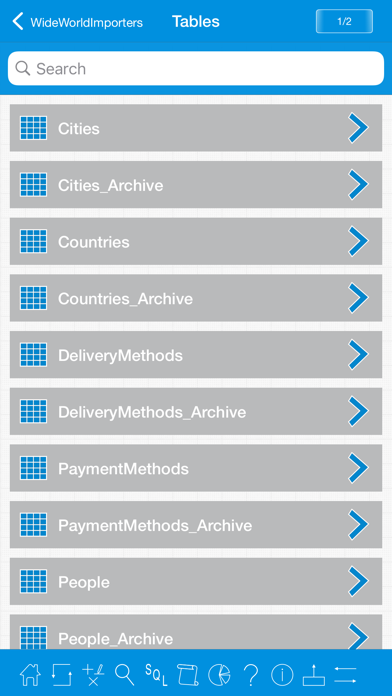
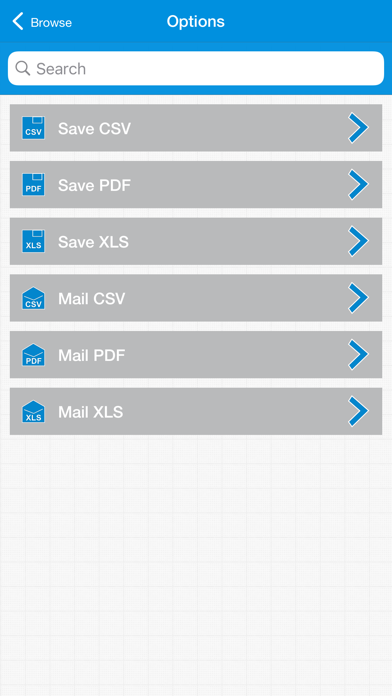
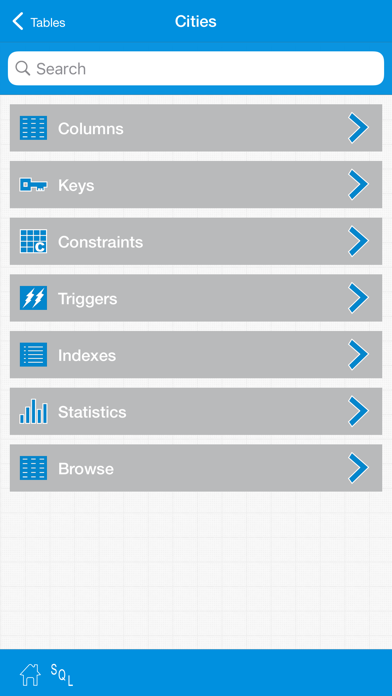
Are you a Sql Server database user and ever wished about exploring the database from iOS devices by touch from anywhere, then this is a powerful companion tool for you to remotely visualize and explore the Sql Server database in an intuitive way. For detailed information please visit http://makeprog.com FEATURES • Visualize, search & script database objects. • Database objects can be viewed in Tiles & Table view. • Administer database by scripting. • Sql Server agent support. • Multi tab query runner with asynchronous and parallel query execution. • Send any kind of ad-hoc query and browse the results in table. • Fast access to SQL keywords using special SQL keyboard. • Save queries to iOS device and reuse. • Simple GUI table designer. • Theme support for user interface. SHARING • Em
Screenshots
How to install iSqlProg Sql Server Client on iOS
- Download UnKeySign on your iPhone
- Import iSqlProg Sql Server Client IPA into UnKeySign
- Add your P12 certificate and provisioning profile
- Tap Sign — the app installs automatically