

IP Cam Viewer Pro
About
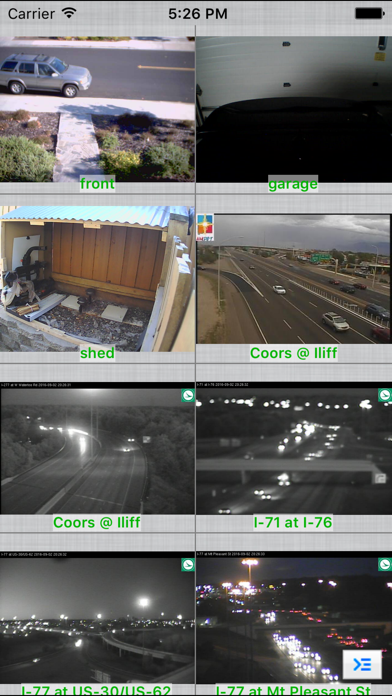
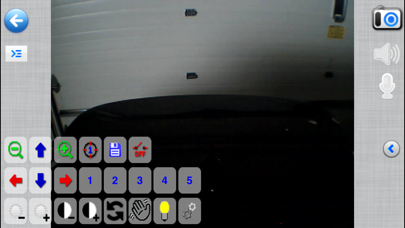
Remotely view, control and record your IP camera, webcam, DVR and NVR using your iOS device.Written by Robert ChouUse as a baby monitor with 2-way audio support for Foscam / clone, Axis, Panasonic, Trendnet and many more cameras.Record Mode turns any spare iOS device into a tiny solid state, battery backed, network video recorder to record your cameras 24x7 with search, playback, export capabilities, in-app motion detection, and motion email notification. Supports:- RTSP, ONVIF, H.265, H.264, MPEG4- Pinch to zoom (digital zoom)- optical pan tilt zoom and preset recall- SSL and custom functions per camera model- 1 way and 2 way audio for many cameras- grouping of cameras- auto sequence mode (auto rotates cameras and groups)- Record Mode for 24x7 recording- import/export and email sharing of
Screenshots
How to install IP Cam Viewer Pro on iOS
- Download UnKeySign on your iPhone
- Import IP Cam Viewer Pro IPA into UnKeySign
- Add your P12 certificate and provisioning profile
- Tap Sign — the app installs automatically