

Interval Multi Timer: Timus
About
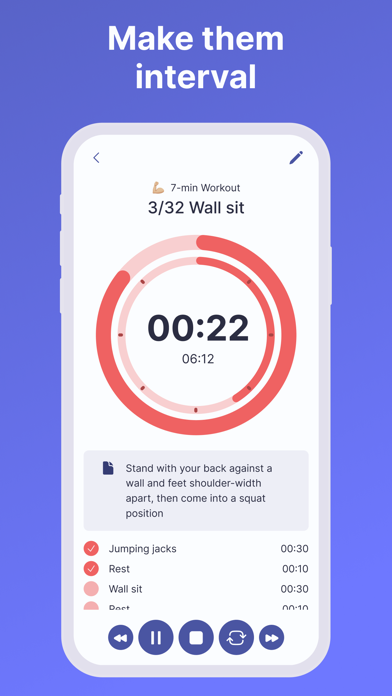
Manage your time better with Timus. Cook your favorite dish with the help of cooking timers, become more productive with a Pomodoro timer, stay healthy by working out with HIIT or Tabata timers or even create custom timers to help you throughout the dayMULTIPLE TIMERS AND MULTIPLE STEPSCreate separate timers for every task you need and run them all at once. Easily create timers with multiple steps, it can be useful for sport, cooking, productivity or some other types of tasksHUGE TEMPLATE GALLERYSpeaking of types of tasks! We prepared 20 templates for you so it would be even easier to start managing your time in a better way. Sport, Productivity, Health, Parenting, Cooking – we have it all.EASY CUSTOMIZATIONGive timers your own personal touch. Choose titles, icons, colors, signals. Reorder
Screenshots



How to install Interval Multi Timer: Timus on iOS
- Download UnKeySign on your iPhone
- Import Interval Multi Timer: Timus IPA into UnKeySign
- Add your P12 certificate and provisioning profile
- Tap Sign — the app installs automatically