

iMoonCamera Pro2
About
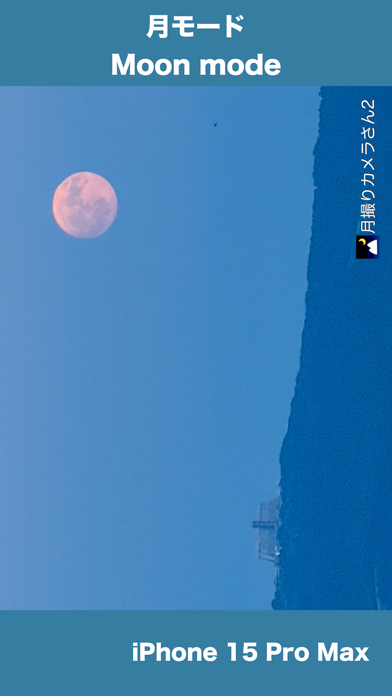
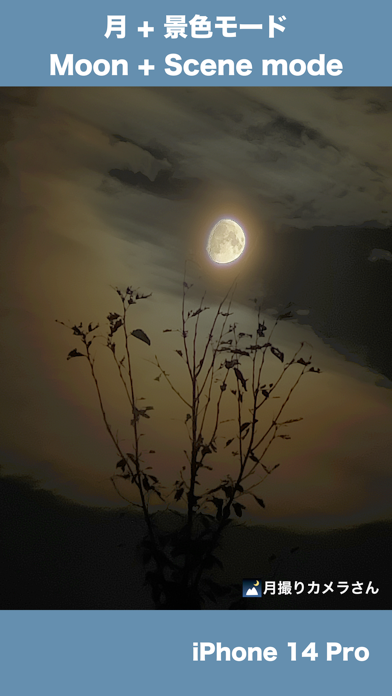
iMoonCameraPro is a camera app to shoot the moon easily. # How to take a photo of a lunar eclipse 1. Use a tripod and the manual mode because a lunar eclipse is much darker than the full moon. 2. Adjust focus before eclipse begin. 3. Take a photo of a lunar eclipse. # How to use the moon mode 1. Select brightness. 2. Select zoom magnification. 3. Adjust focus manually. or Touch the moon (in case iPhone with telephoto lens) If it doesn't work, adjust focus manually. 4. Tap the shutter button. # How to use the moon + scene mode 1. Put iPhone on a tripod 2. Adjust moon brightness. 3. Tap the shutter button. 4. Adjust scene brightness. 5. Tap the OK button. 6. Wait a few seconds for the end of the shot. # 2 app modes Easy mode : Adjust exposure by brightness slider only. Ma
Screenshots






How to install iMoonCamera Pro2 on iOS
- Download UnKeySign on your iPhone
- Import iMoonCamera Pro2 IPA into UnKeySign
- Add your P12 certificate and provisioning profile
- Tap Sign — the app installs automatically