

iFont: find, install any font
About
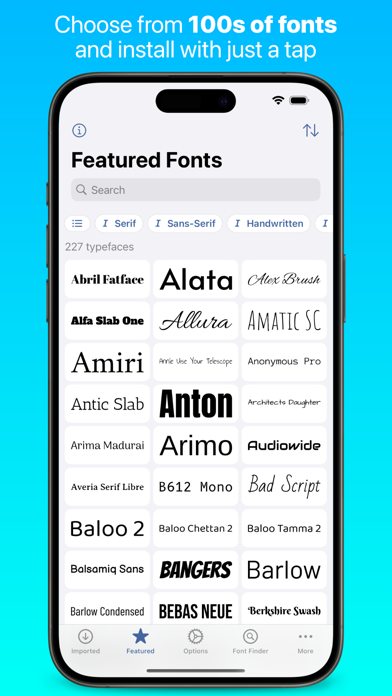
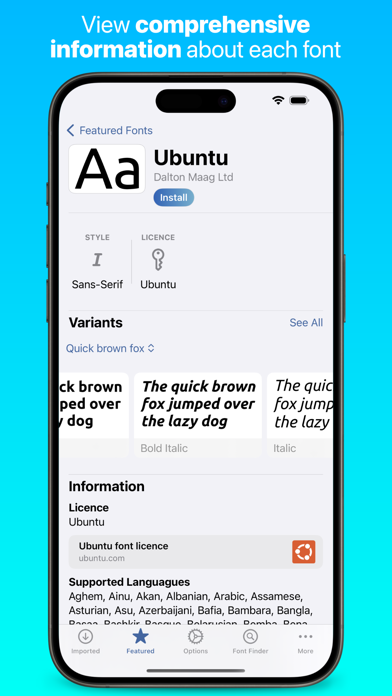
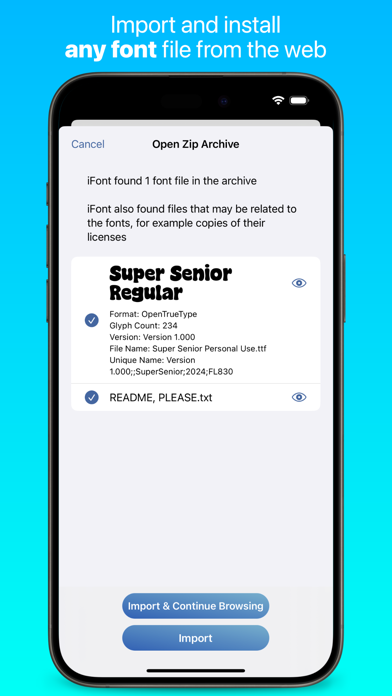
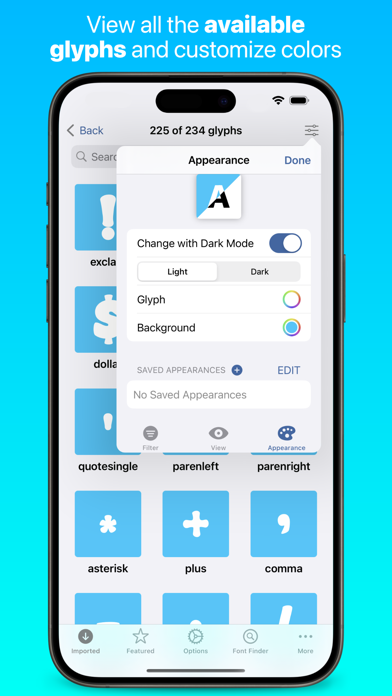
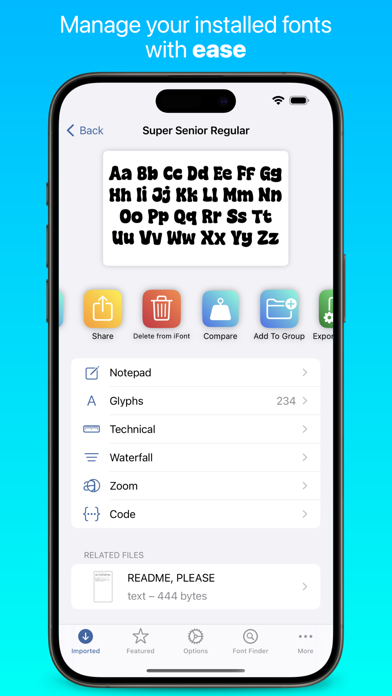
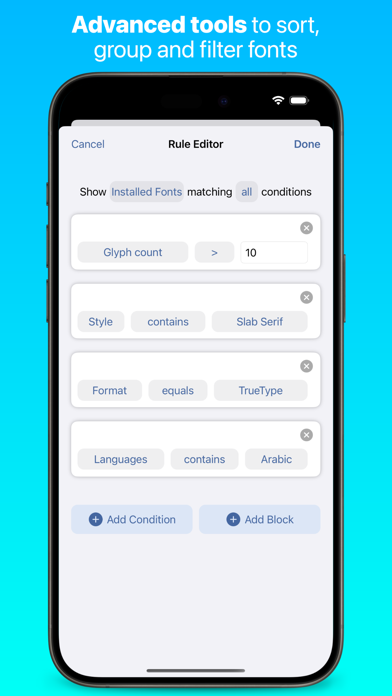
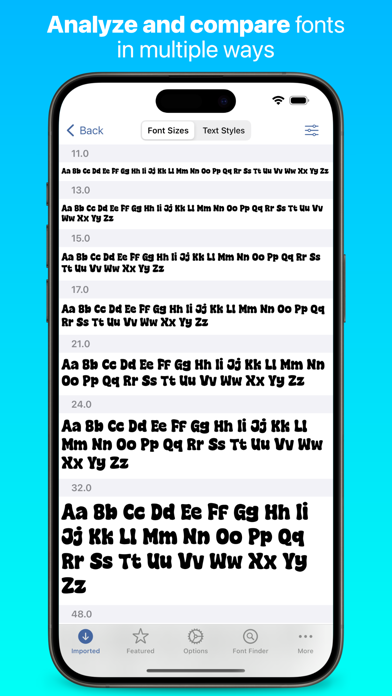
What can iFont do? iFont lets you install new fonts for use in apps which support creating content using custom fonts, such as Pages, Keynote or Numbers. What can't iFont do? iFont can't change the system font; work with the keyboard; or force apps to let you customise the font. iFont also can't make Comic Sans look good. *** “Without iFont, writing my new book, ‘Ten Seconds To Consider’, would be an impossible task, given that I'm designing as I write. For my Pages documents to be consistent between macOS and iOS now is a game changer. Thank you for iFont!” — Daniel Klein, former Apple employee *** iFont includes a wide range of features which let you install, compare, and view typefaces, including individual glyphs and technical details. These include: CUSTOM FONTS Install your own f
Screenshots
How to install iFont: find, install any font on iOS
- Download UnKeySign on your iPhone
- Import iFont: find, install any font IPA into UnKeySign
- Add your P12 certificate and provisioning profile
- Tap Sign — the app installs automatically