

iEditor Pro – Text Code Editor
About
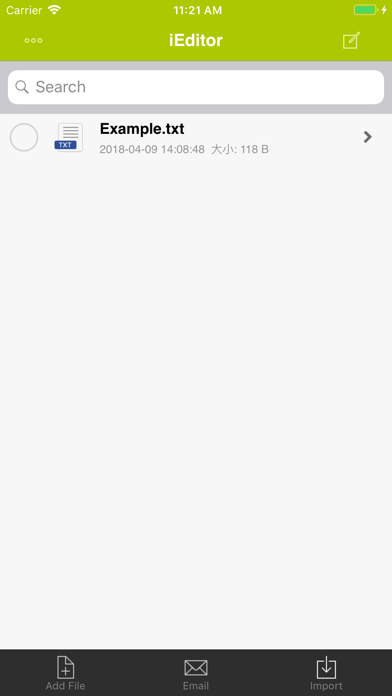
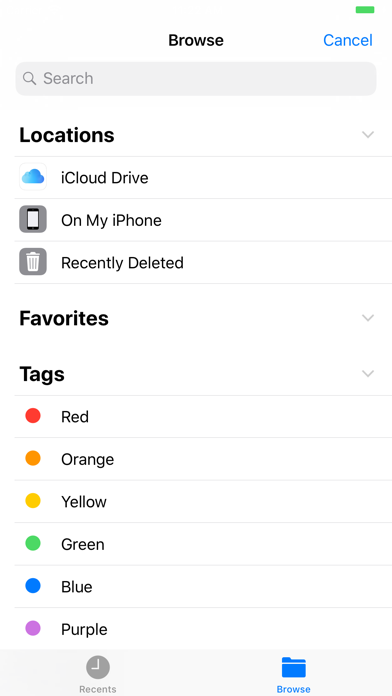
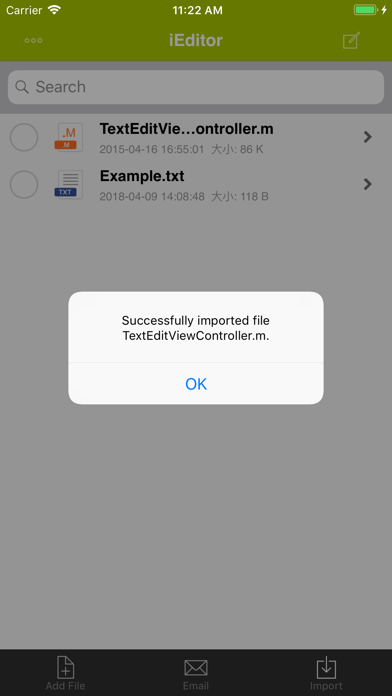
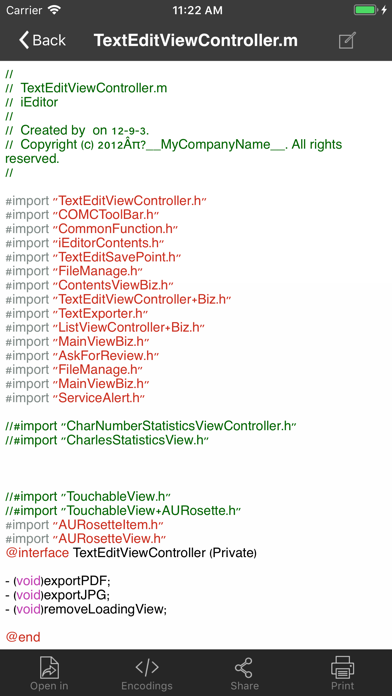
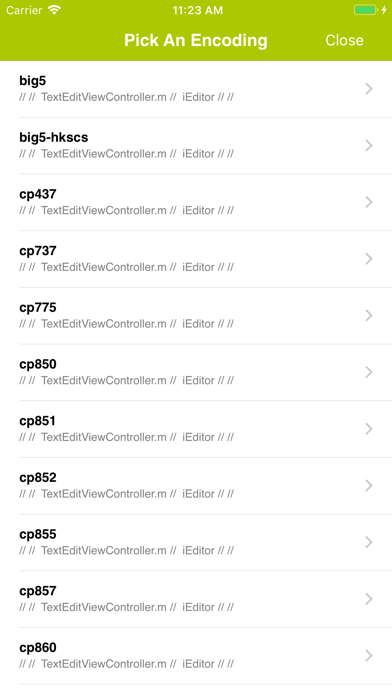
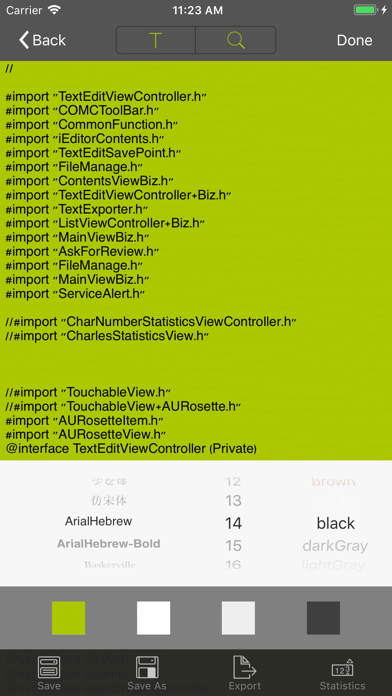
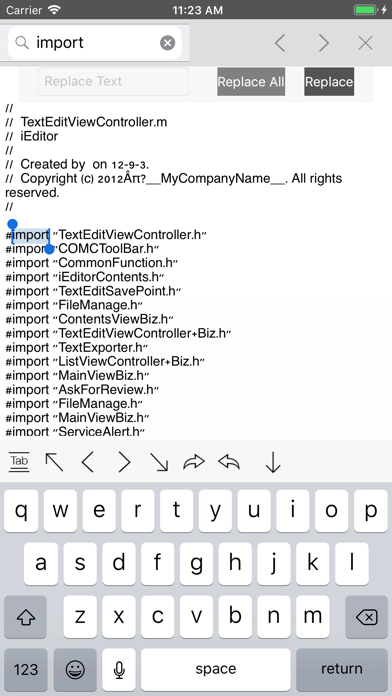
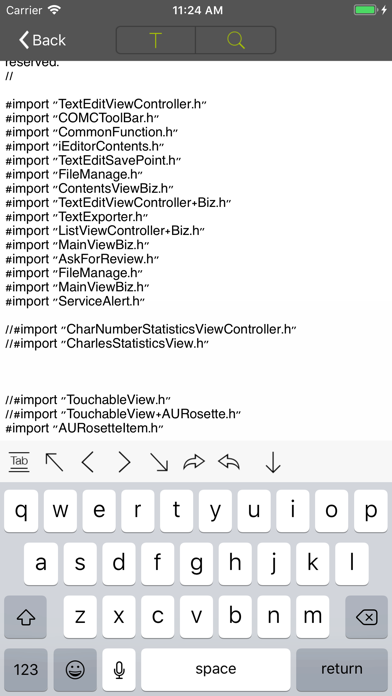
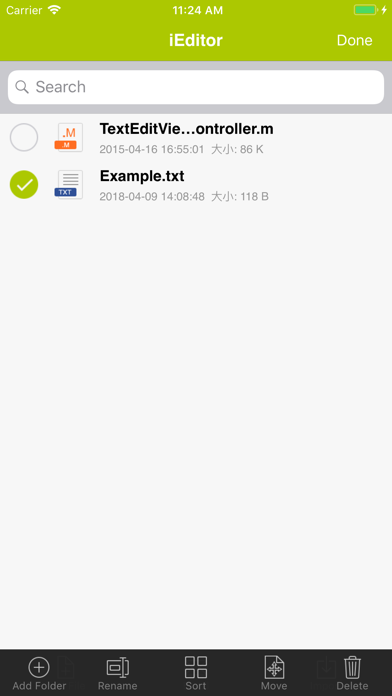
iEditor Pro is the Pro Version of iEditor, the No. 1 text file and source code editing tool on iPhone and iPad. You can use iEditor Pro to: - Create a new text or source code file. - Import files from various locations through Document Browser. - Support Syntax Highlighting for C, Java, HTML files. - Edit text based files and source codes. Supported files include: TXT files, C source codes, HTML files, JAVA source codes, log files, Shell scripts, etc. - Support Search/Replace within a text file. - Support to export a text based file to a PDF or a JPEG file. - Support to Print a file. - Support to Email a file. - Support File Management including: Add/Delete/Rename/Sort files. - Support to view many file formats, including: DOC, EXCEL, PPT, PDF, image files, video files, etc. - Suppor
Screenshots

How to install iEditor Pro – Text Code Editor on iOS
- Download UnKeySign on your iPhone
- Import iEditor Pro – Text Code Editor IPA into UnKeySign
- Add your P12 certificate and provisioning profile
- Tap Sign — the app installs automatically