

iDisplay
About
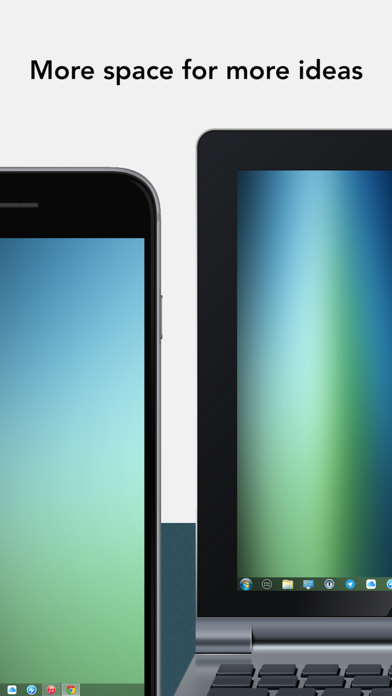
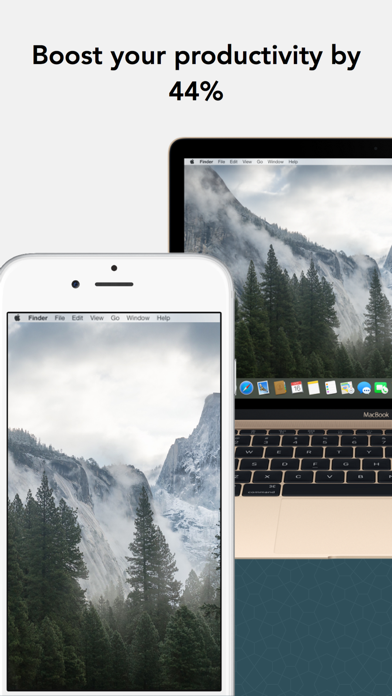
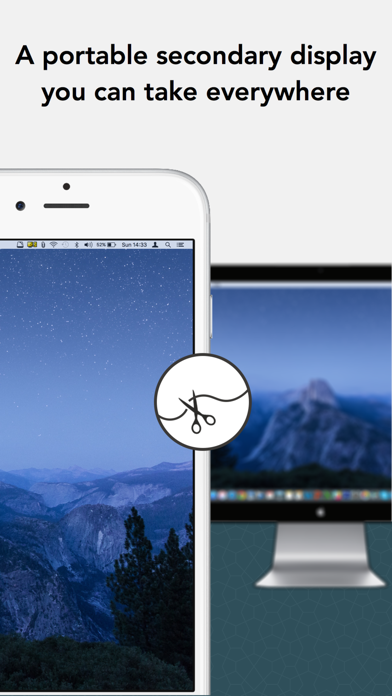
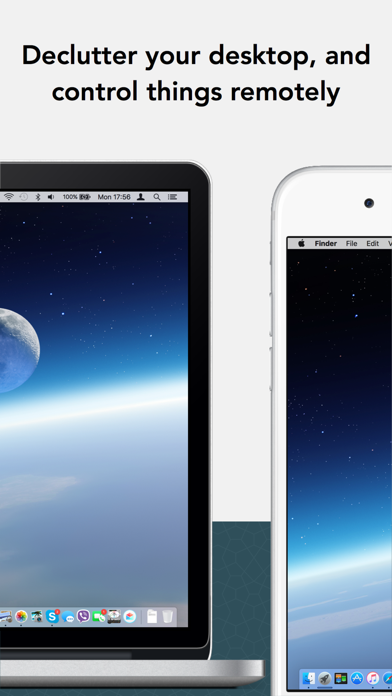
Turn your iPad or iPhone into an additional touch-screen display for your Mac or Windows computer or mirror your desktop.All usual desktop apps, such as Excel, Word, PowerPoint or Photoshop, are available with desktop features on iPad and iPhone, touch-enabled.Works with both, Lightning and 30-pin cable connection or Wifi on macOS (with almost 0 latency).Double your personal productivity by extending your computer screen. Perfect tool for multitaskers, iDisplay lets you use your iPad and iPhone as an interactive touch-screen wireless display to give you more screen real estate. Works with up to 60fps.Recommended by Kim Komando, tech guru of USA Today."iDisplay app turns your iPad or iPhone into secondary screen – too good to be true. That's... brilliant. I mean, I can think of about a bill
Screenshots
How to install iDisplay on iOS
- Download UnKeySign on your iPhone
- Import iDisplay IPA into UnKeySign
- Add your P12 certificate and provisioning profile
- Tap Sign — the app installs automatically