

Icon Killer - Custom app icon
About
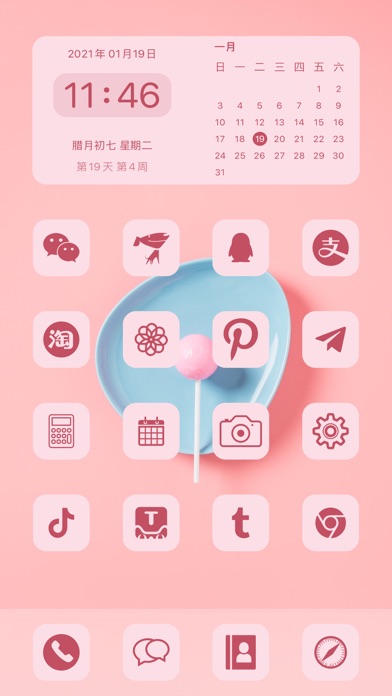
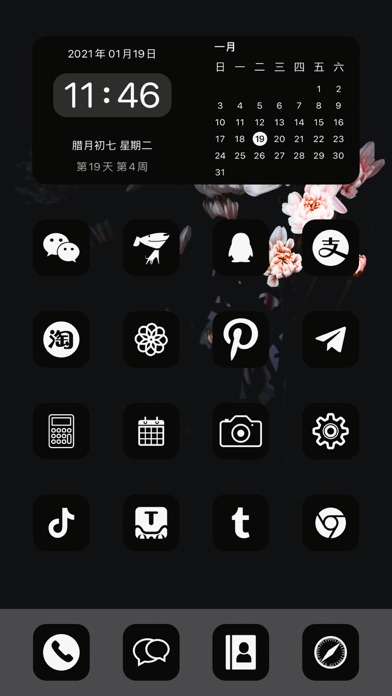
The APP's original icon is boring, not special enough... It is too troublesome to change icons through Shortcuts one by one. Shortcuts icon will jump to Shortcuts before open the APP... The screen will be blank through desktop WebClip... Dozens of theme package have been launched,, each theme package contains well-designed icons, widgets and theme wallpapers, and up to 100 icons to give your desktop a new look! Icon Killer give you an easier way customize iOS app icon! You can create multiple APP replacement icons in batches at a time, and you can open the APP directly without a white screen and no jump to other apps. 【Features】 1. Dozens of theme styles, including icons, widgets, theme wallpapers 2. 3 styles of desktop widgets, with desktop icons no longer monotonous 3. More than 70 ap
Screenshots



How to install Icon Killer - Custom app icon on iOS
- Download UnKeySign on your iPhone
- Import Icon Killer - Custom app icon IPA into UnKeySign
- Add your P12 certificate and provisioning profile
- Tap Sign — the app installs automatically