
Icon Changer - Color Themes
About
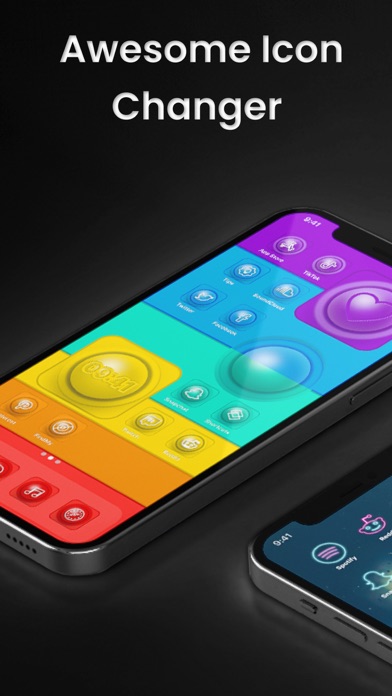
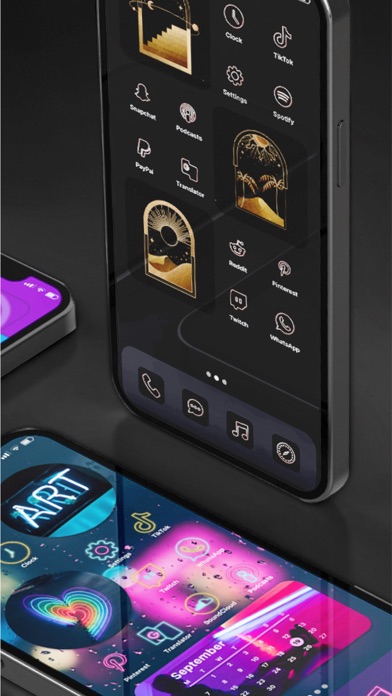
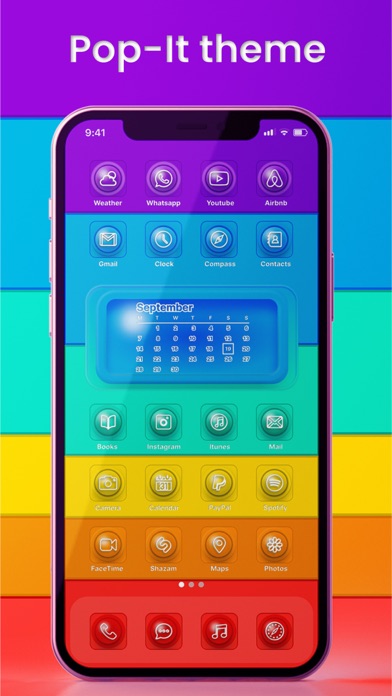
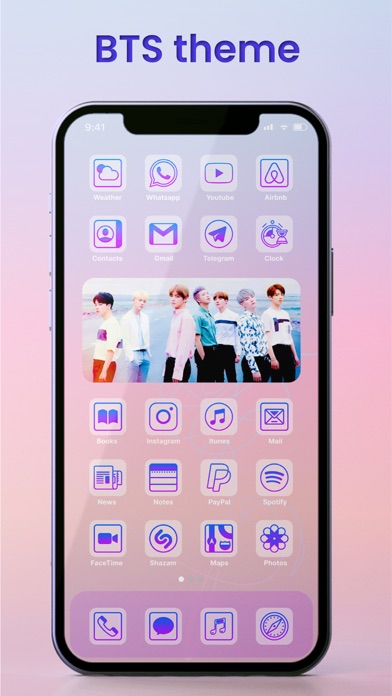
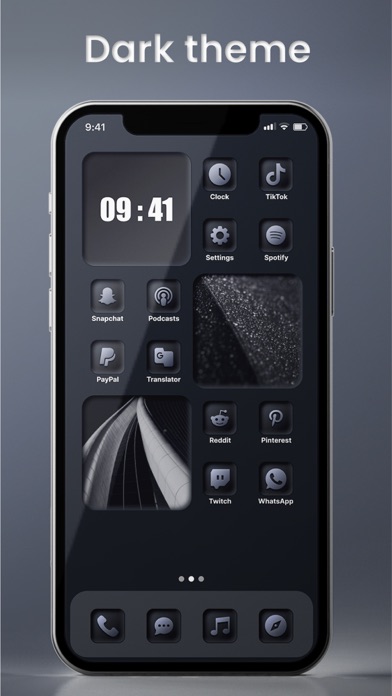
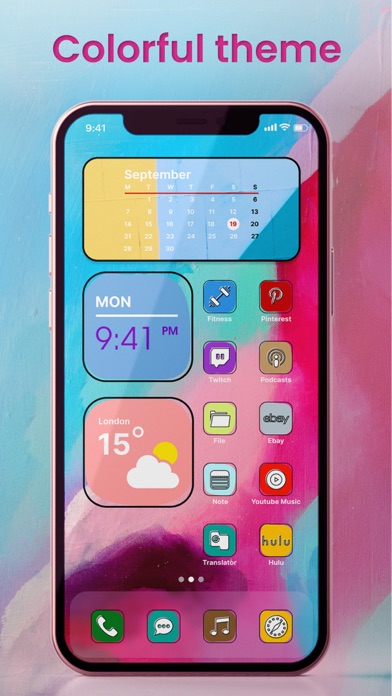
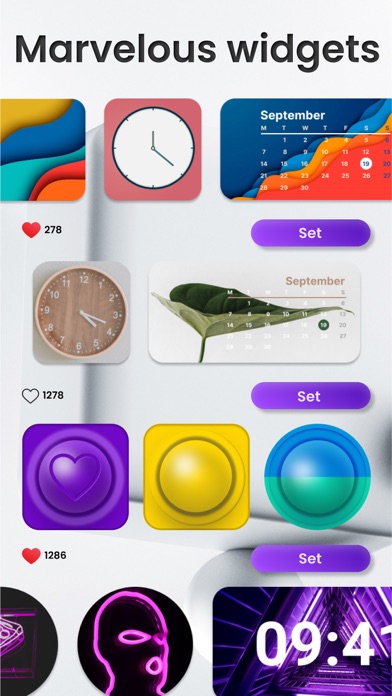
In the 21st century, people place great importance on visual interfaces. It is known that after a while even classic widgets and icons on iPhones look boring. And backgrounds, the color of which cannot be changed manually on iPhones, are becoming commonplace. But you can add color to the interface of your smartphone! Icon Changer has a large selection of backgrounds, application icons, and bright, unusual widgets. You can find icons and backgrounds for every taste and style, which makes them very versatile. The new interface design worked out to the smallest detail, will delight you for a long time. Let's talk about the functionality of Icon Changer in more detail! Icon Changer — Transformation of Your iPhone Icons Our app icon changer has a huge selection of app icons. They are gro
Screenshots

How to install Icon Changer - Color Themes on iOS
- Download UnKeySign on your iPhone
- Import Icon Changer - Color Themes IPA into UnKeySign
- Add your P12 certificate and provisioning profile
- Tap Sign — the app installs automatically