
iArtbook
About
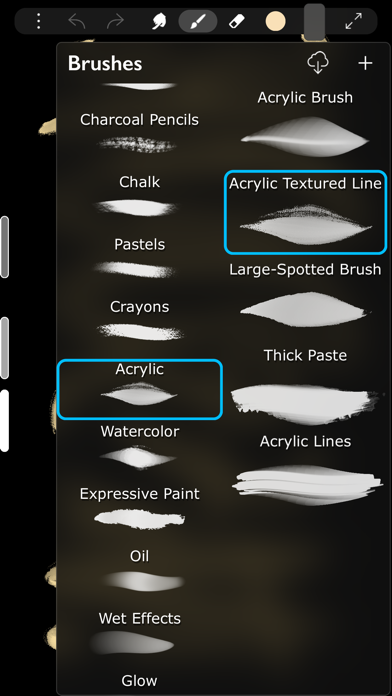
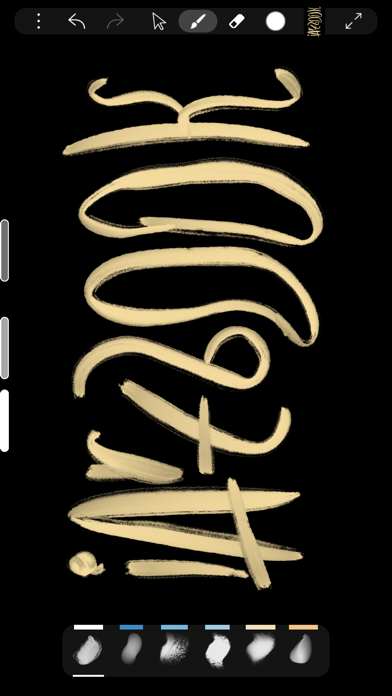
Professional painting app, based on Unlimited Layers with Blend Modes and MasksAny brush can be used with 3 professional-level realtime technologies of calligraphy: Line Delay, Rope Stabilization and Correction, combine it for best results. With 100% calligraphy the line will be very smooth even if you are drawing with your fingerBrushes can be Dry, Glossy and Wet. There are 3 types of Wet brushes: Without Pull, With Pull and Super-Precise. Any brush can instantly became Smudge-brush with Finger instrument. Textured brushes are also supportedIf you like to draw with simple round brush, there are quick settings for Hardness, Ovality & Rotation of your brush shape. Or, if you prefer realistic brushes, large Pro-Library of shapes (>1000 textures) can be used to create new brushes of any typeA
Screenshots
How to install iArtbook on iOS
- Download UnKeySign on your iPhone
- Import iArtbook IPA into UnKeySign
- Add your P12 certificate and provisioning profile
- Tap Sign — the app installs automatically