

HTTP Catcher
About
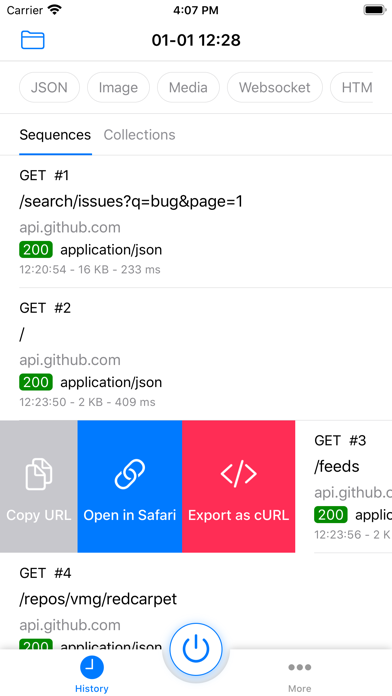
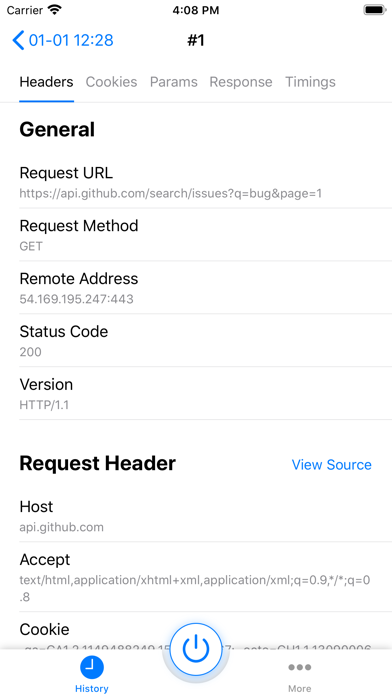
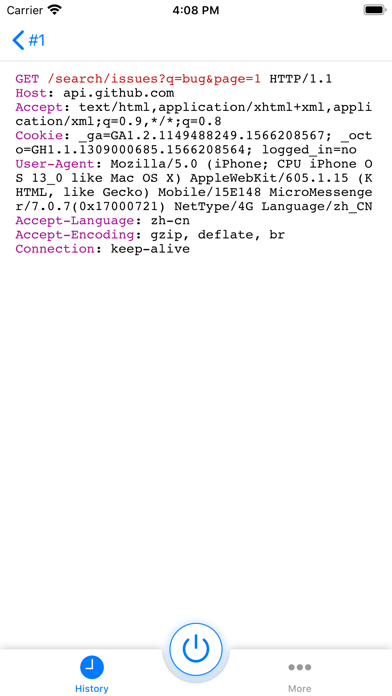
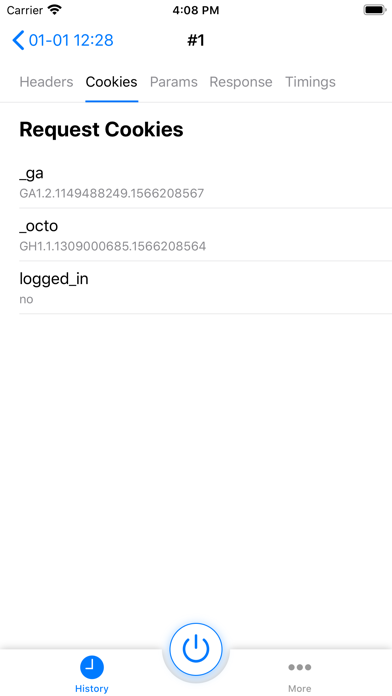
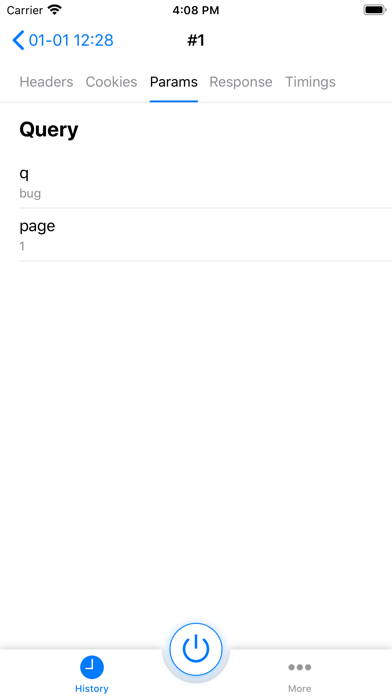
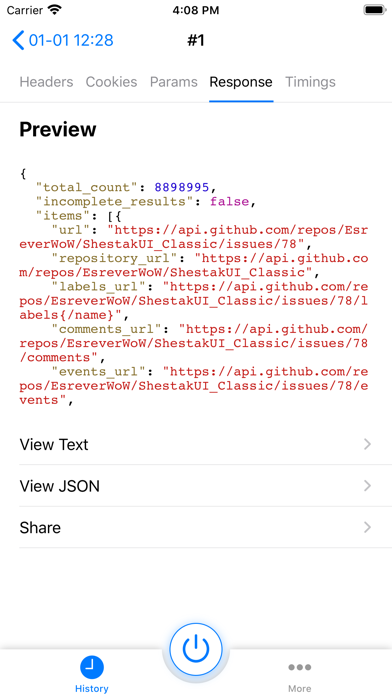
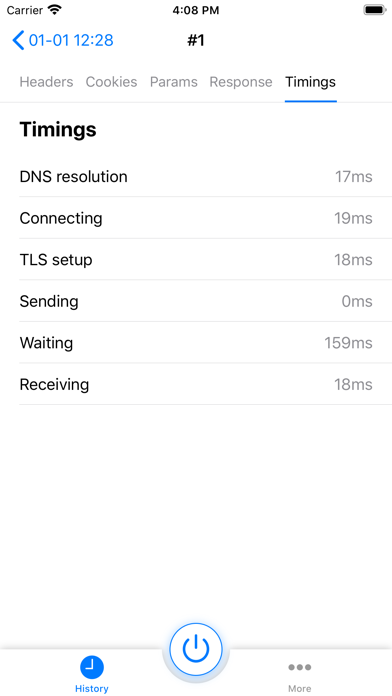
HTTP Catcher is a web debugging proxy. It can be used to intercept, inspect, modify and replay web traffic.You don't need to connect to a computer, HTTP Catcher records HTTP traffic under Wi-Fi and cellular networks in the background. HTTP Catcher makes it easy to test your apps and websites, and you can view requests and responses directly.HOW IT WORKSHTTP Catcher creates a local VPN on your device. When you start to capture web traffic, HTTP Catcher will launch a local http proxy in VPN process. All of your web traffic will be forwarded to the local http proxy via VPN.FEATURES* Decrypt HTTPS traffic* View WebSocket* Block URL* Replay request* Modify requests and responses on the fly* Domain name filter* HTML, JavaScript, CSS reformat and re-indent* HEX viewer* DNS mapping
Screenshots
How to install HTTP Catcher on iOS
- Download UnKeySign on your iPhone
- Import HTTP Catcher IPA into UnKeySign
- Add your P12 certificate and provisioning profile
- Tap Sign — the app installs automatically