

Hexer — Hex File Viewer
About
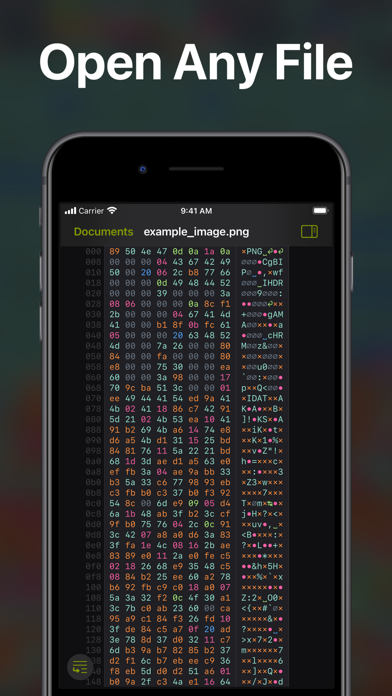
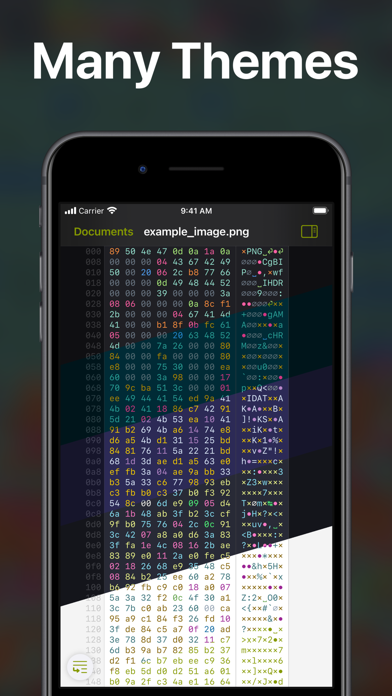
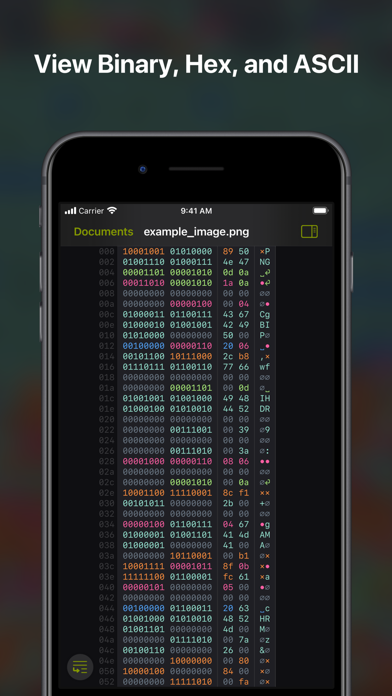
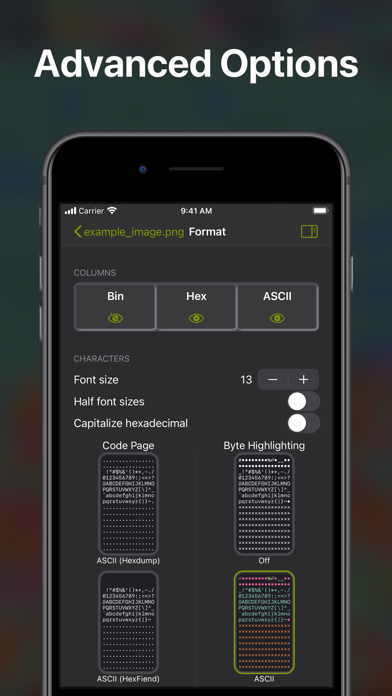
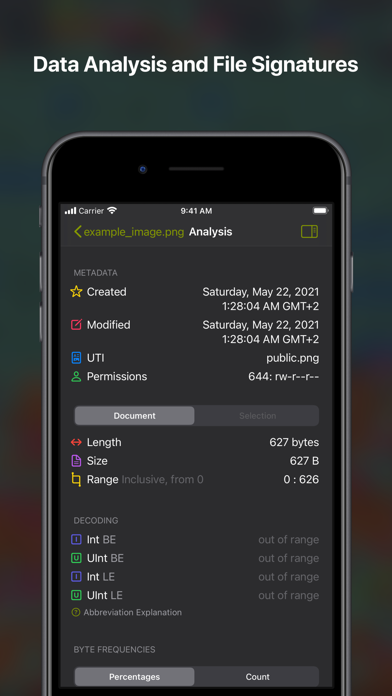
Hexer is a desktop level hex viewer packed with features. It was developed from the ground up for iOS and iPadOS. It is natural and intuitive to use for everyone. It is integrated with the Files app. So you can browse Dropbox, Google Drive, your git repositories, your downloads, your documents in iCloud Drive or your desktop. Or you can just share any file to it.Bytes are highlighted in different colors: Printable characters are cyan, spaces blue, null bytes grey, control characters pink and so on. The colors appear across the binary, hexadecimal, and ascii column — or can just be turned off completely.▶ Many advanced options• Many popular themes from text editors and terminals• Line numbers (offsets)• Overscroll• Complete control over the formatting of what you copy or share• Column count
Screenshots
How to install Hexer — Hex File Viewer on iOS
- Download UnKeySign on your iPhone
- Import Hexer — Hex File Viewer IPA into UnKeySign
- Add your P12 certificate and provisioning profile
- Tap Sign — the app installs automatically