

Google Chrome
About
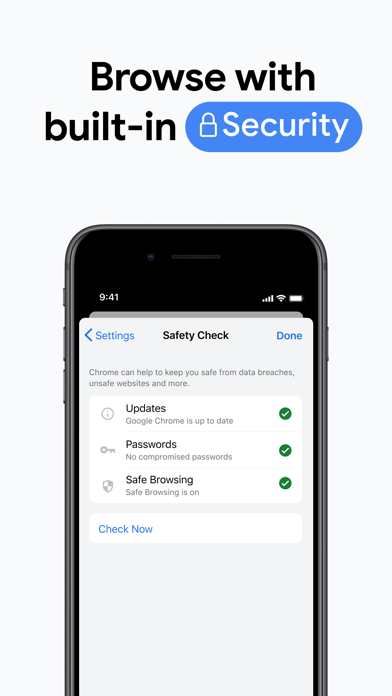
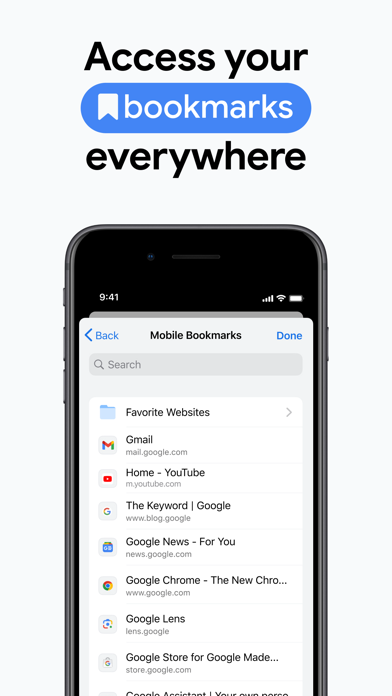
Download the new Google Chrome for your iPhone and iPad. Now more simple, secure and faster than ever. Get the best of Google Search, and easily sync your bookmarks and passwords with Chrome on your laptop. Download the fast, secure browser recommended by Google.NEW - You can now set Chrome as your default browser. Follow the in-app prompt or go to Settings > Google Chrome to set Chrome as default. All web links will automatically open in Chrome.• SEARCH WITH GOOGLE - Chrome is the browser with Google built in. Search and get answers on Google fast.• BROWSE FAST - Choose from personalized search results that instantly appear as you type and quickly browse previously-visited websites.• SEARCH FROM YOUR HOME SCREEN - Access Chrome from your iOS home screen with the new widget.• ACCESS YOUR C
Screenshots



How to install Google Chrome on iOS
- Download UnKeySign on your iPhone
- Import Google Chrome IPA into UnKeySign
- Add your P12 certificate and provisioning profile
- Tap Sign — the app installs automatically