

Google Authenticator
About
Google Authenticator adds an extra layer of security to your online accounts by adding a second step of verification when you sign in. This means that in addition to your password, you'll also need to enter a code that is generated by the Google Authenticator app on your phone.The verification code can be generated by the Google Authenticator app on your phone, even if you don't have a network or cellular connection.• Sync your Authenticator codes to your Google Account and across your devices. This way, you can always access them even if you lose your phone.• Set up your Authenticator accounts automatically with a QR code. This is quick and easy, and it helps to ensure that your codes are set up correctly.• Support for multiple accounts. You can use the Authenticator app to manage multipl
Screenshots


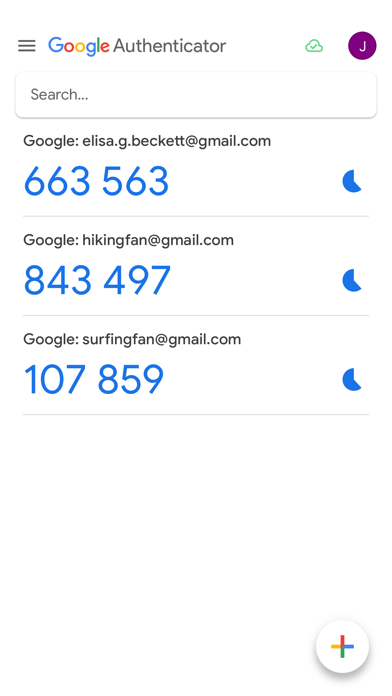

How to install Google Authenticator on iOS
- Download UnKeySign on your iPhone
- Import Google Authenticator IPA into UnKeySign
- Add your P12 certificate and provisioning profile
- Tap Sign — the app installs automatically