
Gmail
About
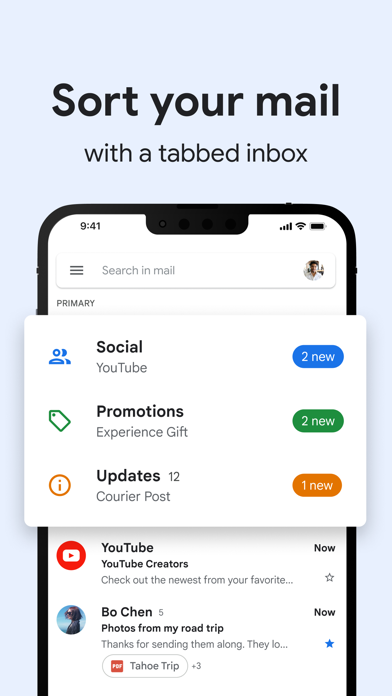
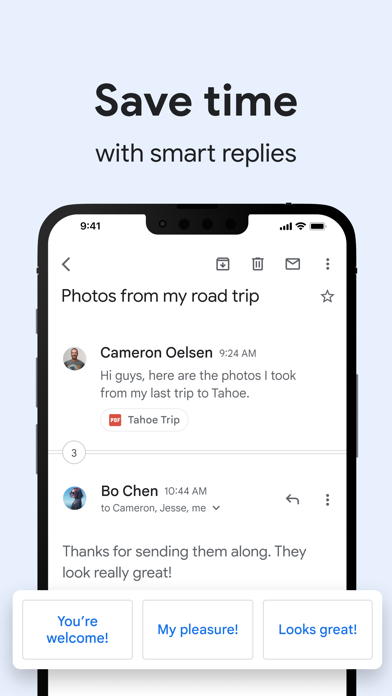
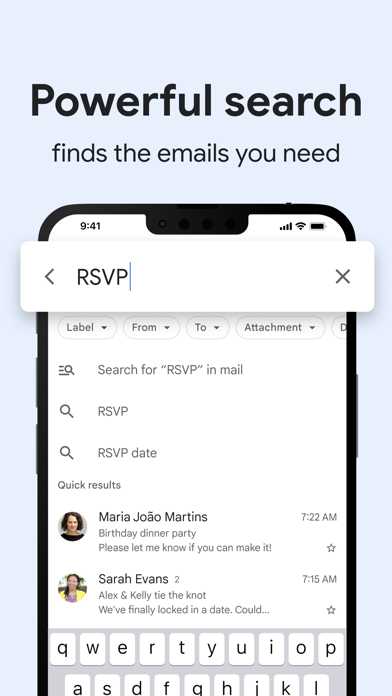
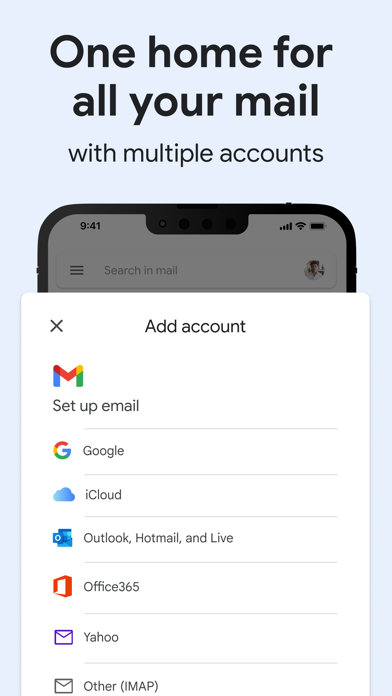
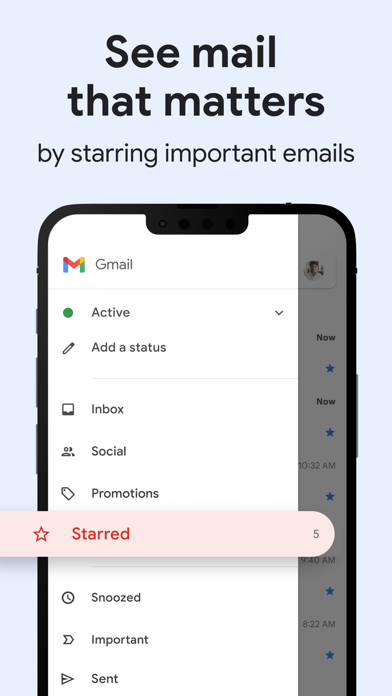
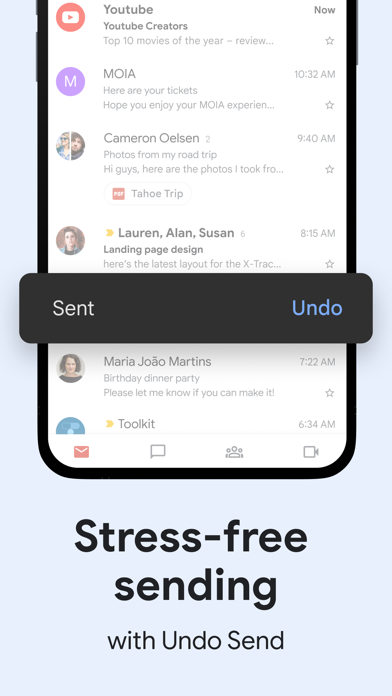
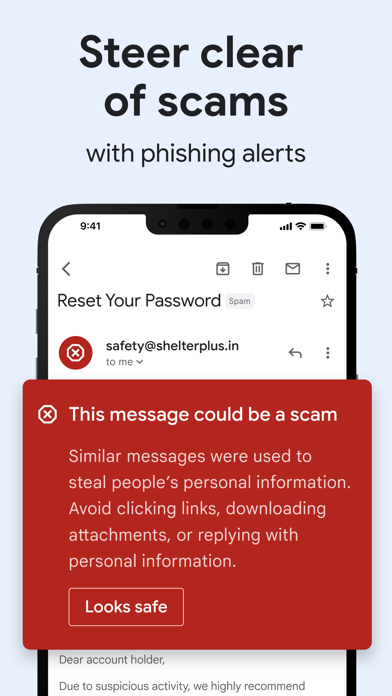
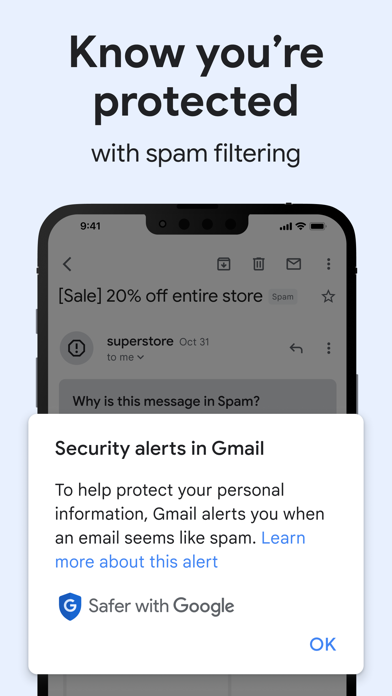
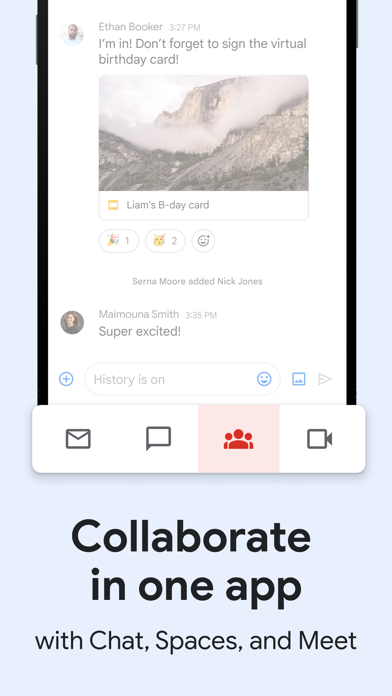
The official Gmail app brings the best of Gmail to your iPhone or iPad with robust security, real-time notifications, multiple account support, and search that works across all your mail.With the Gmail app, you can:• Make Gmail your default email app on iOS• Automatically block more than 99.9 percent of spam, phishing, malware, and dangerous links from ever reaching your inbox• Undo send, to prevent embarrassing mistakes• Turn on Google Chat to connect, create and collaborate with others• Get more done as a group in Spaces - a dedicated place for organizing people, topics, and projects• Enjoy high quality video calling with Google Meet• Respond to emails quickly with Smart Reply suggestions• Switch between multiple accounts• Get notified of new mail fast, with notification center, badge, a
Screenshots
How to install Gmail on iOS
- Download UnKeySign on your iPhone
- Import Gmail IPA into UnKeySign
- Add your P12 certificate and provisioning profile
- Tap Sign — the app installs automatically