
Glazba – Music Player
About
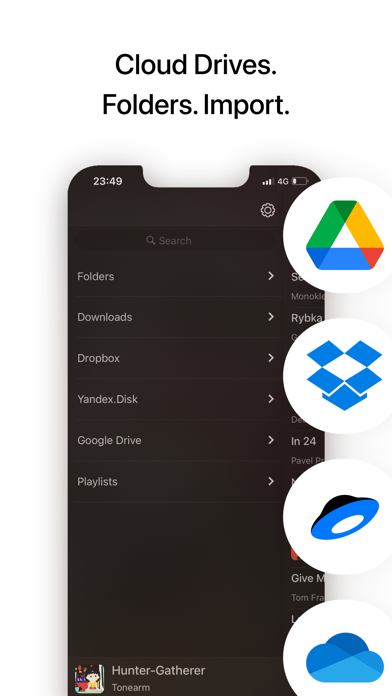
Listen music from your favourite cloud storage service (Google Drive, Dropbox, OneDrive, Yandex.Disk), download tracks for offline access.Or upload music from PC/Mac directly using WiFi or cable.Main feature is the playlist, where you can drop music with a simple gesture. It really feels that easy: you can quickly made a playlist you need right now out of hundreds of tracks you have. All the tracks in this playlist will be nicely separated by albums or folders.Folders.You can upload music from your PC/Mac straight into the player app. All your highly structured music collection… or just a jumble of tracks.Upload entire “E:\music” folder and it will appear as is in the application (look below for instructions).If you used to sync with iTunes or have an Apple Music subscription, it is suppor
Screenshots


How to install Glazba – Music Player on iOS
- Download UnKeySign on your iPhone
- Import Glazba – Music Player IPA into UnKeySign
- Add your P12 certificate and provisioning profile
- Tap Sign — the app installs automatically