

FSharing - Files, File Manager
About
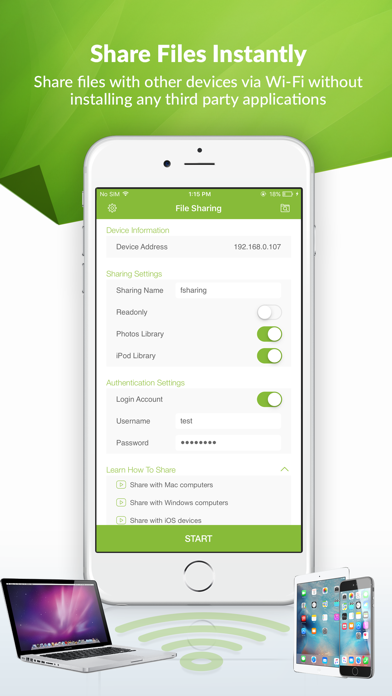
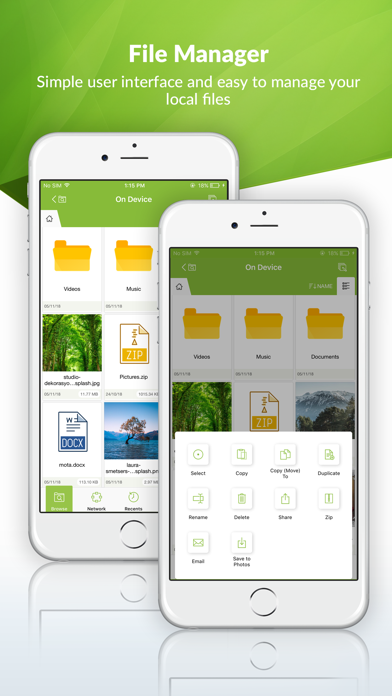
FSharing is a unique and exclusive file manager for iOS devices, It's the first app on the App Store to give you flexibilities to transfer files from iOS devices to PC, laptops and vice versa easily. It overcomes the complexities when you want to transfer files with iOS devices, It achieves this flexibility by employing the popular file transfer protocol SMB/CIFS that's is available in most popular operating systems. FSharing changes the way users normally use to transfer files with iOS devices, it removes USB cable completely, with this app installed on devices you don't need to use USB cable any more.FSharing turns your iOS devices into a Wi-Fi shared drive, make it visible and accessible from your local network. Other devices can discover and access it, transfer files is extremely fast.
Screenshots



How to install FSharing - Files, File Manager on iOS
- Download UnKeySign on your iPhone
- Import FSharing - Files, File Manager IPA into UnKeySign
- Add your P12 certificate and provisioning profile
- Tap Sign — the app installs automatically